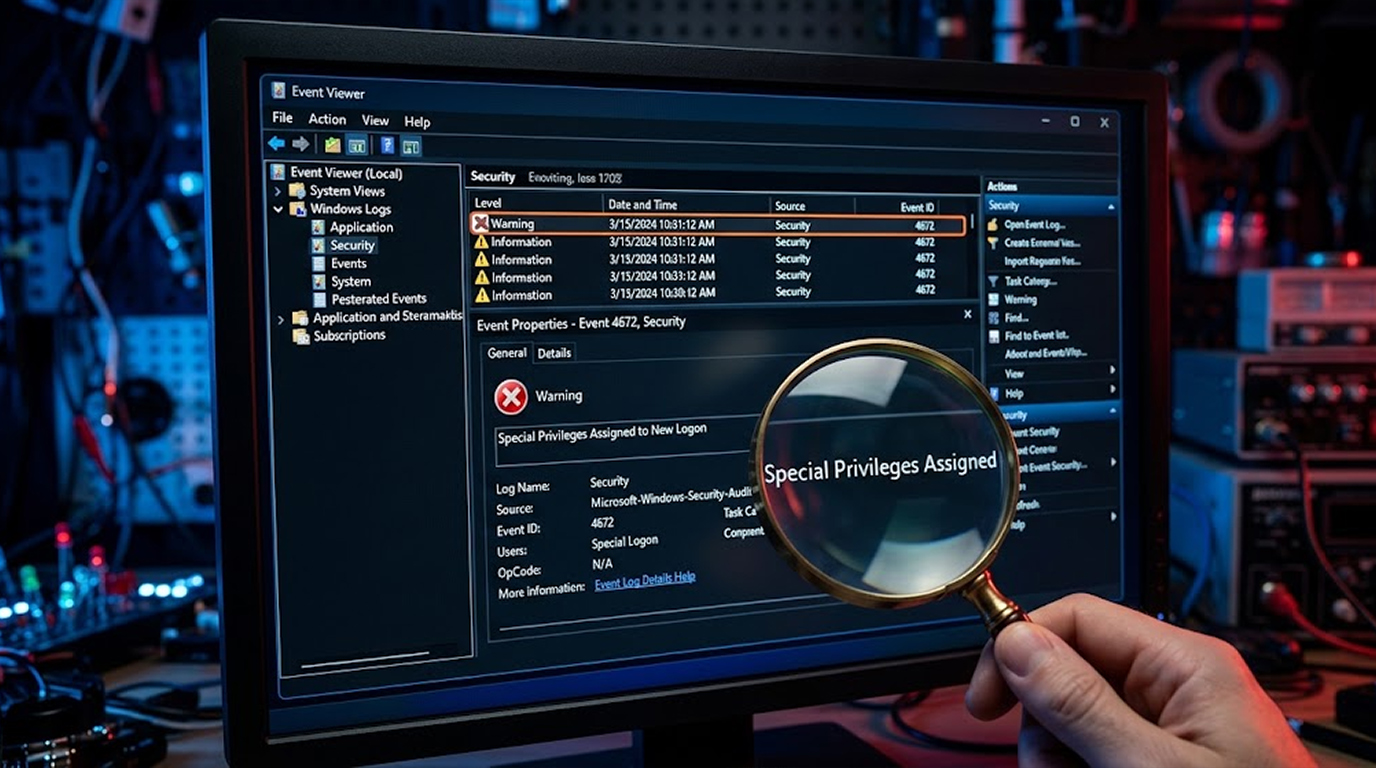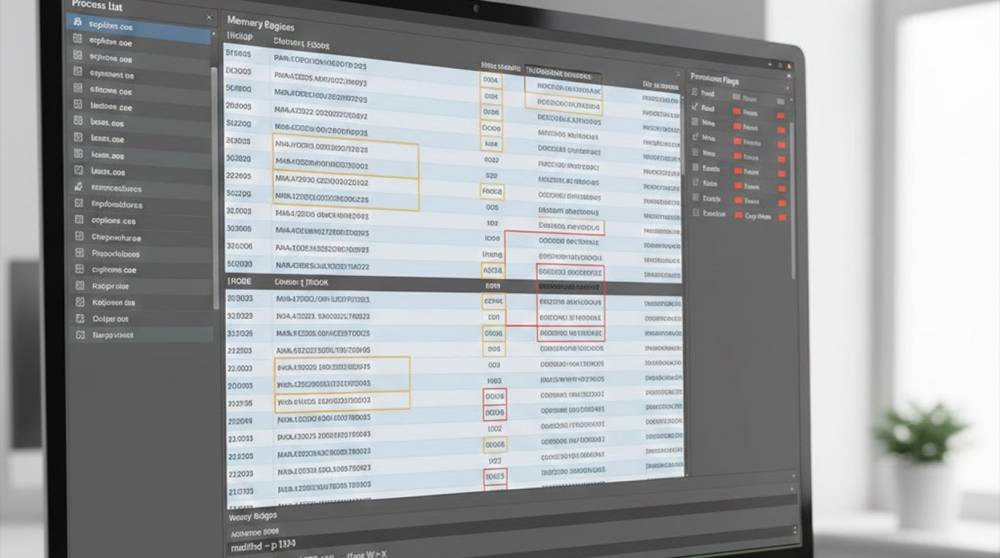
The disk is a lying tool; the logs can be cleaned up, the network traffic can be encrypted and protected but the Memory is a much harder thing to fake. So when attackers run code, steal credentials, inject their own processes into a running process and bypass the controls and security, there will always be traces left behind in memory, and fileless attacks will still leave traces behind as well. Many times the suspicious memory patterns will be seen before the alerts fire off and after the logs go silent.
A "Suspicious Memory Pattern" is not a signature of the malware, nor is it the name of a malware program. A Suspicious Memory Pattern is simply a behavior that occurs in memory that does not follow accepted/normal uses and behaviors in memory by the operating system.
An example of a Suspicious Memory Pattern that has been seen in real investigations are:
1. Executable memory found in a non-executable process
2. Credential material stored in memory longer than expected
3. Code loaded into memory without the corresponding files being on disk
4. Memory that is given abnormal permission levels
5. Abnormal memory sharing between parent and child processes
These memory patterns reveal how an attacker was able to commit an attack.
Pattern 1: Executable Memory Without a File
The most obvious way to recognize an in-memory attack is by having a fileless executable.
Pattern 1 Characteristics include:
1. The process has the name of a legitimate software program (e.g. explorer.exe).
2. Memory pages have the attribute of RWX (i.e. READ, WRITE, and EXECUTE).
3. There is no related binary file stored on the hard disk.
This behavior is typically associated with:
1. Reflective DLL injection,
2. Shellcode loaders,
3. Fileless malware.
Detecting these memory signatures can be accomplished with volatility using the command:
volatility3 -f memory.dump windows.malfind.
Memory Executable, No File Red Flags:
1. PAGE_EXECUTE_READWRITE,
2. Private memory regions,
3. Memory Region with no associated Mapped File Path.
Legitimate Software Generally Does Not Require Writable and Executable Memory to Exist Together.
Pattern 2: Abnormal Process Memory Inheritance
An attacker's goal is to inject into trusted processes to help them blend in among their intended targets.
Commonly Injected Processes Include:
1. lsass.exe
2. svchost.exe
3. explorer.exe
4. All Browser Related Processes.
Recognized Signs of Investigators:
1. The parent process lineage does not match the expected lineage.
2. Shared memory regions between unrelated processes.
3. Threads created from a remote process.
Practical Check
volatility3 -f memory.dump windows.pslist
volatility3 -f memory.dump windows.pstree
Unexpected parents often explain everything else.
Pattern 3: Credential Artifacts Persisting in Memory
Some Credentials Are Short-Lived.
Attackers make permanent use of that Credential.
Real World Examples:
1. Clear text Passwords in LSASS Memory
2. OAuth Tokens Cached in Browser Memory
3. API Keys Loaded in Application Process
Extracting Example from LSASS
volatility3 -f memory.dump windows.lsadump
If Credentials Are Persisted Long After the Logon, There Is an Interference with Normal Processing.
Pattern 4: Hollowed or Replaced Memory Sections
Process Hollowing Is The Replacement of Legitimate Code of a Process With the Logic of the Attacking Process.
How It Looks
1. Process Name and Process ID Look Normal
2. Memory Section Does Not Match Disk Image
3. Entry Point Is Pointing to An Unexpected Regional
Detection Example
volatility3 -f memory.dump windows.hollowfind
This Technique Is So Popular Because Most EDR Tools Trust The Process Name.
However, The Memory Does Not.
Pattern 5: Unusual Memory Allocation Behavior
Attack Tools Allocate Memory Differently Than Regular Applications.
How To Identify The Difference
1. Small Allocations Followed By Execution
2. Frequent Allocations and Deallocations Of Memory
3. Memory Marked Executable Directly Following Creation
Low Level Indicators ON Windows
1. VirtualAlloc Followed By CreateThread
2. WriteProcessMemory Into A Remote Process
Behavioral Correlation Example
if alloc.permissions == "RW" and later.permissions == "RX":
alert("Suspicious memory permission transition")
Normal applications rarely change permissions this way.
Tooling Commonly Used for Memory Analysis
Defenders rely on mature, boring tools.
Commonly used:
1. Volatility / Volatility3
2. Rekall
3. WinDbg
4. ProcDump (for live systems)
5. EDR memory telemetry
Attackers know these tools exist. They still can’t avoid memory artifacts.
Example: Hunting Memory-Only Malware
Example of the repetitive scenario:
1. Disks do not show suspicious file activity
2. Network alerts do not reveal any clear indicators
3. Suspicion of credential theft based on behaviors
Memory Analysis Results:
1. A thread was injected into the browser process
2. Token scraping was occurring in memory
3. No known persistence mechanisms at this time
Lateral Movement was halted due to early detection.
Why Memory Patterns Are Hard to Alert On
Memory analysis is:
1. Resource-intensive
2. Skill-dependent
3. Not continuous in most environments
Most organizations analyze memory after compromise.
The best teams sample memory during suspicion, not post-incident.
Practical Defensive Focus Areas
Effective teams focus on:
1. Memory permission anomalies
2. Process lineage mismatches
3. Credential material persistence
4. Executable private memory
5. Unexpected injected threads
These patterns repeat across attackers, tools, and campaigns.
Key Takeaways
1. Memory shows things that logs and disk do not;
2. Memory still retains evidence of fileless attacks
3. Executable memory which does not come from a file usually does not indicate benign content
4. Parental-child relationships between processes matters
5. Memory patterns can indicate the types of tradecraft used by the analyst and attacker
Memory often provides information to back up suspicions of malicious/offensive behavior when associated with scant evidence.