
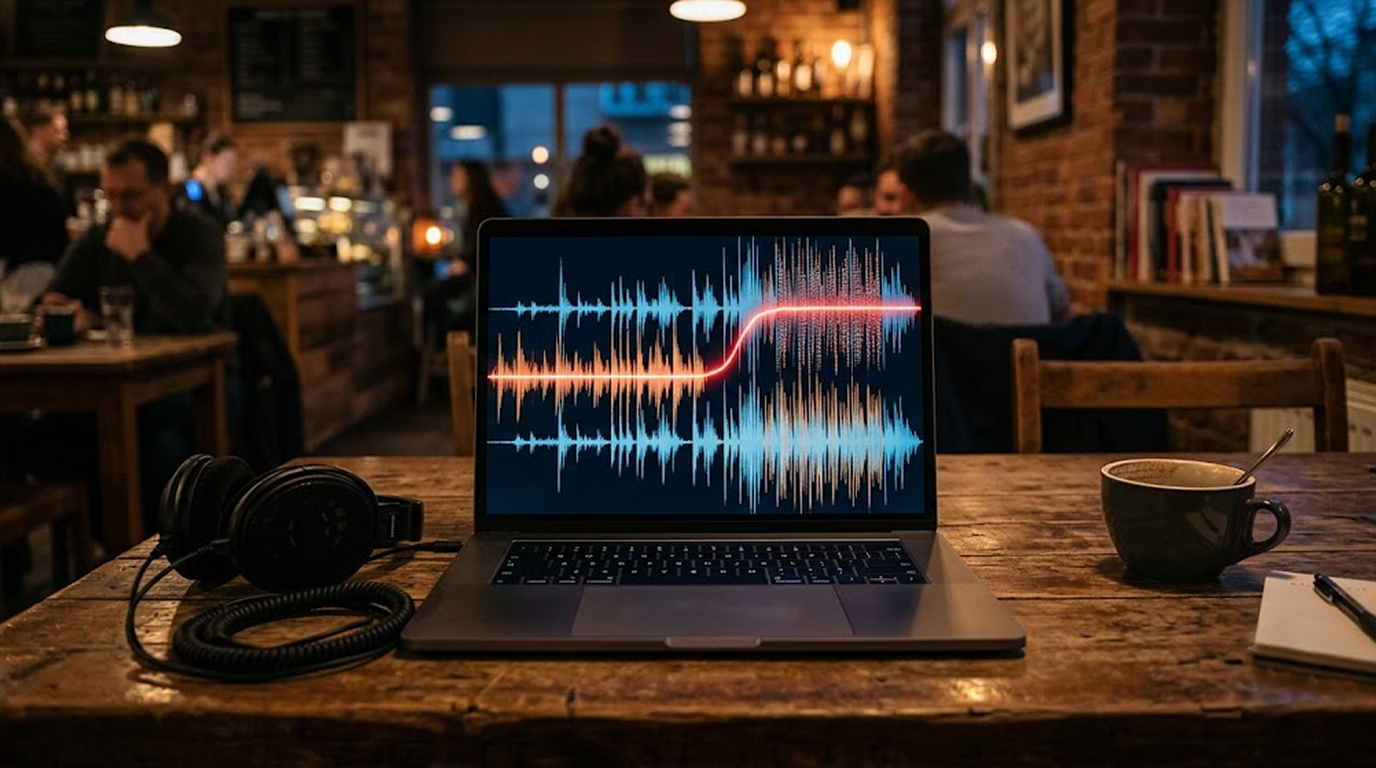
You are in a coffee shop typing on your laptop. Music plays softly from the speakers above. You do not think twice about it. It is just background noise.
But what if that music was not just music? What if it was malware? And what if it was already being received by your device through its microphone, without you ever clicking a link, opening an attachment, or downloading a file?
This is not science fiction. This is a real, working attack technique called acoustic malware delivery. Attackers can encode malicious payloads into audio frequencies, play them through speakers, and have them received and executed by a device with a microphone.
I will now demonstrate how this attack works and explain its dangers and possible defenses.
How Audio Malware Delivery Works
The core concept is surprisingly simple. Attackers take malicious shellcode and encode it into sound waves. They play those sound waves through a speaker. A compromised app on a nearby device records the audio, decodes the shellcode, and executes it.
The magic is that this bypasses the network layer entirely. There is no socket. There is no pipe. There is no network alert. The covert channel is physics.
The process in detail:
First, the attacker takes their malware payload and encodes it into a format that can be transmitted as audio. This usually requires converting the payload into Base64, followed by assigning certain frequencies to each of the characters.
Secondly, the attacker proceeds with the injection of the payload into a music file. The algorithm used by the hacker encodes the data and hides it in the frequencies of the song which are inaudible to the human ear.
Thirdly, the attacker plays the compromised music file using a speaker. The music sounds normal to anyone listening. But the inaudible frequencies contain the encoded malware.
Fourth, a victim device runs a malicious app that has been given microphone access. The app uses an algorithm similar to Shazam's audio fingerprinting to analyze the sound it picks up. The malware then identifies the hidden data in the high frequency, decodes it, and reassembles the malware code.
Lastly, the app writes the shellcode into the memory and runs it. The malware is now active on the device of the victim. No internet connection was needed. No file was downloaded. The attacker never touched the network.
The Technical Implementation
Several proof-of-concept implementations demonstrate the viability of this attack.
Frequency-Shift Keying (FSK) Transmission
One approach uses Frequency-Shift Keying to transmit shellcode via sound. Transmitter transcodes the payload into audio tones that play from the speaker.
Receiver decodes the tones using demodulation algorithms picked up by a microphone.
The problem with this technique is synchronization. Receiver is unaware of the exact moment when the transmission process begins, hence resulting in a byte shift. Moreover, background noise and echoes caused by reflections from the walls may distort the transmission.
It is suggested that the volume be 60-70%, and the space between the speaker and the microphone must be at least 30-50 cm.
MP3 File Payload Steganography
Another method works in a completely different way, in that rather than encoding the payload into the live audio stream, it appends shellcode to an MP3 file after the magic marker.
MP3 decoders ignore extra bytes at the end of the file, so the music plays normally. But a custom loader can find the marker, extract the shellcode, and execute it.
The loader uses low-level system calls instead of the more obvious Win32 wrappers that security products often monitor. The payload is never dropped as an executable on disk, it lives only inside the host process's memory. This makes it harder for traditional antivirus to detect.
Real-World Test Results
Academic research has tested this attack in real-world environments using off-the-shelf speakers and smartphones. They injected payloads into regular songs.
In quiet environments, the attack worked 100% of the time up to 4 meters from the speaker. In noisy environments, the success rate was still over 78%. The attack was viable even up to 10 meters away.
Distance and volume matter. Moderation in sound volume was preferred. High volume resulted in audio distortion through clipping, while low volume resulted in poor transmission to the microphone.
The performance varied by phone. This is because different phones have varying microphone capabilities, user handling and wear over long use.
Why This is Dangerous
There are several reasons why this type of attack method circumvents security controls:
- No use of network. There is no download of the malicious code from the Internet. It comes from the air and does not show up in the network monitoring systems.
- No writing of any files on the disk drive. The payload is recorded through the microphone and is executed without writing it on the disk drive.
- No interaction with the user required. After installation of the malware and granting access to use the microphone, the attack happens automatically.
- Big attack surface. The infected audio files can be played anywhere – in cafes, waiting rooms, transport terminals, offices, etc. Several devices can be targeted simultaneously.
How to Defend Against Audio Malware
There are several ways to protect against this attack, both at the source and at the device.
At the Source (Speaker Playback):
The audio files can be compressed or filtered in such a way that high frequencies get distorted during amplification. It is possible to compress high frequencies that would be used for high frequency injection into music but not affect audio quality.
At the Device (Smartphone/Laptop):
In current versions of operating systems, a notification pops up when an application is using a microphone in the background, making it easier to identify any malicious activities.
- Limit Background Microphone Access. It is possible to restrict the access that apps have to the microphone in the background on Android and iOS devices. The microphone access should be provided to an app only when it is being used.
- Deny Permissions to Suspicious Apps. If an application doesn’t require microphone access for its basic functionality, it shouldn’t be granted. It is the best security measure.
- Use endpoint detection and response (EDR) tools. Some EDR tools can detect unusual audio processing patterns. They can alert on a process that captures microphone input and then writes to memory.
Practical Scenario: The Coffee Shop Attack
The Scenario:
There is a group of cybercriminals who want to attack the company's employees. It is known that the employees often use a certain coffee shop located close to the company's head office.
The preparation stage:
The criminals develop a malware application that resembles an authentic product. The application is made available in various app stores, and the employees are forced to install it. The application requests permission to use the microphone since the application is supposed to be a voice-to-text converter.
The criminals then encode a remote access trojan into a popular song by modifying its audio.
The Attack:
Attackers come to the coffee shop. They connect their laptop to the sound system of the coffee shop. They run the infected song.
The music sounds totally normal. All devices that use the malicious app in the coffee shop are able to capture the sound. They will be able to find the embedded data, decode it, and start its execution.
Result:
Many devices belonging to different employees are hacked. The attackers have remote access to their systems. They can steal credentials, access corporate networks, and move laterally. No one detected the attack because there was no network traffic, no file downloads, and no user interaction.
The Bottom Line
Music malware is a real and growing threat. Attackers can encode malicious payloads into audio frequencies, play them through speakers, and have them received and executed by nearby devices with microphones.
This attack bypasses traditional security controls. It does not require network access. It does not write files to disk. It does not require user interaction.
Defend against it by restricting microphone permissions, revoking background access, and using EDR tools that can detect unusual audio processing patterns.
The attackers are listening. Make sure they do not hear anything worth stealing.
FAQ Section
Is it possible to spread malware via sound?
Yes. The code of the malware is included into the sounds which cannot be detected by a human ear. As soon as the infected app gets access to the microphone, it captures the sound, decrypts the malware, and launches the program.
Am I supposed to click on something in order for the attack to happen?
No. You just have to install the malicious application and let it use the microphone.
Is this attack possible in public places?
Yes.The attackers can play music with malware in any place where there is a speaker, like cafes, waiting halls, transportation hubs, and offices. Multiple devices can get affected simultaneously.
How do I defend myself against audio malware attacks?
Restrict microphone access only to those applications that require it and deny microphone permissions to all those applications which don’t require it. Use EDR solutions that are able to detect audio abnormalities.
Is the attack currently being employed in the wild?
Although the attack has been shown to work in the laboratory and through proof-of-concept demonstrations, there isn’t much indication that the technique is in use out there. But the technique is feasible and can be adopted by experienced attackers.


