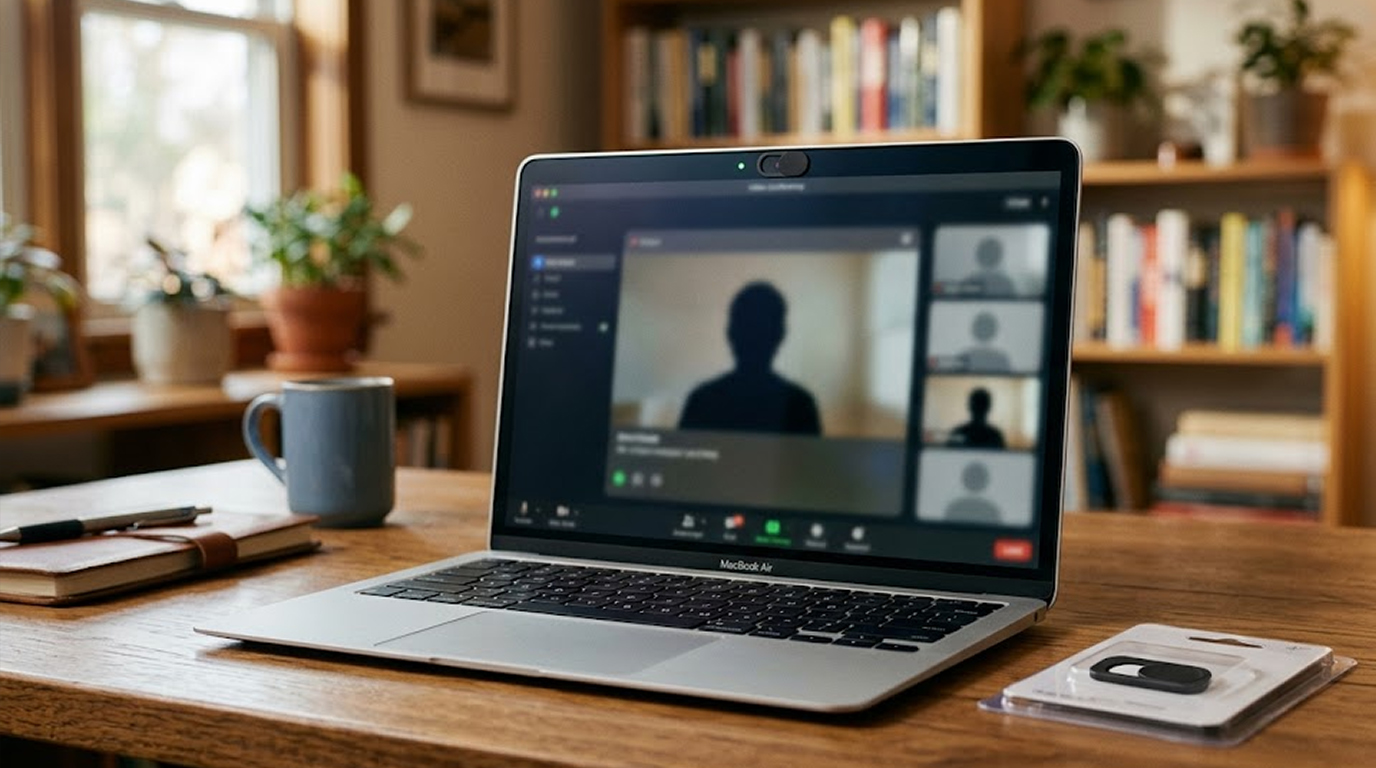
You have seen them, those tiny sliding covers stuck over laptop cameras, on your colleague's computer, on the person next to you at the coffee shop, maybe on your own.
High-profile technology executives cover their cameras, so do government security officials, so do countless security professionals.
But are they being paranoid, or is this a legitimate security practice?
The real answer is more nuanced than you might think.
In this article, we'll discuss the risks, benefits, and downsides of covering your camera so that you can decide for yourself whether or not to cover it up.
Here is the honest truth:
Most people do not need to cover their laptop camera.
But for a small group of high-risk individuals, covering the camera is a smart, low-cost security measure.
The rest of us are probably fine leaving it uncovered, but there is also no harm in covering it if it makes you feel safer.
The real debate is not about whether cameras get hacked, it is about who is likely to be targeted and what you might damage by covering the lens.
Can Hackers Actually Access Your Webcam
Yes, absolutely.
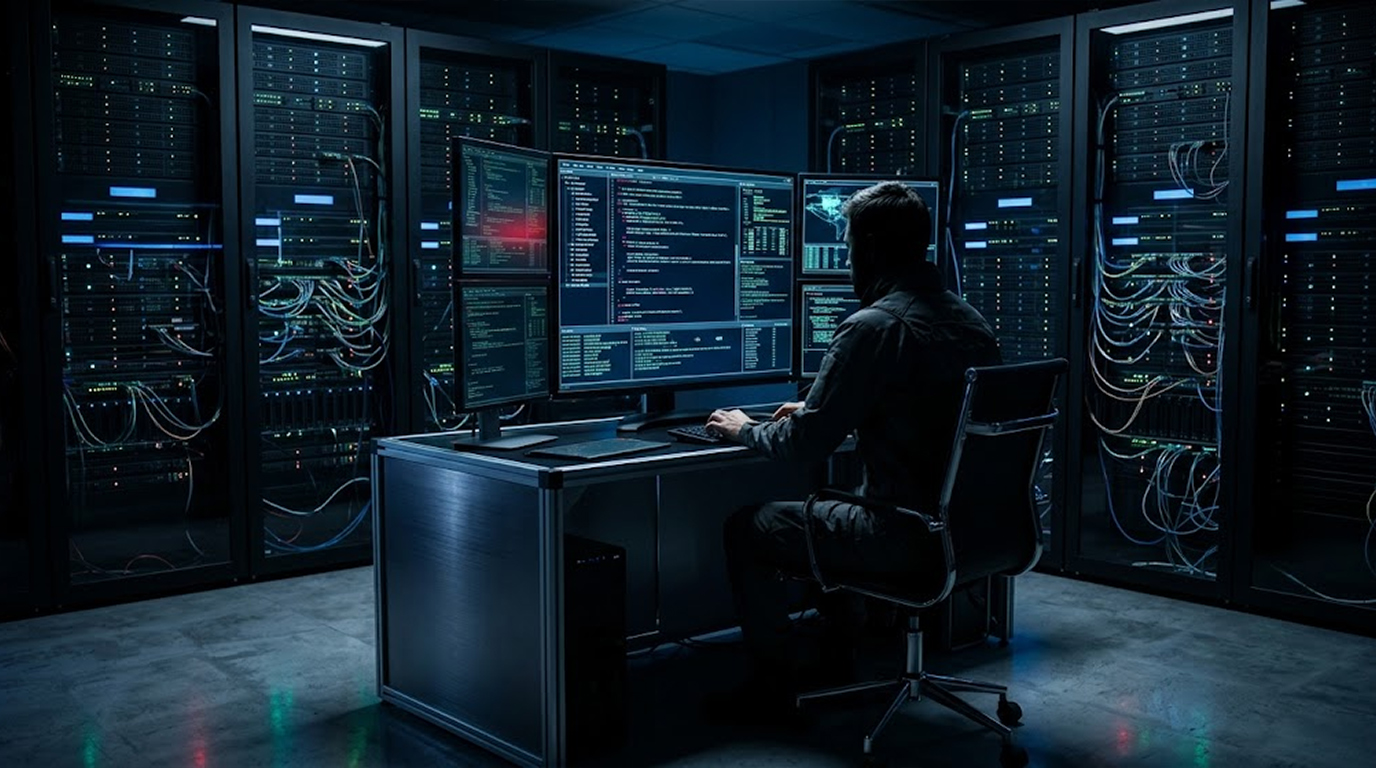
Webcam hacking is real, malware called Remote Access Trojans (RATs) can take control of your camera, record video, and send it to an attacker.
How webcam hacking happens:
You download something you should not, an email attachment, a cracked software installer, a malicious browser extension.
The malware installs silently, it gains access to your camera, and it streams video to a remote server.
You never see a light, you never hear a sound, the attacker watches whenever you are online.
Real cases:
Security researchers have documented cases where attackers used malware to secretly record thousands of people through their webcams.
Another case involved a vulnerability in a well-known laptop manufacturer which permitted hackers to access the laptop camera without the indicator light coming on, so yes, Camera Hacking really occurs! The next question is, Are You a Target?
Who Is Actually at Risk
This is where most articles get it wrong, they make everyone afraid without explaining the actual risk profile.
High-risk individuals who should cover their camera:
1. Journalists reporting on sensitive issues
2. Human rights activists and other advocates
3. Executives of businesses, especially publicly traded businesses
4. Lawyers handling sensitive legal matters
5. Individuals in a government position who have a security clearance
If you fit into any of these categories, put a cover on your camera today.
Low-risk individuals who probably do not need a cover:
1. Office workers.
2. Students.
3. Seniors.
4. Small business owners.
5. Freelancers and contractors.
6. Anyone whose daily routine would not likely pique a hacker’s interest.
If you fall into this group, the odds of being specifically targeted for webcam surveillance are extremely low.
But here is the catch:
Mass webcam hacking also exists, attackers sometimes cast a wide net, infecting thousands of computers randomly and recording whatever they see.
The chance of being caught in one of these random campaigns is low but not zero.
The Indicator Light Problem
Most laptop webcams have a small LED that lights up when the camera is active.
This light is supposed to be directly connected to the camera hardware, meaning malware cannot turn on the camera without also turning on the light.
theory, this gives you a clear warning, if the light is on, someone is watching.
In practice, it is more complicated:
Security researchers have found vulnerabilities in some laptop models where the light could be bypassed.
The attacker could activate the camera while keeping the indicator light off.
These vulnerabilities are rare and usually get patched, but they exist.
If you want absolute certainty that your camera is not watching you, a physical cover provides that certainty.
No software hack can bypass a piece of plastic physically blocking the lens.
The Hidden Danger of Camera Covers
Here is the part most people do not know.
Camera covers can damage your laptop screen.
How it happens:
Modern laptops are designed with extremely tight tolerances, when you close the lid, the gap between the screen and the keyboard is measured in fractions of a millimeter.
A camera cover adds thickness, even a thin one, when you close the laptop, the cover presses against the screen.
Over time, this pressure can cause:
1. Permanent marks or indentations on the screen.
2. Cracks in the LCD panel (expensive to repair).
3. Dead pixels where the pressure damages individual cells.
4. Hinge misalignment from uneven pressure.
Many laptop manufacturers explicitly warn against using camera covers, they will not cover screen damage under warranty if a camera cover caused it.
Real examples:
Major laptop manufacturers warn that camera covers thicker than a fraction of a millimeter can damage their screens.
Several laptop brands have issued similar statements about their premium laptop lines.
Support forums are full of users who discovered permanent screen marks after using camera covers for months.
The Right Way to Cover Your Camera
If you decide you want camera coverage, here is how to do it safely.
Safe Options:
Option 1: Built-in privacy shutter
Some newer laptops come with a physical slider built into the bezel, this is the best solution because it is designed for the laptop's tolerances.
When shopping for a new laptop, look for models with integrated camera shutters.
Option 2: Ultra-thin adhesive slider
If your laptop does not have a built-in shutter, look for sliders advertised as "ultra-thin" or "laptop-compatible."
Read reviews specifically about screen clearance.
Remove the slider before closing the laptop if you are transporting it.
Option 3: A small piece of opaque tape
A thin piece of electrical tape or painter's tape is actually safer than most plastic sliders because it adds almost no thickness.
The downside is that tape leaves residue and is not reusable.
Option 4: A sticky note (temporary only)
For occasional privacy, a folded sticky note works fine, just remove it before closing the laptop.
Dangerous Options
Do not use:
1. Thick plastic sliders from unknown brands.
2. Multiple layers of tape.
3. Stickers or decals (too thick and leave residue).
4. Anything that protrudes more than half a millimeter.
The Microphone Problem
Here is something camera covers do not solve.
Your laptop has a microphone, and it is harder to block.
The microphone risk:
Attackers can activate your microphone even more easily than your camera, microphones do not have indicator lights on most laptops, and you cannot physically block them without damaging the device.
A camera cover protects your video but not your audio.
What you can do about microphones:
1. You can turn off or mute your microphone on your computer via your operating system (Windows- Device Manager, Mac - System Preferences) when you aren’t using the microphone.
2. Look into purchasing a laptop that has an actual microphone mute switch as opposed to simply a software mute option; there are relatively few of them out there.
3. Be careful when using a camera cover to protect your privacy, in addition to protecting from accidental visual recording; however, this will not protect against being constantly, or randomly, audio recorded through your computer.
Software Options for Camera Protection
If you are concerned about your camera's security, consider using a software-based solution instead of a physical cover to prevent damaging your screen.
Built-in OS Controls
Windows:
Go to the Settings app > Privacy & Security > Camera (camera access for all apps can be turned off via a toggle).
You can also allow or disallow access to individual apps.
Mac:
Go to the System Preferences app > Privacy & Security > Camera (the access for each application can be turned off, individually).
Limits of Software Controls:
Software controls cannot prevent malware from having administrator-level access. If an attacker has complete control over the system, he can turn camera access back on after being turned off by software controls. The only thing that will protect your camera is a physical cover. Software controls will only prevent access to legitimate applications, or basic malwares.
The Verdict
Here is the bottom line.
If you are a high-risk individual (journalist, activist, executive, lawyer, government employee), buy an ultra-thin camera slider or look for a laptop with a built-in privacy shutter.
If you are an average user, you probably do not need one, but using an ultra-thin slider or small piece of electrical tape will not hurt as long as you remove it before closing the laptop.
Do not buy thick plastic sliders from unknown brands, they may damage your screen.
And remember, a camera cover does nothing to protect your microphone.
The choice is yours, but now you have the information to make it wisely.
FAQ Section
Can hackers really turn on my laptop camera without me knowing?
Yes, Remote Access Trojans (RATs) can take control of your camera, but most modern laptops have indicator lights that are hardware-linked and cannot be bypassed easily.
However, vulnerabilities have been found in some models, physical covers provide absolute certainty.
Will a camera cover damage my laptop screen?
It can, many modern laptops have extremely tight tolerances when closed, even a thin cover can press against the screen and cause permanent marks, cracks, or dead pixels.
Several major manufacturers warn against using camera covers and may deny warranty coverage for screen damage they cause.
What’s the best way to keep my camera safe/use privacy shutter to keep someone from spying on me?
The safest methods are to have an integrated/built-in privacy shutter (as offered on many newer laptops), use slider stickers to/permit camera access while using (the slider should be removed before you shut the lid on your laptop), and simply tape an electrical tape piece over the camera.
Avoid using bulky plastic sliders from unbranded companies.
If I cover my camera with a cover or sticker, am I completely safe from being spied on?
No, there is also a microphone in your laptop which can remotely be activated, and these covers do not block audio recording activities.
Use accessible software to turn off your microphone when you aren’t using it, or look for laptops that come equipped with a hardware kill switch for their microphones.
Do I have to cover my camera if I am not a public figure?
Not really, as there is a very small chance (that you will be targeted by someone for webcam hacking).