
Cyber Espionage
The mental image most people carry of state-sponsored espionage is a team of elite operators, custom zero-days, and infrastructure that costs more than a small company, and while that world still exists, the more interesting shift is happening somewhere else, which is that espionage operations increasingly look like automation, off-the-shelf tooling, and a script that talks to a free public service.
That's the uncomfortable headline, because the groups doing this are not less dangerous for being less glamorous, and a long-dwell espionage operation built out of boring components is harder to detect than one built out of custom malware, since there's no signature to match and no exotic protocol to block.
So here is what has actually changed, the trends that matter to defenders, and the practical checks that catch activity which is designed to look like normal administration.
Important Disclaimer
This article is intended for educational and defensive purposes only, and it describes general attack patterns and defensive practices rather than specific incidents, campaigns, or attributions. Threat actor attribution is inherently uncertain and shifts as new evidence emerges, so treat any group label you encounter elsewhere as a reporting convenience rather than a settled fact.
Validate every detection against your own environment, and involve your incident response lead before acting on a production system. The author assumes no liability for missed detections, business outcomes, or damages resulting from the use or misuse of this information.
Trend One: Espionage Got Automated
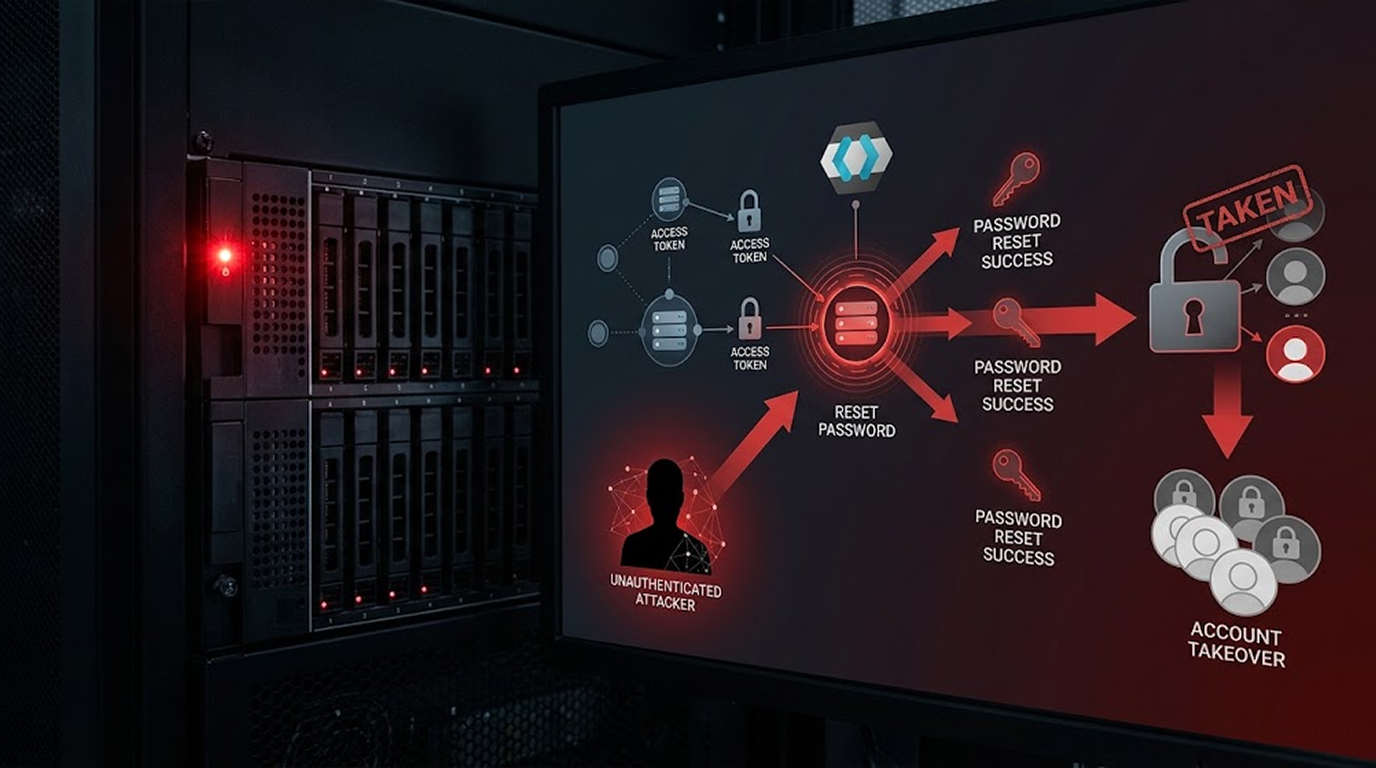
The most significant change is that automated offensive frameworks have moved from research demonstrations into real intrusions, meaning software that plans and executes attack steps rather than waiting for a human to type each command.
The pattern is consistent, which is that a framework performs reconnaissance, attempts privilege escalation, tests lateral movement paths, and prepares collection, all within a window that a human operator could never match. That speed is the point, because it compresses the time between initial access and useful intelligence from weeks to hours.
The defensive consequence cuts both ways, and the reassuring part is that automation is loud, because it produces bursts of enumeration, repeated failed attempts as it explores paths that don't work, and recognisable tooling patterns, which is exactly where defenders should be looking.
Trend Two: AI Is Doing the Reconnaissance
The second change is that AI has moved from a novelty to a working tool in the reconnaissance and social engineering phases, and the effect is that the old red flags have largely disappeared.
The most visible improvement is in linguistic quality, because AI-crafted messages are culturally accurate and grammatically clean, which removes the awkward phrasing that used to give phishing away. The second improvement is in target profiling, because a model can summarise publicly available information about an organisation and identify which roles hold useful access, which turns broad targeting into something closer to a shortlist.
The defensive implication is that training users to spot bad grammar no longer works, and the useful signals have moved to process and context, which means whether a message is expected, whether the request is consistent with the sender's role, and whether a link leads where it claims.
Trend Three: The Tradecraft Is Deliberately Unremarkable
The third change is arguably the most important for defenders, because the current state of the art in some espionage is not a custom implant, it's a script delivered in a document, a scheduled task, and a browser window.
The pattern works by assembling legitimate components, which means a macro-enabled document that creates a scheduled task, a script written to the user profile, and a browser launched either headless or shrunk to a tiny window pushed off-screen, all communicating with a free public service that nobody blocks because it's a legitimate developer tool.
The execution chain is almost aggressively ordinary, because the victim clicks Enable Content, something appears to go wrong, a fake error message is displayed so the behaviour looks like a corrupted file, and the foothold is established without a single malicious binary.
This is the trend worth internalising, which is that the barrier to a persistent espionage foothold is now a user who clicks a button and an organisation that hasn't hardened document macros, and that's a far easier problem to fix than a zero-day.
Trend Four: Supply Chain and Developer Targeting
The fourth trend is that espionage operators have realised developers are the highest-leverage target in any organisation, because a developer workstation reaches source code, internal systems, and production pipelines.
Two patterns illustrate it. The first is the compromise of a widely used software library through a maintainer's stolen credentials, which turns a single account takeover into a global supply chain problem. The second is a trojanised developer tool or extension that plants an SSH backdoor on developer machines, adding an attacker key, enabling the local SSH service, and opening a reverse tunnel so the intruder can return later.
The defensive lesson is that developer endpoints are now espionage infrastructure, and that auditing for unauthorised SSH keys and unexpected outbound tunnels belongs in the same conversation as phishing awareness.
Trend Five: Edge Devices Are the Favourite Door
The fifth trend is that perimeter appliances, which means VPN concentrators, firewalls, and remote access gateways, remain the most valuable initial access target because they sit on the internet, they hold credentials, and they're often unpatched.
The reason they're so useful is architectural, because a compromise at the edge bypasses almost every control you built for endpoints and applications, and the appliance itself holds the keys to the internal network, which means one box is worth more than a dozen workstations.
The practical point is that edge devices need their own patching cadence and their own log review, and that a firewall rule review is not a substitute for reading the authentication logs on the device that terminates your remote access.
Trend Six: Long Dwell Time and Pre-Positioning
The sixth trend is patience, because the objective of much state-sponsored activity is not immediate financial gain but persistent access that can be used later, and that changes what detection has to look for.
An intrusion that lasts years produces a low, constant trickle of activity rather than a spike, and it survives because most organisations alert on thresholds and rotate their log retention faster than the attacker rotates their access. The access itself is often pre-positioned, meaning it's established during a period of quiet and held until a moment when it becomes useful.
That duration is the point, and the detection that catches it is baseline deviation over time rather than a volume alert, which means keeping enough history to see a pattern that unfolds across quarters rather than hours.
Trend Seven: Geopolitics Drives the Target List
The seventh trend is that targeting follows foreign policy and economic priorities almost in real time, which means your sector can become interesting because of a decision you had nothing to do with.
A supplier to a defence programme, a logistics firm moving goods through a contested region, a research institution working on a sensitive technology, and a utility in a country undergoing political change all become relevant for reasons outside their own control, and the targeting often intensifies around elections, conflicts, and negotiations.
The practical implication is that threat modelling should include who else cares about your sector, and that a quiet period is not evidence of safety, because quiet is often the objective rather than the absence of interest.
Trend Eight: Evasion Below the Operating System
The eighth trend is that some campaigns have moved below the operating system, which is where detection gets genuinely hard.
Kernel-level techniques, including modules that hide activity from the standard tools used to look for compromise, mean that the software doing the investigation can itself be unreliable on a compromised host. The same logic applies to userland rootkits that hook the functions your monitoring depends on, and to firmware-level persistence that survives a reinstall.
The consequence is that a clean scan is not proof of cleanliness, and it's why host-based investigation on a suspected espionage victim should assume that the host's own tools may be lying, and should corroborate findings from network and identity telemetry.
What Actually Helps: Practical Detection
Given all of that, the controls that matter are not exotic, and they're mostly about logging the things automation cannot avoid producing.
- Baseline your administration. Automated frameworks produce conspicuous logs and recognisable artefacts, so a sudden burst of directory enumeration, credential access, or lateral movement tooling from a single account is the highest-value detection you can build.
- Detect sequences rather than binaries. A document that creates a scheduled task, writes a script to a user profile, and then launches a browser is a pattern rather than a file, so build the detection around the order of events.
- Treat developer endpoints as tier-zero. Audit for unauthorised SSH keys, unexpected reverse tunnels, and packages installed from unfamiliar sources, because a compromised developer machine is a quiet path into source code and pipelines.
- Review edge device logs separately. VPN and firewall logs deserve their own retention and their own review, because a compromise there produces authentication anomalies that never touch your endpoint tooling.
- Hunt for duration rather than volume. Long-dwell access shows up as a slow, consistent pattern over months, so keep enough log history to see it and alert on first-seen behaviour rather than on thresholds alone.
- Assume AI-quality phishing and train accordingly. Since linguistic red flags are gone, the useful questions are whether the message was expected, whether the request matches the sender's role, and whether the link destination matches the claim.
Real Two Scenarios
Scenario 1: The Document That Looked Corrupted
The Setup
A government affairs team receives a document that appears to be a meeting agenda from a ministry, and the document is macro-enabled, which nobody questions because the sender is a plausible official contact.
What Happened
The recipient clicks Enable Content, a scheduled task is created, a script is written to the user profile, and a fake error message appears, so the user assumes the file is corrupted and moves on, while a hidden browser window begins polling a public service for instructions.
The Result
The foothold persists for weeks, because there's no malicious binary, no unusual protocol, and no attacker-owned server to block, and the activity is only discovered when a later investigation reviews scheduled task creation and browser process behaviour together.
The Lesson
The compromise was assembled from legitimate components and a free public service, which means the detection had to come from sequence and context rather than from a signature.
Scenario 2: The Automated Enumeration
The Setup
A manufacturer has centralised identity logs and an alert on anomalous directory enumeration volume, which had previously produced occasional noise from a reporting tool and was therefore tuned rather than ignored.
What Happened
An automated framework begins reconnaissance and enumerates a very large number of directory objects in a short window, alongside a burst of credential access attempts that generate repeated errors, and the combination trips the tuned alert.
The Result
The security team confirms the account is a service account that should never perform interactive enumeration, isolates the host, and finds a foothold established through an unpatched edge appliance, containing the intrusion before lateral movement reached a domain controller.
The Lesson
The automation was fast and the noise was loud, which is the trade-off attackers accept for speed, and the defenders won because they had baselined what normal enumeration looked like.
How to Spot Early Warning Signs
- A sudden burst of directory or file enumeration from one account. Automated reconnaissance is fast and produces volume that a human rarely matches.
- Scheduled tasks created from document execution. A macro that writes a script and registers a task is a persistence pattern, not a feature.
- A browser process launched headless or positioned off-screen. This is unusual in normal user activity and worth investigating.
- Outbound traffic to public webhook or paste services. Legitimate business traffic rarely needs them, and attackers use them because they're free and unblockable.
- New SSH keys or reverse tunnels on developer machines. These are the signature of a compromised developer endpoint.
- Repeated authentication errors alongside successful access. Automation often fumbles, and the errors are a gift to defenders.
- Slow, consistent access to sensitive repositories over months. Long dwell time is designed to look boring, so look for duration rather than spikes.
Quick Reference: Espionage Trend to Countermeasure
|
Trend |
What It Looks Like |
Primary Countermeasure |
|
Automated offensive frameworks |
Bursts of enumeration and credential access |
Baseline administration and alert on deviation |
|
AI-crafted phishing |
Clean language, accurate context |
Process and expectation checks, not grammar |
|
Living-off-the-land tradecraft |
Documents, scheduled tasks, public services |
Sequence detection, not signature matching |
|
Developer targeting |
SSH backdoors, malicious packages |
Tier-zero endpoint auditing and package verification |
|
Edge device exploitation |
VPN and firewall compromise |
Separate patching cadence and log review |
|
Long dwell time |
Years of quiet access |
Long retention and first-seen alerting |
|
Geopolitical targeting |
Sector interest shifts with events |
Threat model who else cares about you |
|
Below-the-OS evasion |
Hidden modules, hooked functions |
Assume host tools may be unreliable |
The Bottom Line
New cyber espionage is not more sophisticated in the way the phrase suggests, and it's more automated, better disguised, and more patient, built from legitimate tools, AI-generated pretexts, and free public services, which is precisely why it survives the controls that catch conventional malware.
The defensive position is to log the sequences rather than the binaries, baseline your administration so deviation is visible, treat developer endpoints and edge devices as the tier-zero assets they are, and keep enough history to notice an intrusion that's been quiet for a year.
So start with one question this week, which is whether you would notice a scheduled task created from a document that then launched a hidden browser, and if the answer is no, that's the detection worth building first.
FAQ
What is the biggest change in cyber espionage recently?
The biggest change is automation, because frameworks now execute reconnaissance, privilege escalation, lateral movement, and collection in seconds, which compresses the window defenders have to react and produces noticeably loud telemetry in the process.
How are espionage groups using AI?
They use it mainly for reconnaissance and social engineering, including summarising public information about a target and producing culturally accurate messages that no longer contain the linguistic errors people were trained to spot.
Why is living-off-the-land tradecraft so effective?
Because it uses legitimate components and public services, so there's no malicious binary to sign, no exotic protocol to block, and no attacker-owned infrastructure to take down, which means signature-based defences have nothing to match on.
Which devices are most commonly targeted for initial access?
Perimeter appliances, especially VPN concentrators and remote access gateways, because they're internet-facing, they hold credentials, and they're often patched on a slower cadence than endpoints.
Why do state-sponsored groups stay inside a network for years?
Because the objective is often persistent access and intelligence collection rather than immediate disruption, so the intrusion is designed to be quiet and durable rather than loud and fast.
How do I detect an intrusion that's designed to be boring?
Baseline what normal administration looks like for each account and alert on deviation, keep log retention long enough to see slow patterns, and detect sequences such as a document creating a scheduled task and launching a hidden browser.
Are developer machines really an espionage target?
Yes, because a developer workstation reaches source code, internal systems, and production pipelines, which is why stolen maintainer credentials and trojanised developer tools can reach far beyond a single machine.
What should I do first if I suspect espionage rather than ransomware?
Preserve logs and volatile state before rebooting anything, because the value of the investigation is in the timeline, and involve incident response early because scope and attribution are harder than containment in this category.