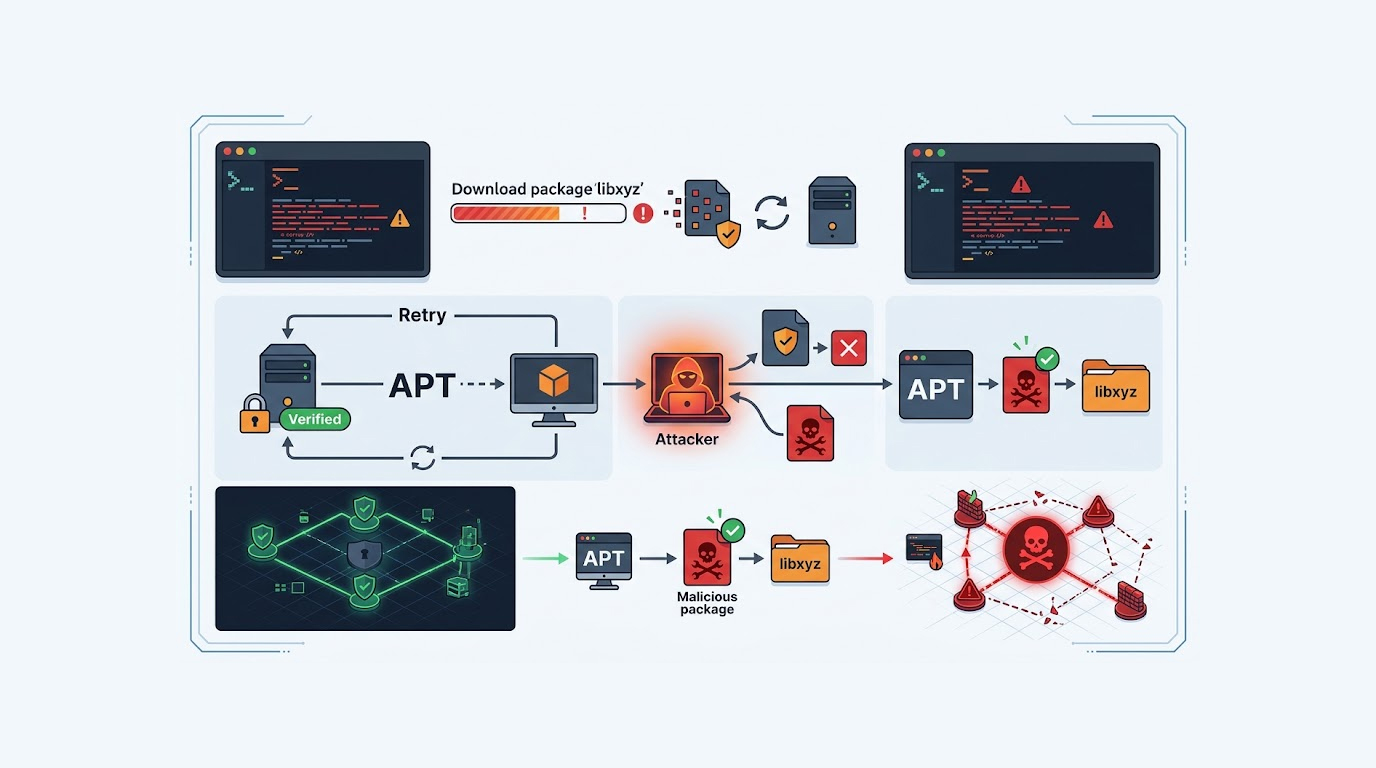
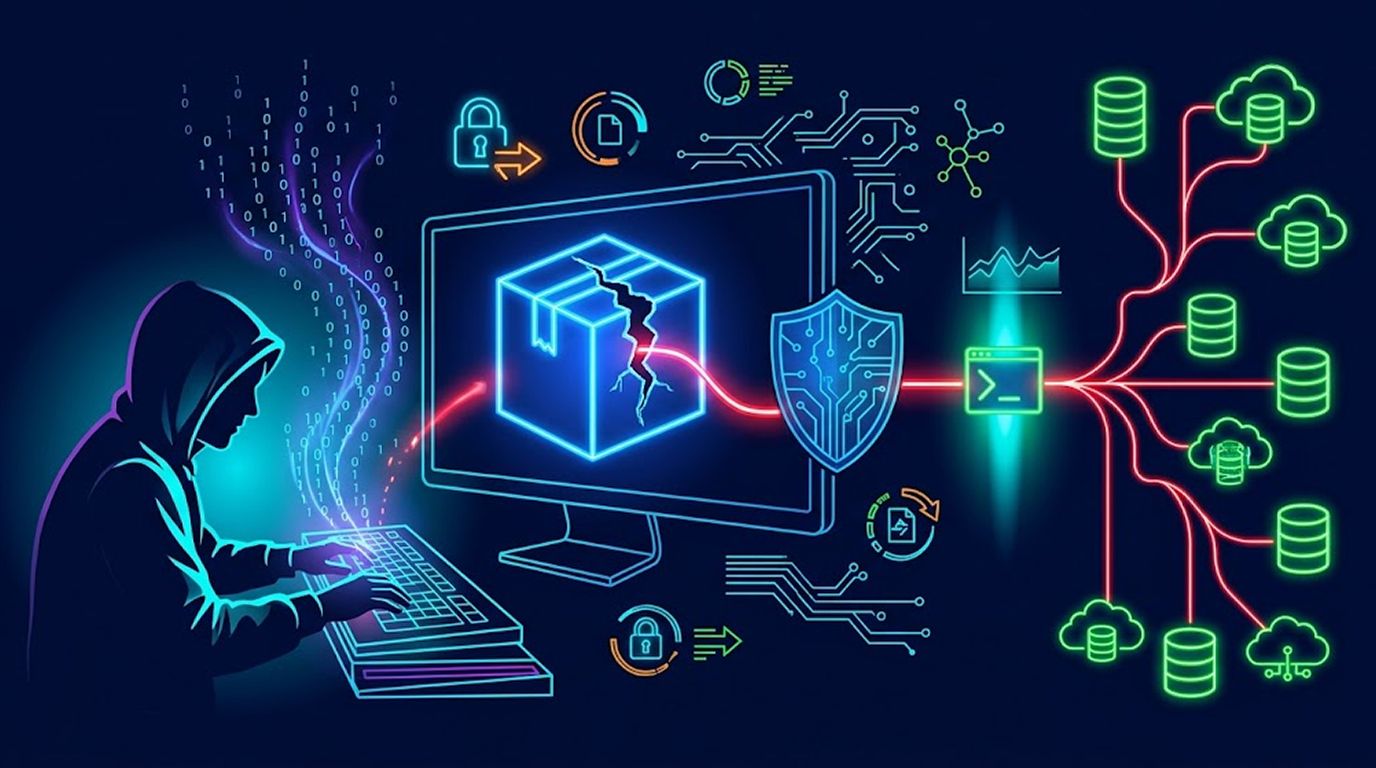
Your AI gateway might have handed over cloud keys before you ever imported the package, because the popular LiteLLM Python package was compromised in a software supply chain attack that shipped a credential stealer and a backdoor, and the payload fires through a path file that Python executes on interpreter startup, which means the damage starts before a single line of your code runs.
The compromise affects LiteLLM 1.107.0, distributed through PyPI wheels and Docker images. PyPI has since quarantined the package, and the malicious Docker images have been removed.
Four security firms reported it independently: SafeDep, Socket, StepSecurity, and Upwind.
What Makes the LiteLLM Supply Chain Attack So Efficient
Most package compromises rely on someone importing the wrong module.
This one didn't need an import.
|
Detail |
Value |
|
Compromised version |
LiteLLM 1.107.0 |
|
Distribution |
PyPI wheels and Docker images |
|
Current status |
Quarantined on PyPI, malicious images removed |
|
Stealer name |
privcollect |
|
Trigger file |
cook.pth |
|
Exfiltration endpoint |
litellm[.]dev/healthcheck |
|
Data sent |
GZIP-compressed TAR archive via HTTP POST |
|
Recommended pin |
1.106.2 by digest |
The .pth mechanism is the part worth understanding, because it explains how a package can run code without being used.
How the Payload Executes Before Your Code
Python processes .pth files when the interpreter starts. That's a legitimate feature, and it's how some tooling configures paths.
LiteLLM 1.107.0 shipped a file called cook.pth containing a single line: import cook.
That line runs the moment the interpreter initializes. Not when you import LiteLLM. Not when you call a function. Before any of that.
StepSecurity's analysis describes two payloads.
- The first is a credential stealer that calls itself privcollect.
- The second forks a background daemon that checks a GitHub dead drop every hour and runs whatever Python the attacker serves.
So even a short-lived process that never touches LiteLLM's API can leave a persistent watcher behind.
The March Parallel
This exact behavior was observed in the LiteLLM compromise that took place as part of the TeamPCP supply chain attacks earlier this March.
Same .pth execution path. Same silence. The mechanism that worked once was reused.
What the Stealer Actually Collects
The harvest list is built for a modern AI development environment, and it's thorough.
- Cloud tokens
- Developer accounts and private keys
- AI tooling credential JSON files
- Browser data from Chromium and Firefox
- Environment variables
Then there's the LiteLLM-specific capability. The malware targets LiteLLM deployments directly, extracting the proxy's saved credentials and model configuration.
That's not opportunistic. Someone understood what a LiteLLM deployment holds, and built for it.
Where the Data Goes
Collected data is packaged into a GZIP-compressed TAR archive and sent to litellm[.]dev/healthcheck by means of an HTTP POST request.
The domain borrows the project's name. That's a deliberate choice, and it's the kind of detail that makes exfiltration traffic look unremarkable in a log.
The Dead Drop
There's a third stage that matters for anyone trying to determine whether they were targeted after the fact.
The malware reads the contents of a text file called domain.txt in a GitHub repository at github[.]com/letters9813. If that file holds a domain, it runs the same stealer again, then issues an HTTP GET request against <domain>/codepy and executes the response.
The GitHub repository currently returns a 404, so that channel is closed for now. It was live during the window.
How the Attackers Got In
LiteLLM's director of security, Oliver Jensen, described what the investigation has established so far.
The malicious actions were taken through three engineers' GitHub accounts, appearing to be by way of stolen GitHub CLI OAuth tokens. The attacker used one user's account to trigger the project-releaser run, and another user's account to approve it.
That's a two-account step, and it's worth noticing. Many repositories require approval before a release workflow runs. Splitting the trigger and the approval across two compromised accounts defeats that control without breaking it.
All tokens involved in the attack have been revoked.
What They Don't Know Yet
Jensen was direct about the gap. The team has not identified the mechanism by which the attacker acquired the tokens, and cannot yet assert that the GitHub accounts have no further access.
The temporary mitigation is severe. All but one unaffected user have been removed from the GitHub organization.
LiteLLM has also updated the public registries to remove any trusted links to its GitHub organization, which prevents further publication of malicious packages through that path.
That last step is the one that stops the bleeding. Trusted publishing is convenient, and it's also a direct line from a compromised account to a package release.
The Affected Files
If you need to check a local artifact store, a CI cache, or a vendor's bundled copy, these are the wheels:
- litellm-1.107.0-cp310-abi3-macosx_10_12_x86_64.whl
- litellm-1.107.0-cp310-abi3-macosx_11_0_arm64.whl
- litellm-1.107.0-cp310-abi3-manylinux_2_28_aarch64.whl
- litellm-1.107.0-cp310-abi3-manylinux_2_28_x86_64.whl
- litellm-1.107.0-cp310-abi3-musllinux_1_2_aarch64.whl
- litellm-1.107.0-cp310-abi3-musllinux_1_2_x86_64.whl
- litellm-1.107.0-cp310-abi3-win_amd64.whl
- litellm-1.107.0.tar.gz
The sdist is worth calling out separately. It carries no payload files, but it does contain the tampered pyproject.toml.
So an installer that builds from source isn't safe just because the Python files are clean.
How to Check Whether You Were Affected
Start with what's installed.
- Check your pinned versions. If litellm==1.107.0 appears anywhere in requirements files, lockfiles, or container images, that's a finding.
- Check your caches. pip caches, wheelhouses, artifact repositories, and CI caches all keep old downloads around. The package is quarantined on PyPI, but your local copy isn't.
- Check for cook.pth. Search the installed package directory for a file named cook.pth. Its presence is confirmation, regardless of whether anything appears to have run.
- Check for the exfiltration traffic. Look for HTTP POST requests to litellm[.]dev/healthcheck in egress logs or proxy telemetry.
- Check for the daemon. The second payload forks a background process that polls hourly. An unexplained long-running Python process on a host that ran 1.107.0 is worth investigating.
How to Respond If You Ran It
The advice from the reporting is specific, and the order matters.
- Revoke and replace exposed credentials from a clean environment. Not from the affected machine. From one that never ran the package.
- Pin version 1.106.2 by digest. Not by version string. A digest pins the exact artifact, which is what you actually want after a supply chain incident.
- Audit the credential categories the stealer targeted. Cloud tokens, SSH keys, AI provider keys, browser-stored sessions, and the LiteLLM proxy's own configuration.
- Review the LiteLLM proxy config specifically. Model configuration and saved proxy credentials were explicit targets.
- Treat environment variables as compromised. The stealer harvested them, and most deployments keep far too many secrets there.
- Check for persistence. The hourly daemon and the dead-drop channel both need to be ruled out, not just the immediate payload.
Why AI Tooling Is the Target Now
Look at what the stealer was built to find. AI tooling credential JSON files. Model configuration. Proxy credentials. Cloud tokens.
That's a map of an AI development stack, and it's a map that gets you into the expensive parts.
An Anthropic or OpenAI key is a billing liability and a data access path. A cloud token is infrastructure. A proxy config shows which models route where, and often which internal services sit behind them.
This is the second LiteLLM compromise of the year, and the first one taught the same lesson. If you run AI infrastructure, your dependency tree holds credentials that are worth more than the code around them.
The Trusted Publishing Problem
The mechanism here is worth separating from the malware.
A stolen OAuth token triggered a release. Another stolen token approved it. Registries treated the release as legitimate because the accounts were legitimate.
That's the structural weakness in trusted publishing, and it's not unique to PyPI or to LiteLLM. Convenience removes the human step, and the human step was doing some work.
Digest pinning is the answer that survives this failure mode. A version number is a label. A digest is the artifact.
What to Watch Going Forward
Three things worth tracking as this develops.
- The token acquisition mechanism is still unknown. Until LiteLLM publishes that, assume the accounts could be re-targeted.
- Other packages in the same organization should be checked. The org has been reduced to one user, which limits exposure but doesn't retroactively explain the token theft.
- The dead-drop pattern is reusable. A text file in a public repository and a codepy endpoint is cheap infrastructure that's hard to block by domain alone.
FAQ
What is the LiteLLM supply chain attack?
It's a compromise of the LiteLLM Python package in which version 1.107.0, distributed through PyPI wheels and Docker images, shipped a credential stealer called privcollect and a backdoor daemon. The package has been quarantined on PyPI and the malicious Docker images have been removed.
How did the malware run without importing LiteLLM?
The package included a path file named cook.pth containing the line import cook. Python executes .pth files when the interpreter starts, so the payload ran before any LiteLLM code was used.
Which files are affected?
Seven wheels are listed for macOS, Linux, musl, and Windows, plus the litellm-1.107.0.tar.gz source distribution. The sdist carries no payload files but does contain a tampered pyproject.toml.
What data does the stealer take?
Cloud tokens, developer accounts and private keys, AI tooling credential JSON files, Chromium and Firefox browser data, environment variables, and LiteLLM proxy credentials and model configuration. The data is sent to litellm[.]dev/healthcheck as a GZIP-compressed TAR archive over HTTP POST.
How was the malicious release published?
LiteLLM says three engineers' GitHub accounts were used, apparently via stolen GitHub CLI OAuth tokens. One account triggered the project-releaser run and another approved it. All involved tokens have been revoked, though the token acquisition method remains unidentified.
What should I do if I installed version 1.107.0?
Revoke and replace exposed credentials from a clean environment, then pin LiteLLM version 1.106.2 by digest. Also check for the cook.pth file, the hourly daemon, and outbound requests to the exfiltration domain.