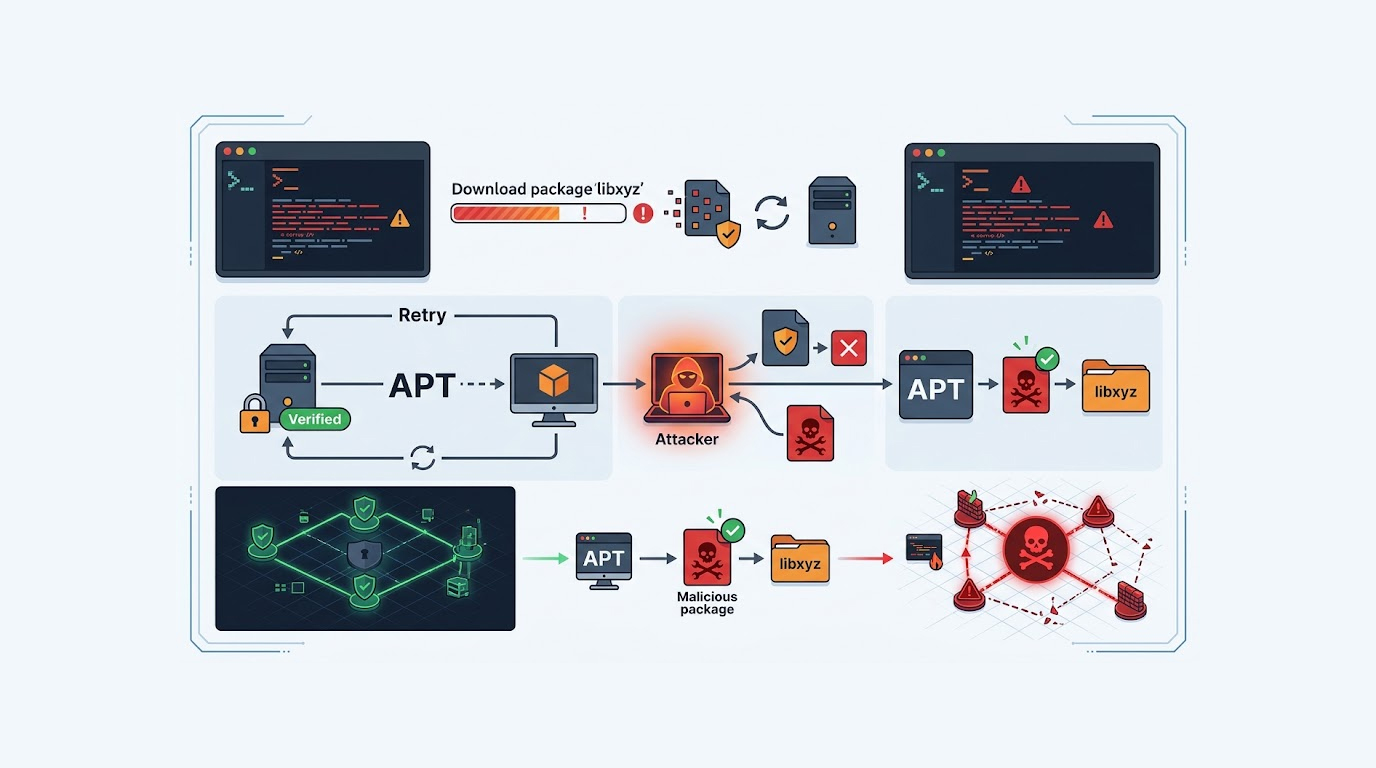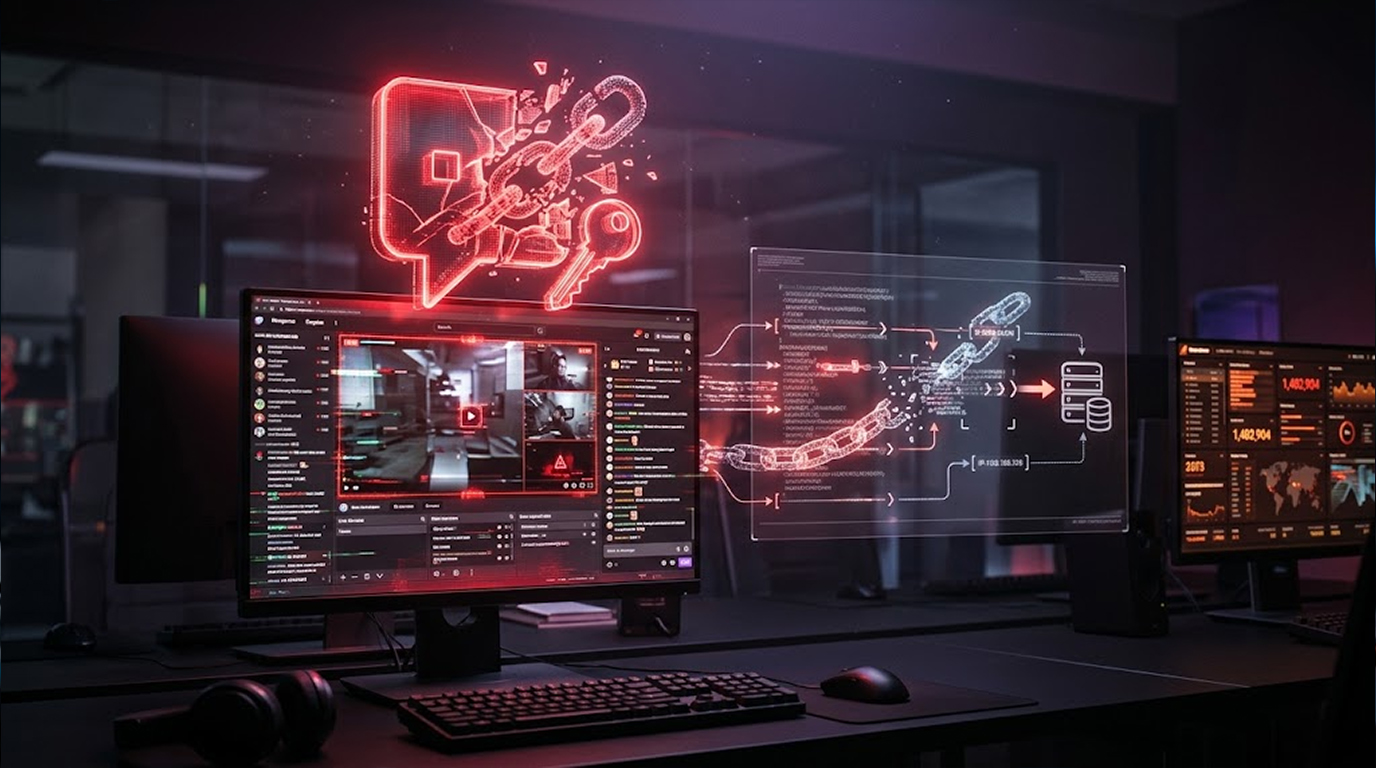
A Twitch browser extension has been quietly sending user login tokens to proxy servers run by a Russian bot service. Nearly 31,000 people are affected across Chrome and Firefox.
The extension is called "Twitch Enhanced Viewer | JeetBot." It's still available for download right now.
Socket security researcher Kush Pandya found the problem. The extension forwards your Twitch OAuth token to an operator-controlled proxy every time you watch a stream. There's no disclosure in either store listing.
Let me break down what's happening.
Quick Summary
|
What |
Details |
|
Extension |
Twitch Enhanced Viewer | JeetBot |
|
Affected Users |
~31,000 |
|
Chrome ID |
pnhhdhhcadcjfckjhpmjneldiegbojfb |
|
Firefox ID |
|
|
Problem |
OAuth tokens sent to proxy servers |
|
Fix |
Update to v85.8.7 or later |
What Is the Extension?
It's advertised as a tool for streamers and viewers. The listing says it gives you "1080p stream for regions with constraints." It claims to be ad-free and offer region-unlocked content.
The developer is listed as HISHIMIRO/jeetbot.cc.
On Chrome, it has 30,000 users. Published June 26, 2025. On Firefox, it has 604 users. Published July 7, 2025.
Both are still live.
How the Token Leak Works
Current builds, version 85.x, forward your Twitch OAuth token inline as an &auth= query parameter. That happens during a network-layer redirect to the operator's proxy.
The token gets forwarded for every channel you watch. Except for a hardcoded list of ten Russian streamer channels. Those sessions are exempt.
"The operator is a commercial Twitch, Kick, and VK Live bot SaaS that has broad Twitch host permissions and relays live authenticated sessions through its own infrastructure," Pandya said.
The extension claims to offer ad-free viewing. To do that, it routes Twitch's video playlist requests to usher.ttvnw[.]net through operator-controlled proxy servers. Your OAuth token rides along as a query parameter.
Because the token is in the URL, it gets written in cleartext into the proxy server's request logs.
Earlier builds were worse. Version 4.x, like 4.8 from January 2026, POSTed the token to a dedicated set-token endpoint on the operator host. It had backups on deno.dev and deno.net.
What Can Someone Do With Your Token?
A Twitch OAuth session token is a bearer credential. Whoever holds it can act as you without your password or a second factor.
That includes:
- Reading and sending whispers (private messages)
- Posting in chat
- Spending channel points
- Accessing account settings
Socket says the exposure is undisclosed in both store listings.
The Ten Exempt Channels
The token forwarding is skipped for ten channels. Most are Russian-language streamers with thousands of followers.
|
Channel |
Followers |
|
pch3lk1n |
580K |
|
fasoollka |
361K |
|
flamie |
132K |
|
dosia |
29 |
|
fander |
2 |
|
almazer |
4 |
|
forzorezor |
177K |
|
akyuliych |
1.1M |
|
lagoda1337 |
225K |
|
lagoda |
77.3K |
"For every channel outside this list, the user's live token is forwarded to the proxy," Pandya explained.
The Developer's Response
The developer, Aleksandr Popov, told The Hacker News the token exfiltration was an oversight. He says it's been addressed in the latest version.
A notice on the JeetBot documentation page says version 85.8.7 of the Firefox add-on fixes the problem. An equivalent Chrome version is under review.
From the notice:
"In the previous implementation, the extension sent the user's Twitch OAuth token to our proxy servers to retrieve stream playlists. An OAuth token is a credential and must be protected. Version 85.8.7 changes how playlists are retrieved: the user's OAuth token is no longer sent to our proxies."
The notice tells users to update to 85.8.7 or later. Older installations keep sending the token until updated. It also says disabling or updating does not revoke tokens already transmitted.
Popov told The Hacker News: "We appreciate Socket drawing attention to the token-handling and disclosure concerns. We have taken those concerns seriously and changed the extension's implementation. We acknowledge that the previous description and privacy policy did not adequately explain the transmission of Twitch OAuth tokens to our proxy servers. That was an oversight on our part, and we take responsibility for it."
Why the ten channels?
Popov said it was a playback workaround. Viewers reported an error when trying to watch those channels outside Russia or through a VPN. The Twitch player showed: "A proxy or unblocker has been detected. This premium content will not be available to you while it is in use. (Error #3)."
"We introduced a separate playback workaround to address this specific error," Popov said. "That mechanism did not require forwarding the viewer's OAuth token, so the extension omitted it when routing requests through that alternative playback path."
The list was user-adjustable starting version 85.8.4.
Other extensions do it too?
Popov pointed to other Twitch playback extensions like ReYohoho Twitch Proxy, XT Viewer, and ggsel Ханти. He says those explicitly disclose token transmission in their store listings. "Their use elsewhere does not remove our responsibility to protect credentials and accurately disclose data handling."
He also pushed back on calling the extension malicious. "We recognize the security risk of the previous design, which is why we removed the need to forward users' OAuth tokens."
What You Should Do
1. Update the extension.
Firefox users: update to 85.8.7 or later. Chrome users: check for the pending update. If it's not available, disable the extension.
2. Revoke your Twitch token.
Updating doesn't undo the leak. Go to Twitch settings, find Connections, and revoke access for the extension. That invalidates any token already sent.
3. Check your account.
Look for whispers you didn't send. Check chat messages. Review channel points activity. If something seems to be wrong, update your password and use two-factor authentication.
4. Be careful with browser extensions.
Extensions can see a lot. Before you install one, check the permissions. Look for privacy policies. If something feels off, skip it.
The Bottom Line
A Twitch extension leaked OAuth tokens from nearly 31,000 users to Russian proxy servers. The developer says it was an oversight and has fixed it in version 85.8.7. But older versions keep sending tokens until updated. Update, then revoke access.
What You Need to Know:
|
Key Point |
Detail |
|
Extension |
Twitch Enhanced Viewer | JeetBot |
|
Affected Users |
~31,000 |
|
Problem |
OAuth tokens sent to proxy servers |
|
Fix |
Update to v85.8.7 or later |
|
What Update Doesn't Fix |
Tokens already leaked |
|
What to Do |
Revoke token in Twitch settings |
What You Need to Do:
- Update to 85.8.7 or later
- Revoke the extension's access in Twitch settings
- Check your account for unusual activity
- Be careful with browser extension permissions
FAQ Section
What is the Twitch Enhanced Viewer OAuth leak?
A browser extension called Twitch Enhanced Viewer | JeetBot forwarded users' Twitch OAuth tokens to operator-controlled proxy servers. Nearly 31,000 users are affected.
How is the extension leaking the token?
The token is sent in the &auth= query parameter while routing the request for video playlists using the proxy. The token gets logged in the proxy's log files.
What could you do with the Twitch OAuth token?
You could read and send whispers, post in chat, use channel points, and get access to the account settings. No password and no second-factor authentication required.
Is the extension still available?
Yes, both Chrome and Firefox versions are still available as of writing. The developer says version 85.8.7 fixes the issue on Firefox. Chrome is pending review.
What should I do if I used this extension?
Update to 85.8.7 or later. Then go to Twitch settings and revoke the extension's access. Updating alone does not revoke tokens already sent.