There is an email sitting in a university researcher's inbox right now. It looks like a research proposal, or a conference invitation, or a document from a government contact. There is a ZIP file attached. Inside, there is what appears to be a Word document.
The researcher opens it. And that is the moment everything changes.
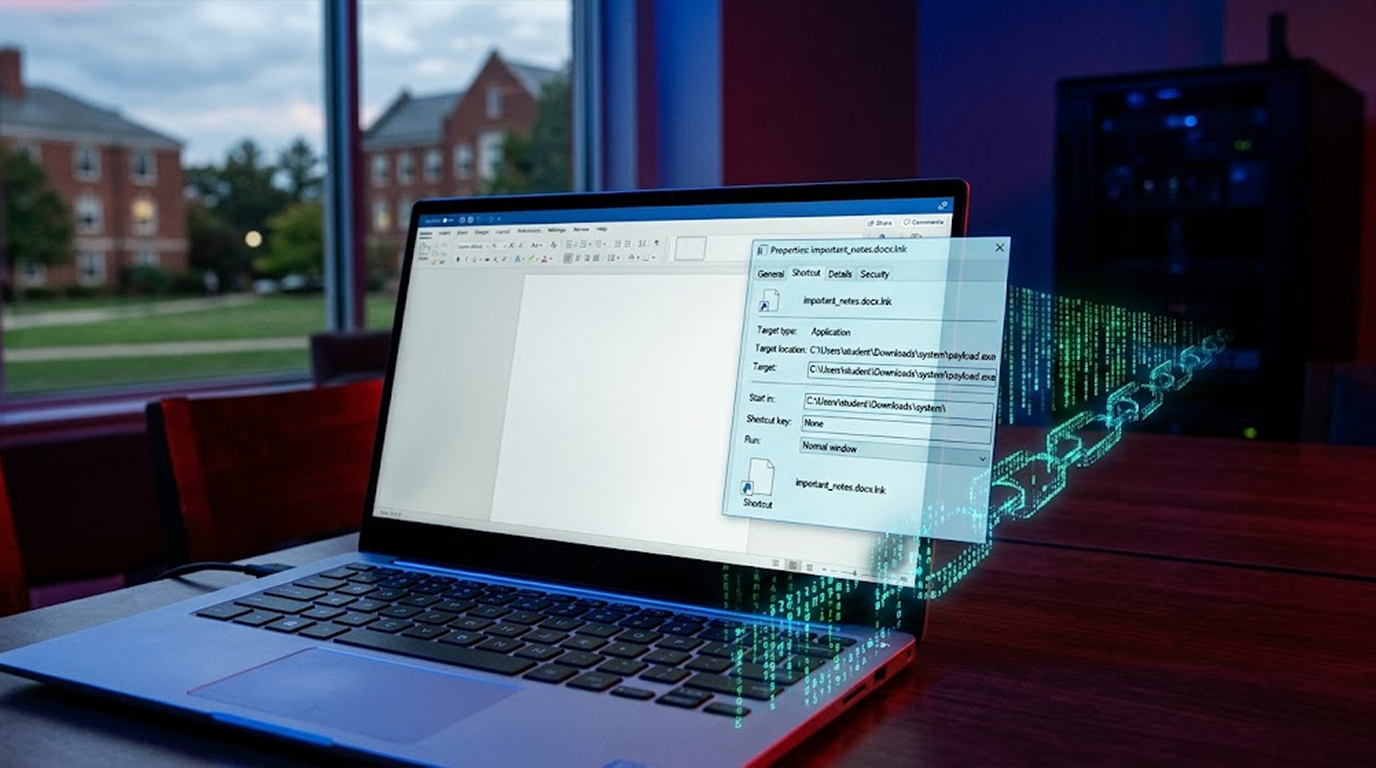
What they actually opened was not a document at all. It was a Windows shortcut wearing a document's icon, and the moment it ran, it started a chain of events that ends with a remote access trojan living quietly in the memory of their machine, stealing credentials, taking screenshots, and waiting for instructions.
This is ReverseRAT. It has been in use since at least 2021, it is tied to a group researchers call SideCopy, and it is now showing up in academic environments, not just government and defense networks.
Let me walk you through how it works, because understanding the mechanics is what makes detection possible.
Important Disclaimer
This article is intended for educational and defensive purposes only. The techniques described here are shared to help security professionals and researchers understand how modern spear-phishing campaigns operate so they can better protect their systems.
Do not use these techniques against systems you do not own or do not have explicit written permission to test. Unauthorized testing is illegal in most jurisdictions.
The author assumes no liability for any damages, legal consequences, or other outcomes resulting from the use or misuse of this information. Always obtain proper authorization before conducting any security testing, and stay legal, stay ethical, stay responsible.
Why This Attack Works So Well
- The first thing to understand is that none of this relies on a software vulnerability. There is no unpatched bug being exploited. There is no memory corruption, no buffer overflow, nothing that a patch would fix.
Everything here abuses features that Windows ships with on purpose.
That is what makes it so frustrating to defend against. You cannot patch away a shortcut file. You cannot remove mshta.exe from Windows without breaking legitimate things. The attack works because it uses the operating system exactly as designed, just pointed in a hostile direction.
- The second thing to understand is the delivery. This does not arrive as a mass spam campaign. It arrives as a personalized message to a specific person, and the personalization is not a coincidence. It is built from public information, conference talks, published papers, university directories, and LinkedIn profiles. The attacker knows who you are before they send anything.
The Disguise: A Shortcut Pretending to Be a Document
Here is where the deception starts, and it is almost embarrassingly simple.
The ZIP file contains a file with a name like "Research_Proposal.docx.lnk" or "Conference_Agenda.pdf.lnk". On a default Windows installation, the file extension is hidden, and hence the user will see only "Research_Proposal.docx" and assumes it is a Word document.
Windows, however, does not hide the extension from the operating system. It sees the .lnk, and it treats the file as a shortcut, which means it will execute whatever the shortcut points to.
The shortcut points to mshta.exe.
That is the entire trick. No exploit, no vulnerability, just a file extension most people never look at because Windows hides it by default.
The fix here is almost too obvious to mention, but it is worth saying anyway. Turn on file extensions in Windows. It takes ten seconds, and it defeats this entire delivery mechanism for anyone who actually reads the filename.
The Chain: mshta.exe and the Remote HTA File
Once the shortcut runs, it instructs mshta.exe to fetch an HTA file from a remote server and execute it.
Why mshta.exe? Because it is a signed Microsoft binary that exists on every Windows machine. Security tools that block unknown executables do not block mshta.exe, because it is a legitimate part of the operating system. Traffic from mshta.exe looks like a normal web request. The execution happens inside a process that is supposed to run code.
The HTA file itself is heavily obfuscated. It is not readable on inspection. It exists to do one thing, deliver the next stage without touching the disk.
The In-Memory Payload
This is the part that makes ReverseRAT genuinely difficult to detect.
The HTA file load a DLL reflectively, which is a fancy way of saying the DLL is never written to disk. It exists only in the memory of the running process. Traditional antivirus software scans files, and if the malicious code is never a file, there is nothing to scan.
The chain then uses .NET deserialization to execute code inside that loaded DLL. This abuses a legitimate feature of the .NET framework, and it works because the code executes in a context the runtime considers normal.
The final stage is the ReverseRAT implant itself, running in memory, with no file on disk to find.
The malware also cleans up after itself. It deletes the HTA file and any other artifacts it created during the initial infection. By the time an analyst examines the system, the evidence of how the malware arrived is gone.
What the Implant Actually Does
ReverseRAT is not a destructive tool. It is a collection tool, and its capabilities are focused on espionage.
- It enumerates the system, learning what operating system is running, what software is installed, and how the network is configured. It harvests passwords and credentials saved on the machine. It records everything that is copied into the clipboard by the user, and passwords are usually saved in the clipboard. It also makes screenshots of user actions and encrypts them for exfiltration.
- It can download files from its command-and-control server and upload files from the victim's machine. It can execute arbitrary commands. It can provide the attacker with an interactive shell, which means direct hands-on control.
- And it persists. It establishes itself through Windows Registry Run keys, which means it survives reboots without needing a scheduled task or a service, two things that security teams commonly watch.
The Command-and-Control Layer
The implant talks to a server using encrypted channels, with a hardcoded key baked into the binary. If someone extracts that key, the traffic becomes readable, which is a weakness in the design, but it is not a weakness the victim can exploit without first detecting the malware.
The domain it reaches out to is a tell. It mimics an education portal, which fits the academic targeting pattern. Other domains used in related campaigns have mimicked Indian government and port authority websites, a deliberate choice to blend malicious traffic with the kind of browsing a target might legitimately do.
Why Universities Are Now in the Crosshairs
The shift toward academia is not random, and it is worth thinking about why.
Research institutions hold intellectual property that matters to defense, energy, and technology sectors. They collaborate with government agencies and industry partners. The data is genuinely valuable.
But universities tend to have less mature security than the government agencies they work alongside. A campus network might have thousands of endpoints, a mix of institutional and personal devices, and a culture of openness that makes strict controls difficult to enforce without breaking the way research actually works.
Valuable data plus softer defenses is the combination that attracts espionage actors, and AI has made the personalization part of the equation almost free.
What SideCopy Uses Besides ReverseRAT
ReverseRAT is not the group's only tool, and that matters for defenders.
SideCopy rotates through a set of malware families, including open-source remote access trojans alongside custom tools. They use what works for the target. Open-source tools when they are sufficient, custom tools when the target requires something more tailored.
The practical implication is that building detection around a single malware family name is a losing strategy. The group will switch tools, and the detections built around one family will go quiet while the campaign continues.
Detection: Where to Look
Detection here has to focus on behavior, because file-based detection will miss the payload entirely.
- Watch mshta.exe. This utility should not be making outbound network connections in normal operation. If it is reaching out to the internet, something is wrong.
- Watch for shortcuts that launch system utilities. An LNK file that runs mshta.exe, powershell.exe, or cmd.exe is a high-signal event.
- Watch the registry. New Run keys pointing to batch files or unusual executables are the persistence mechanism, and it is a consistent pattern.
- Do memory analysis. Because the payload lives in memory, disk-based tools will not find it. Look for processes with network connections that should not have them.
- Watch for lookalike domains. Registering domains that mimic legitimate services is a consistent tactic. DNS monitoring catches a meaningful share of these attempts.
Defensive Measures That Actually Help
- Turn on file extensions. This defeats the disguise at the user level, and it costs nothing.
- Block LNK execution from archives. Windows can be configured to warn or block shortcuts that come from the internet or from ZIP files. This breaks the initial execution step.
- Restrict mshta.exe. Most environments do not need it. Application control policies can block it, which breaks the chain entirely.
- Monitor registry persistence. Alert on new Run keys that point to scripts or unusual locations.
- Deploy memory-based detection. Tools that analyze memory and detect reflective loading catch what file scanners miss.
- Train users on context, not typos. The old advice about looking for grammar mistakes does not apply here. Teach users to ask whether a request is expected and whether it can be verified separately.
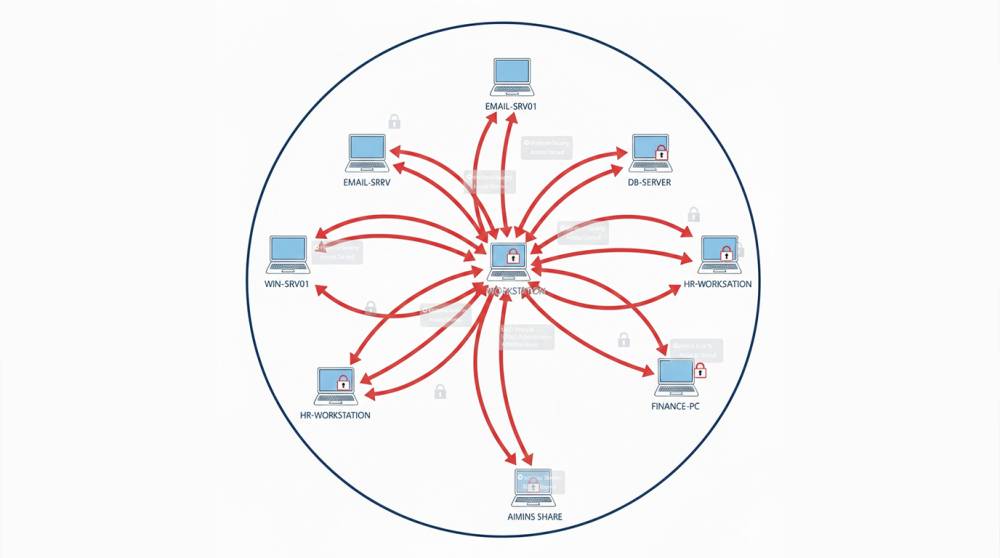
- Segment the network. Limit what a compromised workstation can reach. You will not stop every initial access, but you can stop it from becoming a breach.
- Ingest threat intelligence. The domains and IPs used by this group are known. Blocking them prevents the implant from calling home.
Quick Reference: ReverseRAT Defense Checklist
|
Defense Layer |
Action |
|
Windows settings |
Enable file extensions for all users |
|
Email gateway |
Block ZIP archives containing LNK files |
|
Application control |
Restrict or block mshta.exe |
|
Registry monitoring |
Alert on new Run keys pointing to scripts |
|
Memory forensics |
Deploy tools that detect reflective loading |
|
Network |
Block known C2 domains and IPs |
|
User training |
Teach context and verification, not typo hunting |
|
Segmentation |
Limit lateral movement from workstations |
The Bottom Line
ReverseRAT is a reminder that the most effective attacks often do not need a vulnerability at all. They need a user who trusts a file icon, a signed Microsoft utility that runs code, and a payload that never touches the disk.
The chain is not exotic. The techniques are all documented and understood. What makes it work is that each individual step looks legitimate, and the whole thing is hidden behind a file extension Windows hides by default.
Turn on extensions. Restrict the utilities that should not be running. Watch the registry. Analyze memory. And train people to verify, because the disguise is only convincing if nobody looks.
FAQ Section
What is ReverseRAT?
ReverseRAT is a custom remote access trojan used by the SideCopy threat actor for espionage, it runs in memory rather than on disk and is delivered through spear-phishing emails.
How does ReverseRAT arrive on a system?
It arrives inside a ZIP archive attached to a spear-phishing email, the archive contains a Windows shortcut disguised as a document, and opening it launches the infection chain.
Why does mshta.exe matter in this attack?
It is a legitimate signed Microsoft utility that runs HTML applications, attackers abuse it because it blends in with normal system activity and is rarely blocked by default.
What does Reflective DLL loading refer to?
It refers to the act of loading a DLL into memory without writing it to disk, which means file-based antivirus has nothing to scan.
How do you detect ReverseRAT?
Monitor for mshta.exe network activity, registry Run keys and in-memory payloads.
What is the single most effective defense?
Application control that blocks mshta.exe breaks the chain entirely, and turning on file extensions defeats the initial disguise at the user level.