You are an HR manager. You post a job opening. Within hours, hundreds of resumes arrive.
You open them one by one. You are helping your company find talent. You are doing your job.
But one of those resumes is not a resume. It is a weapon.
Welcome to resume poisoning. Attackers are now weaponizing job applications to breach companies. And HR departments are the perfect target.
Let me show you how this attack works and how to protect your recruitment process.
What Is Resume Poisoning?
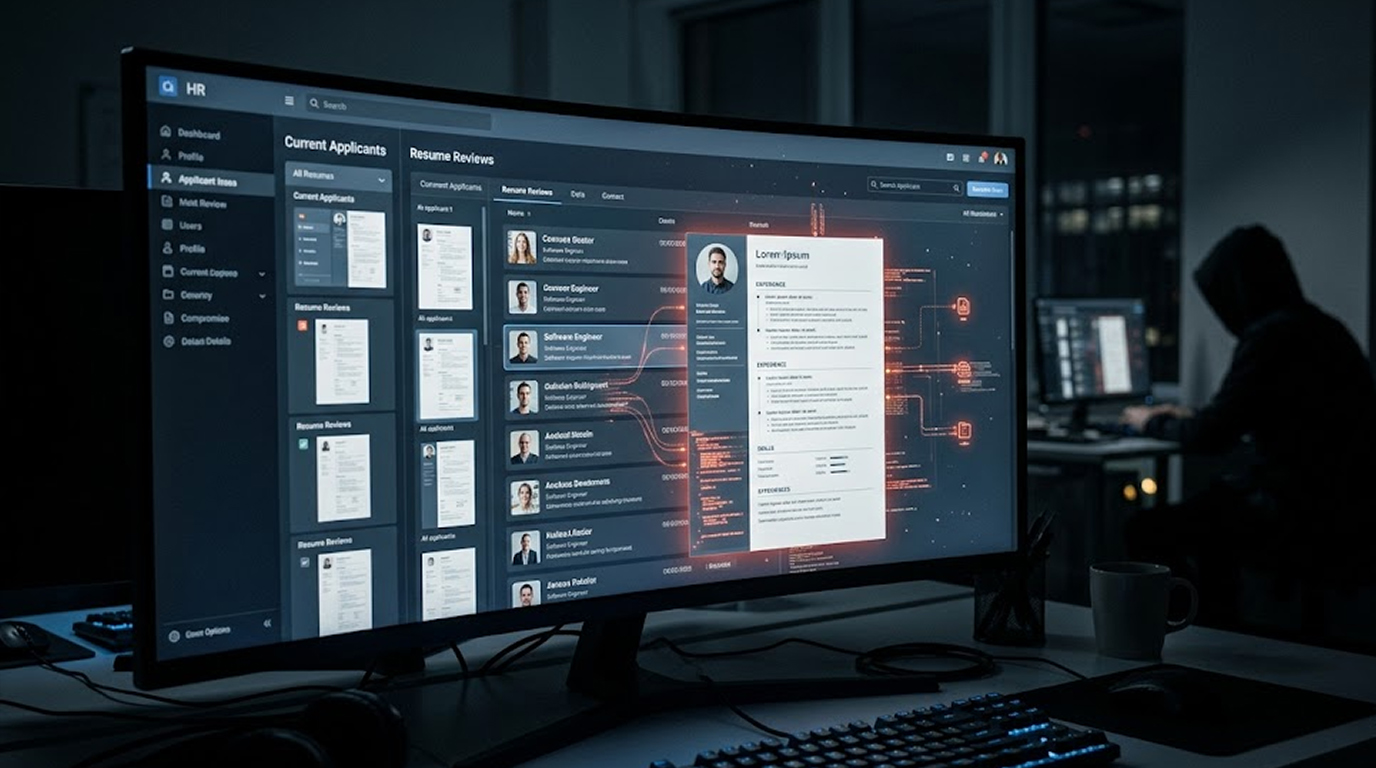
Resume poisoning essentially means creating a malicious document that is a fake resume/CV. The attacker will apply to a job at your company as an employee but instead sends in a resume that’s infected with malware. When the HR personnel review this resume, it runs the malware on their computer.
Why this attack is devastating:
1. HR teams are trained to trust applicants
2. Resumes come from external sources by design
3. Security teams rarely screen recruitment traffic
4. Attackers have legitimate motivation to apply
5. The malicious file looks exactly like a real resume
The attacker does not need to hack your firewall. They do not need to exploit a vulnerability in your website. They just need to apply for a job.
Why HR Is the Perfect Target
Your security team spends millions protecting the perimeter. Firewalls. EDR. Email filtering. Web gateways.
But recruitment is a blind spot.
The HR security gap:
|
Normal Business Traffic |
Resume Traffic |
|
Comes from known vendors |
Comes from unknown applicants |
|
Scanned by email filters |
Often bypasses filtering |
|
Users trained on phishing |
Users trust job seekers |
|
Attachments are suspicious |
Attachments are expected |
HR professionals open dozens of resumes daily. They expect PDFs, Word documents, and zip files. They click without thinking. They forward to hiring managers.
This is exactly what attackers want.
Resume Poisoning Attack Techniques
Attackers use several methods to weaponized job applications.
1. The Malicious Macro Resume
The attacker creates a Word document with embedded macros. The resume looks legitimate. Text, formatting, contact information. Everything normal.
When the HR professional opens the document, a bar appears: "Enable Editing to view full content." The user enables macros. The malware runs.
The Macro will carry out the following actions:
1. Download other files / programs from the Internet
2. Install back door access onto the HR computer
3. Capture login credentials from the browser and email accounts
At this point the attacker now has a means of accessing your network.
2. Malicious PDF Resume
Threat actor utilizes known PDF exploit such as CVE-2026-34621 as a method to embed JavaScript or other executable code into a PDF document.
When the PDF resume is opened by the victim, the exploit is invoked without the need for any user interaction (clicking or enabling content).
How Does the PDF Work?
1. Does a Fingerprint Check Of The Victim's Computer (OS, Who's Logged In, Security Software).
2. Sends This Information Back To The Suspect's Command Server.
3. May Also Install Additional Malware/Ransomware Onto The Victim's System.
3. Link-Based Resume
The resume contains no malicious code. Instead, it says: "Please view my portfolio and video introduction." There is a link.
The HR professional clicks the link. The website looks professional. It asks the user to "verify they are human" by clicking through a CAPTCHA. This installs a session cookie stealer or redirects to a credential harvesting page.
The URL that the victim clicked on leads to:
1. a spoofed login page (for Microsoft 365, Google Workspace, or Adobe Sign)
2. a drive-by download page
3. a browser exploit
4. A Zip Bomb Resume file.
4. The Zip Bomb Resume
This is not malware, but rather a method of conducting a denial-of-service attack. An individual creates a zip file that decompressed will expand from just a couple of MBs to several TBs of data. Inside that zip file is the Resume. When the HR person goes to access the Resume, the HR person's PC may freeze/crash.
The result:
1. Online Systems for HR will be taken down during peak hiring time
2. IT will spend many hours troubleshooting
3. Other legitimate applications will be put on hold.
5. A Two Stage Resume Trojan
A clean resume may pass through many scans and is an authentic representation of someone's talent and experience. It is written in a way that is intended to be legitimate.
However, there is a phone number (or other way to contact) on the resume, and the attacker then calls to "check in on your application." At that point, through social engineering tactics with the HR professional, they will be able to persuade the HR professional into opening a separate document or visiting an addressed URL.
The second document would contain the malicious software. The initial resume that was clean would have evaded security, while the phone call would provide the means for its delivery.
Real-World Resume Poisoning Cases
These are not theoretical. Resume poisoning has been used in real attacks.
Case 1: The IT Job Seeker
In a documented incident, an attacker applied for a senior IT position at a mid-sized manufacturing company. The resume was a Word document with malicious macros.
After the HR office opened the email, the attacker entered the HR systems from that workstation. The attacker then moved into the payroll system, where they redirected direct deposit for 200 employees, resulting in the theft of more than $1 million from the company.
Case 2: Recruitment Agency Breach
Attackers sent resumes containing malware to many different recruitment agencies simultaneously using weaponized PDFs which took advantage of a zero-day vulnerability that existed in a widely used PDF reader's software.
Once the recruiters had opened the malicious PDF files, the attackers were able to access the recruiters' candidate databases, which contained personal details of thousands of job seekers, and to use that personal information to commit identity theft and conduct phishing attacks.
Case 3: Executive Search
In an advanced attack, one of the largest financial institutions was targeted. The attacker generated a false resume for an invented executive with ideal qualifications. Despite the validity of the credential, there was no malware attached to the resume. However, the resume included a link supposedly leading to a "video introduction."
The hiring manager followed the link; it led to a fake single sign-on (SSO) login page which looked exactly like the bank's actual SSO login page. The hiring manager entered their username and password into the bogus SSO page, providing the attacker with access to the bank's corporate email system as well as internal bank computer systems.
How to Detect a Poisoned Resume
You cannot stop attackers from sending weaponized resumes. But you can detect them before they cause damage.
Technical Detection Methods
1. Run all resumes through VirusTotal (or an enterprise sandbox)
Before opening any resume, upload it to VirusTotal. Look for:
1. Any detection by antivirus engines (even 1 is suspicious)
2. High entropy (random-looking data, possible encryption)
3. Suspicious indicators in the detailed report
2. Disable macros globally
Your HR department does not need macros in resumes. Disable them. Force all resumes to open in Protected View. Do not allow users to enable content.
3. Change every resume into plaintext form or as a PDF/A file
Automatically convert each received resume into a format that is secure (no active content) using an automated software conversion solution. By doing this will neutralize any macros, javascript, and all other types of embedded objects.
4. Utilize a dedicated resume scanning program
Many security vendors have released specifically designed on recruitment tools that scan resumes for text, then convert this information for analysis by running the software without executing the code in the resume.
5. Use an attachment sandbox for security
Route all attachments, including resumes, to an isolated sandbox environment to determine how they behave when executed. If they attempt to initiate a network connection or create files on the device, prevent this from occurring.
Process-Based Detection Methods
1. Verify applicants before opening
For senior or privileged positions, call the applicant using a number from their LinkedIn profile (not the resume). Verify they actually applied.
2. Create a separate recruitment email domain
Use a subdomain like hiring.yourcompany.com for recruitment. Monitor this domain separately. It will be targeted. But it will not have access to your core corporate systems.
3. Restrict HR workstations
HR workstations should not have direct access to:
1. Financial systems
2. Employee PII databases
3. Executive email
4. Source code repositories
If a resume compromises an HR workstation, the blast radius is limited.
What to Do When You Find a Poisoned Resume
You will find one eventually. Here is your response plan.
Immediate actions:
1. Remain as evidence and move to a secure quarantined location with no records of original file
2. Discovering who opened the file, name of recipients, whether rec'd as well as who has opened the document file
3. Scan any workstations which opened the document as well as to run full AV scans on all machines where the file was opened
4. Inspect outgoing connections to see if malware established an outgoing connection to other devices or systems. Check for connections from HR workstation to any unknown addresses
5. Change the credentials for users whom, assuming have compromised data when opened the document
6. Use the block list to prohibit all sender domains which refer to attacker
7. Report to law enforcement. Resume poisoning is cybercrime. Report to your national cyber crime unit.
Investigation actions:
1. Gather Indicators of Compromise (IoCs) - example: Hashes of files, Domains, IP Addresses, Email Addresses
2. Lateral Movements - investigation of the HR workstation to find out if an attacker used that to move around the organization.
3. Reviewing recruitment logs: Date of application delivery, origin of application delivery & history of any other applications from that origin.
4. Share intelligence. Submit IoCs to industry sharing groups (ISACs) and government cyber centers.
Building a Secure Recruitment Process
Stop treating resumes as trusted documents. Build security into your recruitment pipeline.
For Small to Medium Businesses
|
Control |
Implementation |
|
Resume quarantine |
All attachments held for 30 minutes for automated scanning |
|
Protected View |
Force all Office documents to open in Protected View |
|
Link rewriting |
Rewrite all links in resume emails to route through safe link checking |
|
External sender warning |
Add a banner to all emails from outside the organization |
For Large Enterprises
|
Control |
Implementation |
|
Dedicated recruitment environment |
Separate systems for recruitment with no access to production |
|
Automated format conversion |
Convert all resumes to safe formats before delivery to HR |
|
Application tracking system (ATS) scanning |
Use ATS with built-in malware scanning |
|
Recruiter training |
Annual training on weaponized document awareness |
|
Incident response playbook |
Specific playbook for resume poisoning incidents |
Future: Resumes that are Attacked through AI-Generated Weapons
Cybercriminals are using AI to create even more believable "poisoned" resumes.
Some attributes of AI-based Resume Attacks include:
1. Accurate Localization: The AI will Localize a resume to the Job in the correct format (I.e. Proper Format), and with the Proper Terminology and by having references to the local culture.
2. Dynamic targeting: The AI will also automatically build a resume that will be tailored to Each Job posting of the Company.
3. Grammatically Correct: The AI will build a resume such that there are no indicators of error with no "". The writing will be done using their "" layout. This will not raise any suspicion because there are no errors or awkward phrasing in the language.
4. Fake but Realistic Job History: The AI-generated resumes will have many fake jobs listed under the right companies.
5. Automated mass application – Attackers apply to hundreds of companies simultaneously
A legitimate applicant using AI to improve their resume is common. An attacker using AI to hide malware is inevitable.
Your Resume Poisoning Prevention Checklist
Print this. Share with your HR and recruitment teams.
Before opening any resume:
1. Is the sender email address legitimate? (Check domain carefully)
2. Does the applicant have a LinkedIn profile matching the resume?
3. Is the file format safe? (.pdf or .docx? Malicious macros possible.)
4. Has the file been scanned by VirusTotal? (Do not skip this.)
5. Is Protected View enabled? (Force this by Group Policy)
When reviewing resumes:
1. Do not activate macros of any kind. Resumes do not contain macros.
2. Do not engage with links within resumes before verifying where they lead you.
3. If you see a link in a resume, write the URL manually – do not click on it.
4. Be cautious of unusual filename types (e.g., Final_Resume_v2_final_final[1].docm).
When opening resumes:
1. Watch for abnormal behavior from your PC, (slow performance, strange network traffic).
2. Verify if any browser extensions or toolbars have been added.
3. Run a quick scan with Windows Defender if you are concerned
Conclusion: Trust No Resume
HR professionals are helpers. They want to find talent. They want to give people opportunities. Attackers exploit this kindness.
The resume poisoning attack turns the most trusted document in business into a weapon. HR is the target. Your network is the prize.
You cannot stop attackers from applying. But you can stop them from succeeding.
Scan every resume before opening. Disable macros everywhere. Verify applicants before trusting their files. And train your HR team to treat every attachment as suspicious until proven safe.
The next resume in your inbox might be the one that breaks your network.
Treat it that way.
FAQ Section
1. Is it possible for a resume to contain malware?
Yes, resumes are typically created as Microsoft Word documents (.docx, .docm) or in PDF format (.pdf). Both types of files may have macros, JavaScript files, or embedded objects that will launch malware when they are opened. The most often utilized method of compromise is through Word documents that have been created with macros (.docm), which means that these will be utilized for the greatest number of ongoing attacks.
2. What precautions do HR personnel need to follow when they receive resumes from job seekers whom they do not know?
Three basic steps are essential for staying safe from the threats posed by resumes from unknown job-seekers: (1) Open all resumes in Protected View (default setting in current Microsoft Office); (2) Never activate macros or edit files; and (3) Before opening any potential malware, upload any file you believe to be suspicious to VirusTotal or your company's sandbox. The best way to open an unknown candidate's resume is to send it through an Applicant Tracking System (ATS) that will convert each resume to an approved, non-executable format.
3. What is the difference between a .docx and a .docm file?
A .docx file cannot contain macros. A .docm file can. Attackers often name their malicious file resume.docm and rely on recipients not knowing the difference. If you receive a .docm from an unknown applicant, treat it as highly suspicious.
4. Is it Possible for an Adobe PDF Resume to Run Malware?
Definitely. An Adobe PDF file may contain objects that allow the PDF to run an application, such as JavaScript in an object or an executable file embedded in the object. A recent security issue (CVE-2026-34621) was uncovered whereby an Adobe PDF file could execute code by opening a malicious file and infecting the user’s computer. Always scan a PDF before opening it.
5. What are some actions a human resource department can take in response to the possible receipt of a malicious resume by an employee?
To respond to the potential receipt of a malicious resume, the following steps should be taken straight away by HR: (1) Disconnect from all networks; (2) Run a full system scan for viruses; (3) Forcibly change passwords of all users; (4) Notify IT Security; (5) Investigate any unusual network traffic going out of the company to an unknown destination (e.g., an attacker might have accessed your network using this mechanism).