
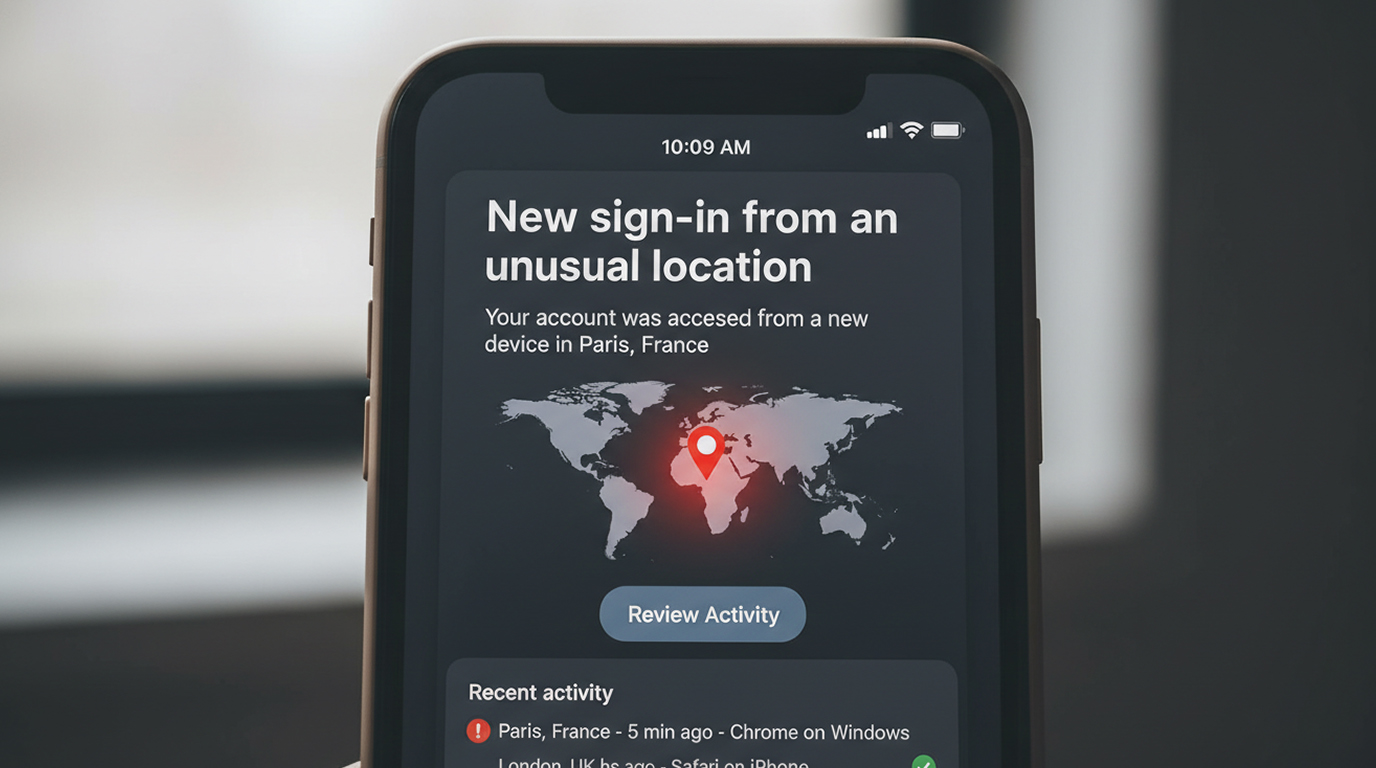
When you receive a “login from an unusual location” alert, whether from Google, Microsoft, Apple, your bank, or a crypto exchange, it’s easy to dismiss it as just another security notification or even a false positive. In reality, these alerts are among the most important early warning signals you can get in 2026. They often represent the first visible sign that someone else is trying to (or has already) accessed your account.
Here’s how these alerts mean and how you can take appropriate action.
What “Unusual Location” Really Indicates
When the system sends an alert that your location has “unusual” it is using risk-based authentication to verify your login attempt compared to your risk baseline.
There are several sources of data that the system utilizes when checking information, including;
1. Your geographic location using your IP address, which is associated with a location (country/city).
2. A fingerprint of your device, which includes: type of browser; the operating system you're using; your display resolution; the fonts you have on your device, etc.
3. Login time and behavior patterns
4. Network characteristics (VPN, proxy, residential IP, datacenter IP)
An alert usually means at least one of these factors is significantly outside your normal pattern.
Common Real-World Scenarios
1. Authentic travel or new device, You may be legitimately travelling to a different location and using a new device (phone/laptop) over an alternative network (e.g.: hotel WiFi, mobile hotspot, VPN). Legitimate travelling with a new mobile device or phone connected to another network/Internet connection (such as hotel WiFi, mobile broadband, virtual private network [VPN]). The most frequent free and non-malicious cause of logging in from another place.
2. Credential stuffing or Password Spraying, when attackers have stolen or obtained a number of usernames and passwords and they are trying to "stuff" those usernames/passwords into your account by logging in from a data centre or from a country you may never go to in person or have visited often.
3. Token/Session hi-jacking (EvilToken attacks), Attacker has already acquired the valid session token for your account and is attempting to log into your account. The login may show up in your usual location but may be identified with a different location from a city in which you are located currently and/or from an alternative device.
4. Account takeover in progress, the attacker has your account password and is trying to log in from the attackers location. If they are successful, they will typically change the password immediately, they may add their own 2 step-two factor authentication method or revoke all of your currently active sessions.
5. Proxy/VPN Abuse The attacker is using a residential proxy or VPN that happens to be in an unusual location relative to your normal activity.
How to Respond When You Get the Alert
Immediate Actions (Do This First)
1. Never click on links in emails or text messages alerts. Rather log directly into the official website or application manually.
2. Access your account’s ‘Active sessions’ or ‘Recent Activity’.
3. Any unrecognized sessions or devices you see are immediate indications of a hacked account, upon discovering this, you should sign out of all other sessions immediately.
4. Change your password from a trusted device.
5. Review and remove any suspicious applications connected to your account via OAuth permissions.
If You Did Not Authorize The Login
1. Treat the account as if it’s been hacked.
2. If you do not currently use hardware 2FA (YubiKey, Titan, etc.), enable hardware 2FA for the future.
3. Run malware scans on your devices especially if any new device fingerprints were used to trigger this alert.
4. For 48 to 72 hours continue to monitor the account.
Red Flags That Make the Alert More Serious
1. The alert shows your location is from a place you have never been.
2. The time is during the hours of your regular sleep hours.
3. The device or browser type is completely different from what you usually use.
4. You receive multiple alerts in a short period.
5. The alert is followed by password reset emails or 2FA codes you didn’t request.
Prevention Tips That Actually Work
1. Whenever possible, use a hardware security key; it will prevent much of the token hijacking that can occur.
2. Make it a habit to look at the list of all OF your active sessions and connected applications and review them on a monthly basis.
3. Do NOT use the same password for multiple services.
4. Be careful when using "Sign in with Google" or "Sign in with Apple" or "Sign in with Microsoft" on websites that you do not trust.
5. Enable login notifications and review them seriously instead of ignoring them.
Login from unusual location alerts are not perfect, but they remain one of the most effective early warning systems available to everyday users. Taking them seriously and acting quickly can stop an account takeover before the attacker gains full control.
The next time you see one of these alerts, don’t dismiss it. Spend the 30 seconds to check, it might save you a much bigger headache later.


