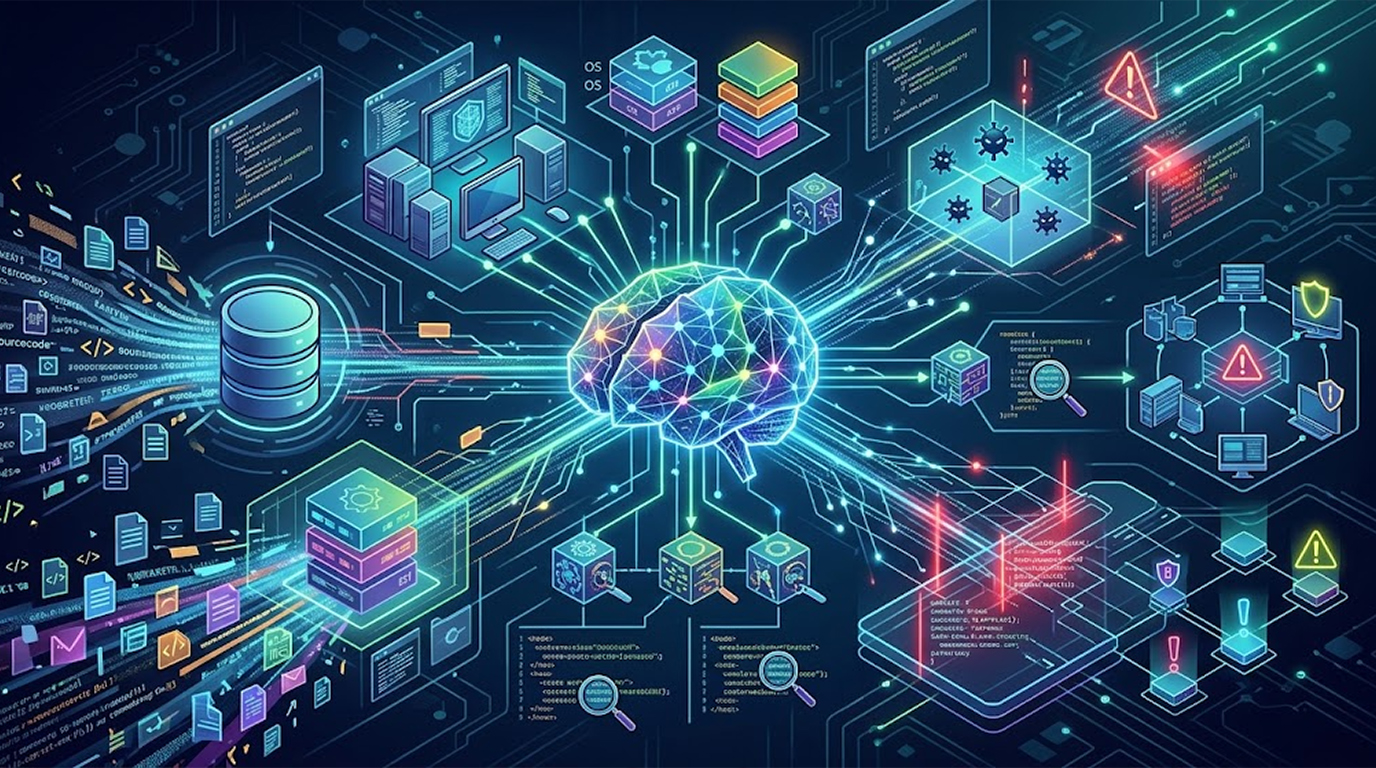
Most explanations of AI vulnerability discovery stop at the vague sentence that the model reads your code and spots weaknesses, which is unhelpful if you're the person who has to actually run the review and decide whether the output is worth acting on. The practical reality is more mechanical and more interesting, because an AI finds vulnerabilities by doing a small number of concrete things, and once you understand those things you can aim the tool instead of hoping it works.
So here is what actually happens under the hood, step by step, including the parts that produce real findings, the parts that produce noise, and the human steps that decide which is which.
Important Disclaimer
This article is intended for educational and defensive purposes only, and it describes general practices rather than guarantees. AI-assisted review is a supplementary technique, not a substitute for a penetration test or a structured audit, and every AI finding must be validated by a human before it drives a decision. The author assumes no liability for missed findings, false positives acted upon, business outcomes, or damages resulting from the use or misuse of this information, so treat the output as hypotheses rather than conclusions.
The Constraint AI Is Actually Working Around
A language model cannot hold your entire codebase in its head, because context windows are finite and real applications are larger than any of them, so the first practical problem isn't intelligence, it's selection, which means deciding which few hundred lines the model should look at and what surrounding information it needs to judge them.
That single constraint explains most of how these systems are built, because the pipeline exists to feed the model the right slice of code with the right context, and the quality of the slice matters more than the cleverness of the prompt.
Step One: Chunking the Code Into Reviewable Pieces
The first mechanical step is breaking the application into units small enough to fit, and the unit you choose shapes what the model can find.
Chunking by file is the simplest approach and it works reasonably well for small files, but it fails on large ones because the model loses the middle of the file, and it fails at boundaries because the interesting bug often lives across two files. Chunking by function is better for logic review, because each function is a self-contained unit of behaviour, but it hides the caller context that determines whether a parameter is attacker-controlled. Chunking by route or endpoint is often the most useful for web applications, because it groups the handler, the validation, the data access, and the response into one coherent story about a single request.
Most practical systems do a combination, splitting by function for the reasoning pass and grouping by route for the context pass, and the reason this matters is that a model reviewing a function in isolation can only tell you the function is dangerous if its input is untrusted, while a model reviewing the whole route can tell you whether that input actually is.
Step Two: Retrieval, Because the Model Needs What It Can't See
Once a chunk is selected, the model usually needs information that lives outside it, which means the second mechanical step is retrieval, where the system fetches related code and documentation and pastes it alongside the chunk.
The most valuable retrieval target is the call chain, because knowing who calls a function tells the model whether the parameters are user-controlled, and that single fact converts a vague suspicion into a real finding. The next most valuable target is the validation and middleware layer, because a route that looks unprotected in isolation may sit behind a global authorisation filter that the model cannot see. The third is configuration, because whether debug mode is enabled or a template engine auto-escapes changes the answer entirely.
This is why naive paste-the-file-into-chat sessions produce so many false positives, because the model is reasoning about a fragment with no knowledge of the framework's defaults, and it fills the gaps with assumptions that are often wrong for your stack.
Step Three: Reasoning About Data Flow
With the code and its context in front of it, the model does the thing it is genuinely good at, which is tracing data from a source to a sink and describing the path in plain language.
A source is anywhere attacker-controlled data enters, such as a query parameter, a request body field, a header, a cookie, an uploaded file, or a value pulled from a third-party callback. A sink is anywhere that data becomes dangerous, such as a database query, a shell command, a file path, an HTML response, a redirect target, or a deserialisation call. The model's job is to walk from one to the other and report whether anything in between actually sanitises the value.
What makes this useful is that the model understands intent and idiom, so it can recognise that a custom helper called cleanInput is probably a sanitiser even though the name isn't standard, and it can recognise that a parameterised query is safe even though it looks different from the examples it was trained on. A signature scanner cannot do that, which is why the model catches context-dependent issues that the scanner reports as clean.
Practical Example:
A model reviews a route that builds an export filename from a request parameter, follows the value into a file path, notices that the only transformation is a string replace that removes slashes but not .., and reports a path traversal, and the developer reproduces it in thirty seconds by requesting a filename containing encoded dot segments, which is the entire value of the exercise in one finding.
Step Four: Generating Candidate Payloads and Tests
The next practical step is often skipped, and it's the one that turns an opinion into evidence, because the model can propose the specific inputs that would prove or disprove the finding.
Instead of a vague statement that input validation is insufficient, the model can suggest concrete test cases, such as a boundary value, an encoded variant, a type confusion attempt, a null byte, or a payload aimed at the exact framework in use. Those suggestions then get run through a proxy or a test suite by a human, and the result is either a reproduction or a closed ticket.
This is where AI is most underrated, because the creativity is cheap and the cost of a bad suggestion is near zero, and a reviewer who would have tested three inputs now tests fifteen without extra effort.
Step Five: Validation, Which Is Where the Value Lives
The final mechanical step is validation, and it is the step that separates a useful process from a noisy one, because an unvalidated AI review produces a backlog nobody trusts.
Validation means three things in practice, which are confirming that the code path is reachable in the deployed application, confirming that no earlier control already mitigates the issue, and producing a minimal reproduction that a second person can follow. If all three hold, the finding becomes a ticket with a severity and an owner, and if any of them fails, the finding is closed with a written note explaining why.
That written note is the compounding part, because it becomes review guidance, and the same false positive stops appearing next quarter, which is how the ratio of signal to noise improves over time rather than staying fixed.
What the Practical Output Looks Like
A well-run AI review produces a short list rather than a long one, and each item looks like a sentence a developer can act on.
It names the endpoint or function, describes the source and the sink, explains what an attacker would do in one line, states what the fix is, and links to a reproduction. It also carries a confidence level, and anything below the threshold goes into a separate list for later rather than into the sprint.
That structure matters because the difference between a useful review and a useless one is rarely the number of findings, it's whether a developer can read one and know exactly what to change.
Where It Breaks Down in Practice
The failure modes are consistent, and knowing them lets you design around them.
The first is assumption filling, where the model cannot see your framework's default behaviour and assumes the insecure option, which produces a wave of findings that are real in isolation and false in context. The second is boundary blindness, where the bug spans two files and neither chunk contains the whole story, which is why route-level grouping matters.
The third is missing the operational layer, because a model reading code will never tell you that a former employee still has administrator access or that your backup lives on the same disk, and those are the gaps that cause a large share of real incidents. The fourth is confident invention, where the model produces a vulnerability because you asked for one, and the fluency of the description is not evidence of anything.
Practical Scenario:
A team reviews a Laravel application, and the model flags six routes as missing authorisation checks, and the developer confirms that four of them sit behind a middleware group defined in a route file the model never saw, which means the fix isn't code, it's including the route registration file in the retrieval set, and once that's added the false positives drop sharply.
Making It Work in a Real Workflow
The pattern that works is narrow scope, mandatory reproduction, and feedback, rather than a broad sweep of the whole repository.
Scope the ask to one class of issue in one area, such as authorisation checks on newly added routes, or file handling in upload endpoints, or query construction in reporting modules, because a scoped ask gives the model enough context to be right and gives you a manageable list to validate.
Require a reproduction before a ticket, close false positives with a note, and feed those notes back into the prompt or the review guide, and run the whole thing on a schedule rather than once, because the point is a repeatable process rather than a single impressive demo.
And keep the structured operational checks running alongside it, because the code review covers one zone and the accounts, backups, and exposed files are a different zone entirely.
Real Two Scenarios
Scenario 1: The Repository Sweep
The Setup
A team points an AI tool at the whole repository with a prompt asking it to find all security issues, receives a long report, and starts working through it top to bottom.
The Attack
No attack occurs, because most of the findings are contextual false positives, and the work consumes two sprints while the genuine exposure, an old staging environment with default credentials, sits untouched because it isn't in the code.
The Result
The team ships fewer features, the review is abandoned, and the lesson people take away is that AI security tooling doesn't work, when the real lesson is that unscoped asks produce unscoped noise.
The Lesson
The pipeline failed at the first step, because selection and scoping determine the quality of everything downstream, and a broad sweep with no retrieval context is the least useful possible configuration.
Scenario 2: The Route-Level Review
The Setup
Another team reviews one pull request at a time, scopes the ask to authorisation and input handling on changed routes, includes the route registration file in the context, and requires a reproduction before anything becomes a ticket.
The Attack
The model flags a missing ownership check on a new endpoint, the developer reproduces it by requesting another user's record, and the fix ships in the same pull request rather than in a later release.
The Result
Two of the five findings are real and get fixed before merge, three are closed with notes that improve the next review, and the team keeps the step because it costs minutes rather than sprints.
The Lesson
Narrow scope plus route-level context plus mandatory reproduction turns an unreliable tool into a reliable habit, and the value is in the ratio rather than the count.
How to Spot AI Review That Isn't Working
- Every finding sounds equally severe. If nothing is prioritised, nothing has been validated.
- No finding comes with a reproduction. A finding without a reproduction is an opinion, and a backlog of opinions is a backlog nobody trusts.
- The same false positives return every cycle. If findings aren't fed back into your guidance, you're paying the same tax repeatedly.
- The review never mentions accounts, backups, or exposed files. That means it's covering code and ignoring the operational zone where many breaches start.
- Findings are fixed by editing the line. A fix that changes syntax without closing the path is a fix in appearance only.
- The tool is asked to find everything. Broad asks produce broad noise, and scoped asks produce work you can finish.
Quick Reference: The Practical Pipeline
|
Step |
What Happens |
What It Prevents |
|
Chunking |
Code split by function or route |
Context loss on large files |
|
Retrieval |
Call chain, middleware, config added |
False positives from missing context |
|
Data flow tracing |
Source to sink reasoning |
Missing context-dependent bugs |
|
Payload generation |
Concrete test inputs proposed |
Vague findings with no evidence |
|
Validation |
Reachability, mitigation, reproduction |
A backlog nobody trusts |
|
Feedback |
Closed findings become guidance |
The same noise next cycle |
The Bottom Line
AI finds vulnerabilities by selecting a slice of code, retrieving the context it cannot see, tracing data from a source to a sink, proposing the inputs that would prove the issue, and leaving the decision to a human who confirms reachability and reproduction. The intelligence is real, and the discipline around it is what makes the output usable.
The practical rule is therefore narrow scope, full context, mandatory reproduction, and feedback into the next cycle, because a scoped review on one pull request outperforms a full repository sweep every single time, and the operational checks that AI cannot perform still have to run alongside it.
So start with one route, one class of issue, and one reproduction rule, and let the process earn its place before you scale it, because the tooling is genuinely useful once the workflow around it is honest about what it can and cannot see.
FAQ
How does AI actually find vulnerabilities in code?
It works by chunking the code into reviewable units, retrieving the surrounding context such as call chains, middleware, and configuration, tracing attacker-controlled data from a source to a dangerous sink, and then leaving validation to a human who confirms the path is reachable and reproducible.
Why does AI need the call chain and middleware to review a single function?
Because whether a function is dangerous depends almost entirely on whether its input is attacker-controlled and whether an earlier control already sanitises it, and a model that cannot see those layers fills the gap with assumptions that are often wrong for your framework.
What is a source and a sink in this context?
A source is anywhere untrusted data enters, such as a query parameter, request body, header, cookie, or uploaded file, and a sink is anywhere that data becomes dangerous, such as a database query, shell command, file path, HTML output, or redirect target.
Can AI prove that a vulnerability is exploitable?
No, it can describe a plausible path and propose the inputs that might trigger it, but demonstrating exploitability requires running those inputs against a target, which is why a minimal reproduction is the only reliable filter.
Why does AI produce so many false positives?
Because it cannot see your framework's defaults or your global controls, so it assumes the insecure behaviour, and because a model asked to find problems will usually produce one, which is why scoping the ask and supplying full context reduce the noise dramatically.
What should I scope an AI security review to?
One class of issue in one area, such as authorisation checks on newly added routes, input handling in upload endpoints, or query construction in reporting modules, because a narrow ask with full context produces findings you can actually validate and close.
Does AI review replace a structured audit or a penetration test?
No, because it reads code and cannot see stale accounts, untested backups, exposed files, or business logic under adversarial conditions, which is why it sits alongside a structured checklist and a test rather than replacing either.