
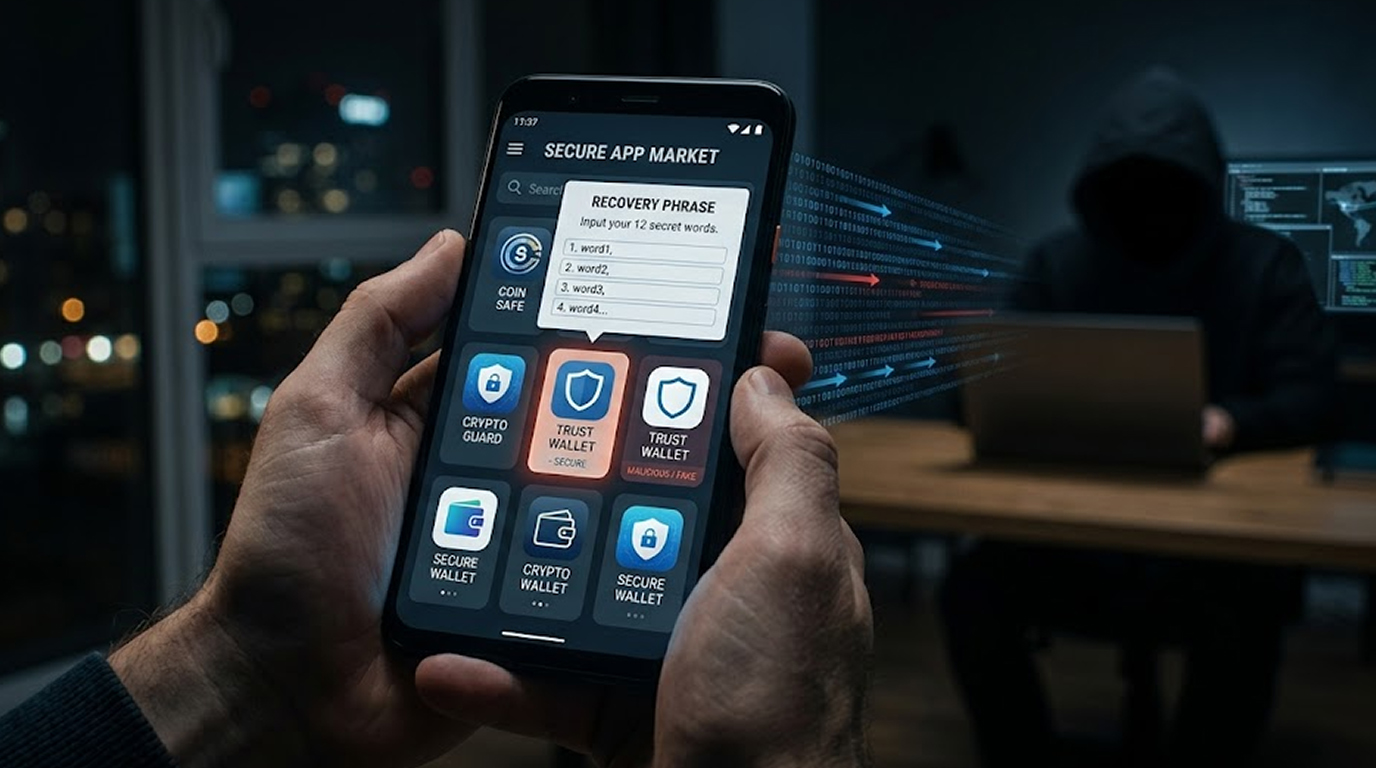
Apple's App Store has long been considered one of the safest places to download apps. That reputation just took a serious hit.
Security researchers at Kaspersky have uncovered a campaign where fake wallet apps steal recovery phrases from unsuspecting iOS users. The malicious apps impersonated popular cryptocurrency wallets like MetaMask, Ledger, Trust Wallet, Coinbase, imToken, TokenPocket, and Bitpie.
Worse, these apps were available for direct download from Apple's official App Store, not from shady third-party websites. The campaign has been active since at least fall 2025.
26 Malicious Apps Discovered
Kaspersky researcher Sergey Puzan identified a total of 26 apps, collectively dubbed FakeWallet. The fake wallet apps trick users into entering their seed phrase or private key and stealing it through exfiltration (sending the information to an attacker’s server). The attackers can then completely take control of the user's cryptocurrency wallet.
They can drain funds, fraudulently transact, and permanently keep the original owner from accessing the account. Many of the 26 apps have since been removed by Apple following Kaspersky's disclosure. However, there is no guarantee that similar apps aren't still lurking in the App Store today.
How the Fake Wallet Apps Work
The fake wallet apps steal recovery phrases using two main techniques.
First technique: Fake browser pages. When a victim launches the malicious app, it redirects them to a webpage designed to look nearly identical to the App Store. That fake page then offers a trojanized version of a legitimate wallet. The user thinks they are downloading a real wallet. They aren't.
Second technique: Typos and placeholders. Some of the malicious apps had icons that mirrored the original wallets but contained intentional typos in their names like "LeddgerNew." Other apps had no connection to cryptocurrency at all. They pretended to be games, calculators, or task planners.
When opened, they directed users to a website claiming the real wallet was "unavailable in the App Store due to regulatory reasons." From there, they tricked victims into installing the malicious wallet.
In both cases, the fake wallet apps steal recovery phrases by either:
1. Hooking the code where a user enters their seed phrase.
2. Displaying a phishing page that asks for mnemonics as a "verification step".
Who Was Targeted?
The campaign specifically affected Apple users whose Apple accounts were set to China. That geographic restriction may explain why the malicious apps went unnoticed for so long.
There is no evidence that these same fake wallet apps steal recovery phrases from Android users via Google Play. The campaign appears to be iOS-only.
However, Kaspersky also identified several similar apps that did not yet have the malicious features enabled. Those apps mimicked benign services and used enterprise provisioning profiles to install the wallet malware, a more sophisticated method that bypasses App Store review altogether.
Links to SparkKitty and Chinese-Speaking Actors
Kaspersky suspects the same threat actors behind last year's SparkKitty trojan campaign may be responsible for this one. Why?
Because some of the infected fake wallet apps steal recovery phrases using an additional technique: optical character recognition (OCR). The malware scans images on the victim's device to find wallet recovery phrases stored as screenshots. That specific technique appeared in SparkKitty as well.
Both campaigns also appear to be the work of native Chinese speakers, and both specifically target cryptocurrency assets.
The Bigger Picture: MiningDropper on Android
While iOS users face the fake wallet apps steal recovery phrases threat, Android users are dealing with an equally dangerous framework called MiningDropper (also tracked as BeatBanker).
Discovered by Cyble, MiningDropper combines cryptojacking with information theft, banking malware, and remote access capabilities. It has been distributed via a trojanized version of the open source Android app Lumolight. Fake websites impersonating banks and regional transport offices push the malware.
MiningDropper uses a multi stage payload delivery architecture that includes:
1. XOR-based native obfuscation
2. AES-encrypted payload staging
3. Dynamic DEX loading
4. Anti-emulation techniques
This layered design makes static analysis difficult for security researchers while giving attackers flexibility. The same delivery framework can be reused across hundreds of samples while changing the final monetization objective.
How to Protect Yourself
If you use cryptocurrency wallets on iOS, here's what you need to do right now.
First, review your installed apps. Look for any wallet apps with unusual names, typos, or icons that don't quite match the official versions. If you see one, uninstall it immediately and move your funds to a new wallet with a fresh recovery phrase.
Second, never enter your recovery phrase into any website or app that asks for it "for verification." Legitimate wallet apps will ask for your seed phrase once—during initial setup. They never ask again. Any app or site that requests your mnemonic after setup is a scam.
Third, avoid downloading wallet apps through redirections. If an app opens a browser page and claims the "real" wallet is unavailable on the App Store, that's a red flag. Only download wallets directly from the official App Store search results typed manually by you, not via links.
Fourth, store your recovery phrase offline. Do not take screenshots of your seed phrase. Do not save it in notes apps. Do not email it to yourself. The fake wallet apps steal recovery phrases using OCR can find those screenshots.
Final Thoughts
For years, iOS users have felt safe trusting Apple's App Store review process. This campaign proves that safety is not absolute. Twenty-six malicious apps made it through Apple's defenses and they were actively tricking users out of their cryptocurrency.
The fake wallet apps steal recovery phrases campaign is gaining momentum, according to Kaspersky. Attackers are evolving. They are now embedding themselves into cold wallet apps, using sophisticated phishing notifications, and abusing enterprise provisioning profiles.
Your best defense is not a better antivirus. It's skepticism. Question every wallet app. Verify every download link. And never, ever share your recovery phrase.
FAQ Section
Q1: What are the ways of identifying fake wallets that steal recovery phrases off of your iPhone?
You can look at the app name to see if there are typos (example: "LeddgerNew" as opposed to "Ledger"). You can check out the developer name; if you are redirected to a browser page asking for your seed phrase, uninstall immediately. Legitimate wallets will never ask you to provide your recovery phrase after being set up.
Q2: Are the fake wallets still in the Apple App Store?
All 26 apps have been removed from the App Store by Apple; however, the same malware developers may have released new apps with different names to be able to continue committing fraudulent acts. Always confirm the validity of your wallet app before downloading.
Q3: Do fake wallet apps find recovery phrases from a Ledger or other cold wallets?
Yes, the malware that creates the wallets will target both hot and cold wallets, looking specifically for the user-entered mnemonic. If you type your recovery phrase for your Ledger into a fake app or phishing web page, the perpetrator can use that data to re-create your Ledger wallet on their own device and completely drain you empty.
Q4: Are Android users also impacted by this?
The FakeWallet Campaign was engineered solely for iOS holders whose Apple ID accounts were established using a country/region set to mainland China. Android users face similar threats, i.e. MiningDropper, that combines crypto mining malware and banking trojans.
Q5: I've entered my recovery phrase in a fake wallet app; what should I do now?
Immediately transfer the funds from the fake wallet to a completely new wallet with a new recovery phrase. You cannot return to the old wallet address that you originally created because you have compromised its security. Once you transfer your funds out of the fake wallet, you should remove the fake wallet from your device and run a security scan on your iOS device, if this is available for your device.


