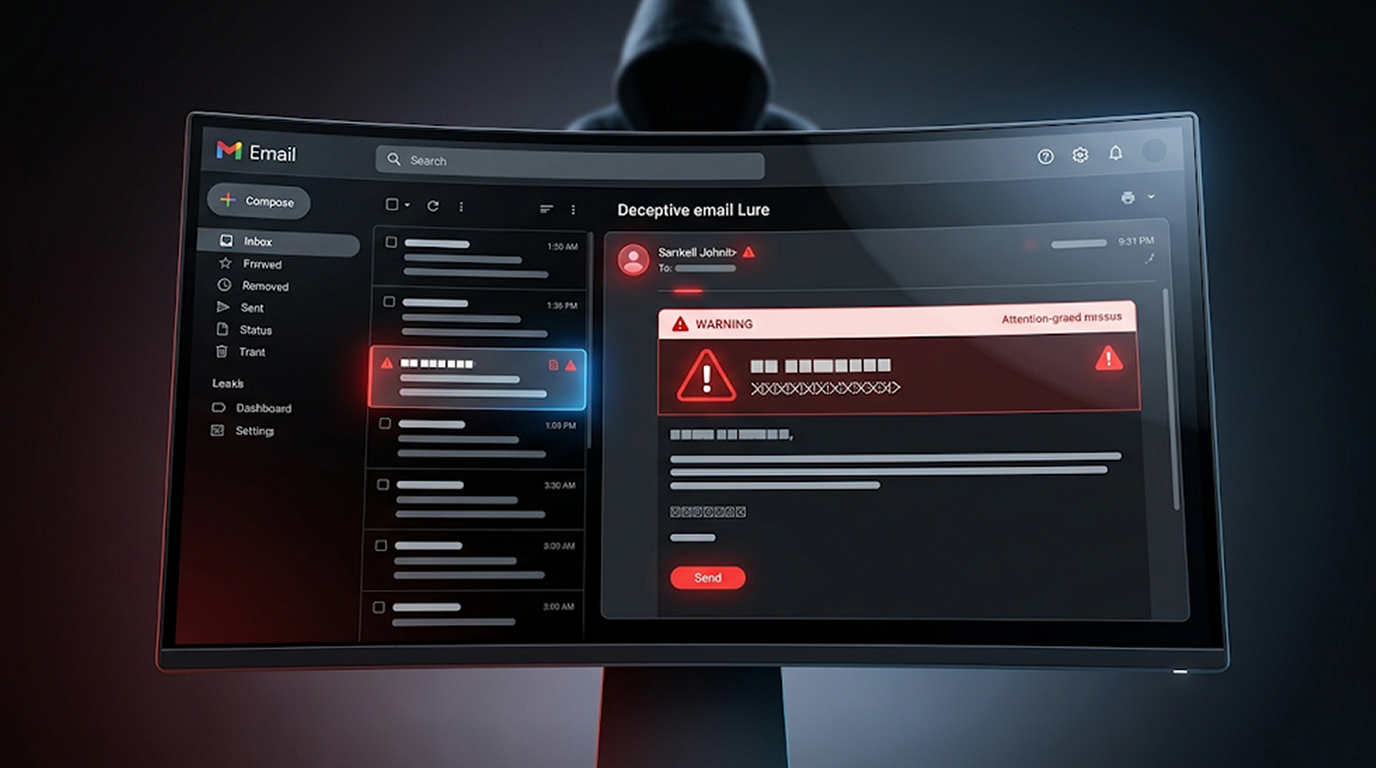
Fake “Email Quota Exceeded”
Scammers often take advantage of fear and urgency to trick victims into clicking on malicious links. The two most popular phishing bait tactics in 2026 are fake "Email Account Quota Exceeded" and "Account Suspension" Lures.
Scammers often take advantage of fear and urgency to trick victims into clicking on malicious links. The two most popular phishing bait tactics in 2026 are fake "Email Account Quota Exceeded" and "Account Suspension" Lures.
The emails create an immediate sense of panic due to the threat of losing access to an email account or completely being locked out of an account. The best defense against these types of scams is to know what these lures look like and to be able to identify the signs of them using real examples of how they are run.
This guide will show you real-world examples of these scams, help you to recognize the lures, and educate you on steps to remain safe.
Why These Lures Are So Effective
The two most effective ways that these lures are able to achieve success are by creating urgency and creating fear in individuals of losing data. These impersonated brands; like Google, Microsoft, Yahoo, and your corporations' IT department; create a sense of legitimacy; therefore, leading to a greater chance of action by the victim.
Most individuals heavily rely on e-mail both personally and professionally, which makes individuals far more likely to click the link prior to completing any form of due diligence.
Real Samples of Fake “Email Quota Exceeded” Lures
The following are actual scams related to exceeding your email quota in 2026:
Sample 1 – Mailbox Quota Almost Over
1. Subject: Mailbox Quota Almost Completely Full
2. Body excerpt: "Your mailbox is at capacity. The total storage space used: 49.9GB / your available storage space: 50GB. If you do not increase your email storage limit, all new incoming emails will not be delivered to your mailbox and may be deleted. To upgrade your email storage now, click here."
Sample 2 – Email Quota 99% Full
1. Subject: PENDING UNREAD MESSAGES
2. Body excerpt: "Your email box storage has hit 1990.08MB, or 99% of your maximum available capacity, 2058.00MB. To delete emails from your email box so that you can increase the capacity of your email storage limit, you can log onto the webapp. NOTE - IF YOU DO NOT INCREASE YOUR STORAGE LIMIT, YOU WILL NOT BE ABLE TO SEND / RECEIVE EMAIL."
Sample 3 – Mailbox Deactivation Threat
1. Subject: Deactivation of Your Mailbox
2. Body excerpt: "Your email has exceeded your storage limit (99.9 GB). If you want to continue sending and receiving emails, you must verify your email before the end of 48 hours after receipt of this email."
These fake email quota exceeded messages usually include a big prominent button or link labeled “Update Quota,” “Verify Account,” or “Increase Storage.”
Real Samples of Fake “Account Suspension” Lures
Account suspension lures often overlap with quota warnings but focus more on policy violations or suspicious activity. Here are typical examples:
Sample 1 – Suspension Threat Example
1. Subject: Account Suspension Request
2. Body excerpt: “Your account will be suspended, as requested by admin. If you wish to cancel the request to suspend your account, please click Cancel Now.”
Sample 2 – Violating Terms Version
1. Subject: Must Act Now: Your account will be suspended
2. Body excerpt: Your account is going to be suspended 24 hours from now unless you have verified your account information before then. This is a result of your failure to adhere to the terms of service, or due to some suspicious activity on your account.”
Sample 3 – Temporary Suspension Of Cloud Storage/Email Storage
1. Subject: Your Cloud Storage Account Temporarily Suspended
2. Body excerpt: “Your renewal could not be processed and therefore, your access to your cloud storage account will be suspended until further notice. Please see below on how to update your billing information so your cloud storage can be reinstated.”
There are hundreds of emails impersonating Microsoft Office 365, Google Workspace or Outlook that look official because they use identical logos.
Key Red Flags in These Phishing Samples
A fake email that claims you have reached your email quota or your email account is suspended may exhibit any of the following warning signs:
1. Email messages asking for action to be taken within very short time frames (e.g., "immediate response required", "last opportunity")
2. Sender email addresses that contain typos or misspellings (e.g., [email protected], instead of [email protected])
3. Use of non-specific salutation such as "Dear User", versus addressing your specific identity
4. Email requests to click on a hyperlink or download a file to "confirm" or "update"
5. Poor sentence structure and spelling/grammar errors, randomness in branding
6. When hovering over hyperlink, use of shortened or suspicious URL
7. Instilling a sense of urgency to respond quickly so that the recipient will not lose their email account
Legitimate companies will not send out unsolicited emails to warn of possible impending suspension of an email account, or request users' passwords or any other private information through a hyperlink included in unsolicited emails.
How These Fake Lures Typically Work
The attack pattern of these imitation lures is straightforward and effective:
1. An incoming fraudulent quota exceedance email presenting no evidence of verification or assurance of authenticity is received into the inbox.
2. The panic reaction causes you to click on the link before you can consider your reaction to what was just received.
3. The clicked link will direct you to a highly believable imitation of a genuine login page, which captures your credentials.
4. The email could also contain links that will force your computer to install malware, or any other type of phishing attack.
The most advanced versions coming out by 2026 will utilize AI-generated text in order to enhance grammatical, spelling errors and enhance individual personalization based on past data breaches.
How to Protect Yourself from These Scams
To avoid falling victim to these types of attacks follow these recommendations:
1. Never click on any links in any urgent quota overage or quotation suspension notices, always manually log in to your account by using the official website.
2. Implement two-factor authentication (2FA) wherever possible.
3. Use a password manager by generating a unique and secure password for all online accounts and use different credentials.
4. Inform your email service provider of any suspicious email you have received or report any suspicious emails using the built-in phishing report function.
5. Before clicking on a link in an email always hover your mouse over the link to verify its actual destination/website.
6. Maintain the most recent versions of both your e-mail application and antivirus software.
If you are an organization, regularly provide security awareness training for all employees to assist them in recognizing these types of lures at the earliest stage possible.
What to Do If You Clicked a Suspicious Link
If you have clicked the link for an email quota has been exceeded or the suspension of your account, please do the following:
1. Change your password immediately using the official website (not through the email).
2. Enable/review two-step verification settings.
3. Run a malware scan of your computer.
4. Keep an eye on your account for unusual activity.
5. Report this email to your email service provider and possibly to the authorities — e.g., the Federal Trade Commission.
Acting quickly can help minimize any negative consequences associated with this event.
Staying Safe in the 2026 Phishing Landscape
Scammers are developing these lures as much as possible by improving the designs and using greater artificial intelligence assistance. The primary tactics used therefore still involve using fear in their actions against the victim. By better identifying the patterns of fake “email quota exceeded” and “account suspension”, you will not become a victim.
Remember the golden rule: If you’re uncertain about something, always go to the official application to log in to your account or use the website that you type out, never use email hyperlinks.
Conclusions
Fake “Email Quota Exceeded” and “Account Suspension” phishing are highly effective because they are perceived to be both urgent and personal. In order to prevent these types of phishing attempts, look for real fraudulent examples so that they become easier for you to identify and respond to accordingly.
Remain calm, look for independent verification and do not make impulsive clicks due to fear. By using the tips above now, you are protecting your account from phishing and you will thank yourself for it in the end as well as your inbox.
FAQ Section
Q1: What does a “Mailbox Quota Exceeded” Scheme email typically have in it?
Most fake “Email Quota Exceeded” emails mimic telling you that your mailbox is 99% full or has hit a certain threshold (e.g., 49.9GB of a 50.00GB) and urges you to click a link to “update quota info”, “verify account”, etc. to avoid losing access to your account.
Q2: Are account suspension emails always scams?
Not always, but unexpected urgent suspension notices via email are almost always phishing. Legitimate providers give advance warnings and direct you to log in officially, not through email links.
Q3: Can I trust a link that says “Update Email Quota”?
No. Real providers never ask you to update quota or verify via unsolicited email links. Always go directly to the official website by typing the address yourself.
Q4: What should I do after receiving a fake suspension notice?
Do not click anything. Manually log in and see if there are any issues with your account; forward it as junk / phishing to your service provider and delete.
Q5: Why are fake email quota exceeded scams so common in 2026?
Because they play off of people's everyday email anxiety and there are multiple methods for scammer to send out thousands of email at once and as (AI) technology advances, scammers will have greater access and ability to create more personalized and believable emails that can get through basic email filters.