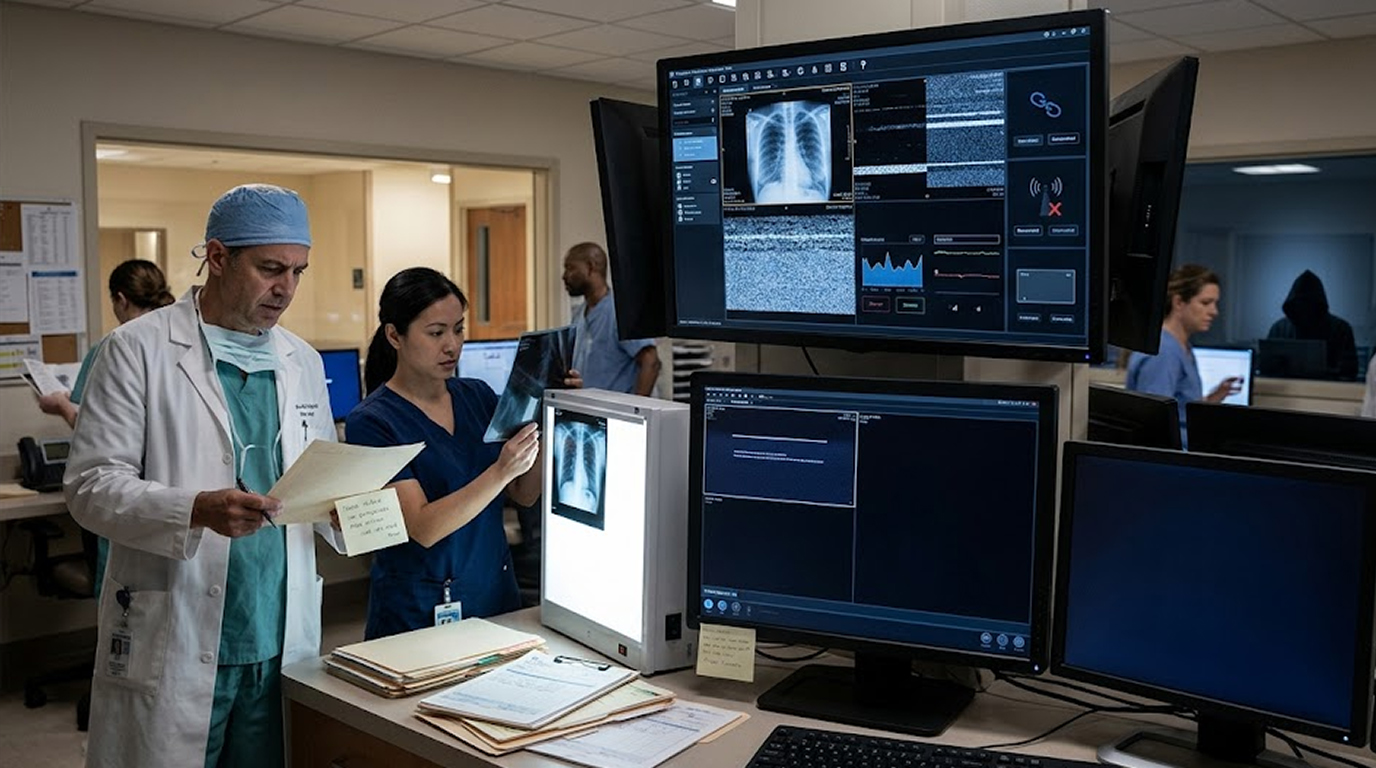
It is 2 AM , a patient arrives at the emergency department, slurred speech, Facial droop, one arm drifting, and classic stroke symptoms.
The clock is ticking, or every minute without treatment, two million neurons die. You needs images, CT, CTA, and Perfusion studies.
You open the radiology workstation, the login screen loads slowly, then an error "Unable to connect to PACS server."
You try again, same error, you call IT: "We are working on it." An hour passes, two hours, and The PACS remains down.
Days turn into weeks, the ransomware negotiators are not returning calls, your imaging archive is locked, your backups were also encrypted.
This is not a hypothetical exercise, hospitals have faced extended imaging downtimes, some for weeks , and some for months.
So here is the question: How would your hospital diagnose a stroke without PACS for 30 days?
The Baseline: What PACS Actually Does
Before we talk about failure, let us agree on what PACS does.
PACS (Picture Archiving and Communication System) is the digital backbone of modern radiology. It:
1. Receives images from modalities (CT, MRI, X-ray, Ultrasound)
2. Stores those images in a searchable archive
3. Distributes images to reading workstations
4. Provides viewing tools for radiologists and clinicians
5. Integrates with the Electronic Health Record (EHR)
6. Retains images for legal and clinical timelines
A hospital without PACS is a hospital without digital images. That means no stroke protocol. No trauma survey. No post-op surgical check. No interventional guidance.
What PACS does NOT do: It does not take the images. That is the modality. The CT scanner still works. The MRI still works. But without PACS, those images go nowhere. They sit on the modality's local console. They are not shared. They are not archived. They are not readable on radiology workstations.
The Stroke Workflow Without PACS
Let me walk you through what happens to a stroke patient when PACS is down for an extended period.
First Hour: The Workaround
The emergency physician orders a non-contrast CT head. The CT technologist scans the patient. Images appear on the CT console. The technologist burns a CD-ROM and walks it to the radiology reading room.
Problems already appearing:
1. The CD contains only raw images, not reformatted or processed
2. The radiologist cannot window/level properly on a standard PC
3. No perfusion maps for stroke core/penumbra assessment
4. No comparison to prior studies (those are also on the dead PACS)
5. The CD takes 15 minutes to travel versus 5 seconds electronic
The radiologist does their best with the CD using basic DICOM viewer software hastily installed on a backup laptop.
Day Two: The Accumulation
By day two, the CD method is failing. The department performed 47 CT scans, 23 MRIs, and 112 X-rays yesterday. Each study requires its own CD. CDs are being lost. Mislabeled. Broken.
The radiology manager has commandeered three staff members to burn and deliver discs.
Hidden costs: The radiology workflow team at one hospital (which experienced 30 days of PACS downtime) spent approximately 2,000 hours on manual workarounds.
Week One: The Exhaustion
By the end of the first week, the cracks are obvious.
1. Stroke diagnosis is delayed by 45-90 minutes per patient
2. Some minor strokes are being missed
3. Radiologists are reading from multiple PCs with different viewer software
4. No two workstations look the same
5. Clinicians cannot access images from the floor
6. Surgery is being delayed while waiting for CD delivery
7. The IT team has not slept
Week Two: The Technical Triage
At this point, some technical workarounds start to emerge. The modalities are configured to send images to a temporary local server. A basic DICOM receiver is running on a spare workstation. Radiologists can at least see images without CDs.
But the deeper problems remain:
1. No archived prior studies
2. No structured reporting
3. No integration with EHR
4. No remote reading (if radiologists work from home)
5. No teaching file collection
Week Three: The Downgrade
The emergency department has learned to work without images. This is not a success.
This is a downgrade.
1. Non-emergent imaging is being cancelled or postponed
2. The surgical schedule is reduced by 40%
3. Discharges are delayed because final reads are not available
4. The hospital is losing revenue
5. Patients are being transferred to other hospitals
Week Four: The Normalization
By week four, the worst thing has happened. The hospital has normalized dysfunction. Staff have created shadow processes. CDs are everywhere. Some studies exist on three different drives with no master index.
This is when bad things happen:
1. A patient returns for a follow-up scan. The prior study is on a CD in a drawer somewhere. It is not found. The radiologist misses disease progression.
2. A study is mislabeled. The wrong patient receives a procedure based on incorrect images.
3. A CD fails. The study cannot be read. The patient is re-scanned with additional radiation exposure.
The Clinical Impact Numbers
Let me put numbers on this scenario.
|
Metric |
Normal PACS |
30-Day PACS Downtime |
|
Stroke door-to-imaging time |
15-20 minutes |
45-90+ minutes |
|
Neuroradiology interpretation |
30 minutes |
2-4 hours (CD delivery) |
|
Comparison to prior exams |
30 seconds |
Hours (if found) |
|
Images lost or misfiled |
<1% |
10-15% |
|
Radiologist non-interpretive time |
10% |
60-70% |
|
Emergency department length of stay |
4 hours |
8-12 hours |
|
Transfers to other hospitals |
Baseline |
+300% |
Stroke patients are not the only ones affected. Trauma. Pulmonary embolism. Appendicitis. Subarachnoid hemorrhage. Every single emergency diagnosis that relies on imaging is delayed or degraded.
The Infrastructure You Actually Need
Hospitals often assume their PACS vendor will save them. Or that IT will restore from backup within 48 hours. Or that "the cloud" will protect them.
Extended downtime requires extended planning.
1. Modality-Level Redundancy
Your CT scanner has a local console. That console stores images. But can you view those images anywhere else? Can you share them with a radiologist across the hospital?
What you need: Every modality should be configured to send images to at least two destinations simultaneously. Primary PACS. Secondary backup receiver. When PACS fails, the secondary receiver becomes the active reading source.
2. Portable Diagnostic Workstations
Radiologists cannot read from a CT console. They need workstations. And when PACS is down, those workstations need local DICOM viewing software that can open studies from CDs, USBs, or network shares.
What you need: Pre-configured DICOM viewers on every radiology reading station and at least five backup laptops stored in a secure, accessible location. These laptops should be tested quarterly.
3. A Functional "Dark" PACS
Some hospitals maintain a cold standby PACS. This is a separate server with its own storage, pre-loaded with the same software as the production PACS. It sits powered off, waiting.
When the primary PACS fails, the cold standby can be brought online. It does not have the recent studies (those would need to be recovered from backups or modalities). But it provides a familiar reading environment.
What you need: Either a cold standby PACS or a contractual agreement with your vendor for emergency deployment of a temporary PACS within 24 hours.
4. CD/DVD Automation
When PACS fails, you will burn discs. Doing this manually is a disaster.
What you need: Automated disc publishing systems attached to each major modality. The technologist inserts a blank disc, selects the study, and the system burns the disc with appropriate DICOMDIR. This is not a luxury. It is a necessity for extended downtime.
5. Modality Hard Drive Retention
Every CT and MRI console has a hard drive. It stores recent studies. By default, this retention period is often set to 7-30 days.
What you need: Set modality retention to maximum (usually 6-12 months depending on storage). Ensure the hard drive is not automatically deleted. Document how to retrieve studies from the console without PACS.
The Workflow You Need to Practice
Having the infrastructure is not enough. Your staff must know how to use it.
1. Quarterly Downtime Drills
Every three months, schedule a four-hour PACS downtime drill. Not a tabletop. A real drill.
What happens:
1. IT disables PACS access for a specific modality or reading room
2. Radiology staff work using backup processes
3. A mock stroke patient is tracked through the system
4. Metrics are recorded: time to image, time to read, time to result
What you learn:
1. Which discs are not burning properly
2. Where the bottlenecks are
3. Who does not know the backup procedure
4. Which modalities fail to send to secondary destinations
2. The Stroke Drill
Run a specific stroke downtime drill quarterly. The scenario: PACS is unavailable. A suspected stroke patient is in the scanner. The drill measures time to CT acquisition, time to CD burn, time to delivery, time to interpretation, time to treatment decision.
Target metrics for downtime stroke drill:
1. CT acquisition to CD available: <10 minutes
2. CD delivery to reading location: <10 minutes
3. Radiologist interpretation ready: <20 minutes from CD arrival
If your drill exceeds these times, change your process.
3. Annual Full-Day Downtime Test
Once per year, run a full eight-hour downtime test. Not a simulation. A real test where clinical operations work on backup processes.
This test will fail. That is the point. You want to find the failures before a real disaster.
The IT Requirements You Cannot Ignore
Your PACS is an IT system. Its failure is an IT problem. But many hospitals keep radiology IT separate from central IT. That separation fails during extended downtime.
1. Local Imaging Archive
Your PACS archive might be in your data center. Or in the cloud. Neither is accessible if your network is down or if ransomware has encrypted both.
What you need: A local, offline, air-gapped imaging archive. This is separate from your production PACS. It is not network accessible. It is updated weekly from the production archive. It can be read by a standalone workstation with DICOM viewer software.
2. Hardcopy Override
When digital fails, you need analog. It is slow. It is inefficient. But it works.
What you need: A dry laser imager attached to each major modality. When PACS is down, the technologist can print key images to film. This is not for primary diagnosis. It is for emergencies when no other option exists.
3. Redundant Power and Cooling
Your PACS servers need power. Your workstations need power. Your modalities need power. Extended downtime often accompanies extended power outages.
What you need: At least 72 hours of UPS (uninterruptible power supply) for critical imaging systems. Plus generator fuel contracts that are tested quarterly.
The Human Factor
Infrastructure and workflows are useless if your staff is exhausted.
1. Rotating Downtime Roles
During extended downtime, running the manual imaging service is brutal. The same staff cannot do this for days or weeks.
What you need: Downtime role assignments that rotate. Three shifts. clear handoff documentation. No one works more than 12 hours without a break.
2. Emotional Contingency
Extended downtime is traumatic for healthcare workers. They cannot do their jobs properly. They worry about missing findings. They worry about harming patients.
What you need: Access to psychological support for radiology and IT staff during extended incidents. This is not optional.
3. Clear Stop Conditions
At what point does downtime become unrecoverable? When should you transfer patients to another hospital? When should you declare an internal disaster?
What you need: Written criteria for activation of patient transfer protocols. These should include duration of downtime, volume of backlogged studies, and rate of reported errors.
The Return from Extended Downtime
After 30 days without PACS, your systems and staff are damaged.
The recovery is not just restoring the PACS. The recovery includes:
1. Reconciling studies that were performed but never archived
2. Integrating CD-based priors back into the restored PACS
3. Review of missed or delayed findings from the downtime period
4. Debrief with risk management and legal
5. Root cause analysis of the failure
Plan for recovery to take as long as the downtime itself.
A Practical Self-Assessment
How would your hospital fare? Answer these questions honestly.
|
Question |
Yes |
No |
|
Do you have a written PACS downtime procedure updated in the last 12 months? |
||
|
Have you run a downtime drill in the last 6 months? |
||
|
Does every modality automatically burn a CD for every study without staff intervention? |
||
|
Are there backup DICOM viewers installed on at least 5 laptops? |
||
|
Do you have a local, offline, air-gapped imaging archive? |
||
|
Have you tested restoring from that archive in the last year? |
||
|
Does your stroke protocol include a downtime pathway? |
||
|
Have you practiced that pathway with a mock patient? |
||
|
Do you have a written agreement with your PACS vendor for emergency temporary deployment? |
||
|
Does your cyber insurance cover extended imaging downtime? |
Conclusion: The Question Is Not If, But When
Ransomware. Storage failure. Database corruption. Network outage. Natural disaster. There are dozens of ways to lose PACS access.
The question is not whether your hospital will face extended imaging downtime. The question is when.
Most hospitals plan for 48 to 72 hours of downtime. That is optimistic. Real recoveries take weeks or months.
Stroke patients cannot wait for IT to restore backups. Trauma patients cannot wait for vendor support. Your grandmother cannot wait for a new server.
Plan for 30 days. Build the infrastructure. Practice the drills. Train the staff.
Because when the PACS goes down, the clock starts ticking. And in the meantime, patients keep arriving.
FAQ Section
1. How long can a hospital realistically function without PACS?
Most hospitals can manage 24-48 hours using CDs, portable viewers, and overtime. Beyond 72 hours, the manual process breaks down. Studies are lost, delayed, or mislabeled. Radiology workflow efficiency drops by 80-90%. Patient care is degraded. After two weeks, most hospitals require external assistance or patient diversion.
2. What is the biggest risk of extended PACS downtime for stroke patients?
Time. Stroke patients require rapid imaging and interpretation. Without PACS, images must be manually delivered on CD, interpreted on unfamiliar software, and compared to prior studies that may not be available. Every 30-minute delay increases the risk of permanent disability. Extended downtime shifts stroke patients to worse outcomes or transfers to other facilities.
3. Can cloud-based PACS prevent extended downtime?
No. Cloud PACS requires internet connectivity. If your network is down, cloud PACS is inaccessible. If a ransomware attack targets your cloud provider or your authentication systems, cloud PACS is inaccessible. Cloud PACS is a distribution method, not a downtime solution. You still need local redundancy and offline fallbacks.
4. Should hospitals keep film printers for emergency backup?
For most hospitals, the cost of maintaining dry laser imagers and film stocks is lower than the cost of a single adverse event during downtime. Having the ability to print critical images (stroke, trauma, aortic dissection) to film provides a non-digital failsafe. This should be considered based on your hospital's risk profile and stroke volume.
5. How often should a hospital run PACS downtime drills?
Quarterly drills for specific workflows (stroke, trauma, ICU rounds). Annual full-day downtime tests. Drills should include IT, radiology, emergency medicine, nursing, and transport staff. Document failures and update procedures after each drill. If you have not run a drill in the last six months, your plan has likely already diverged from reality.