
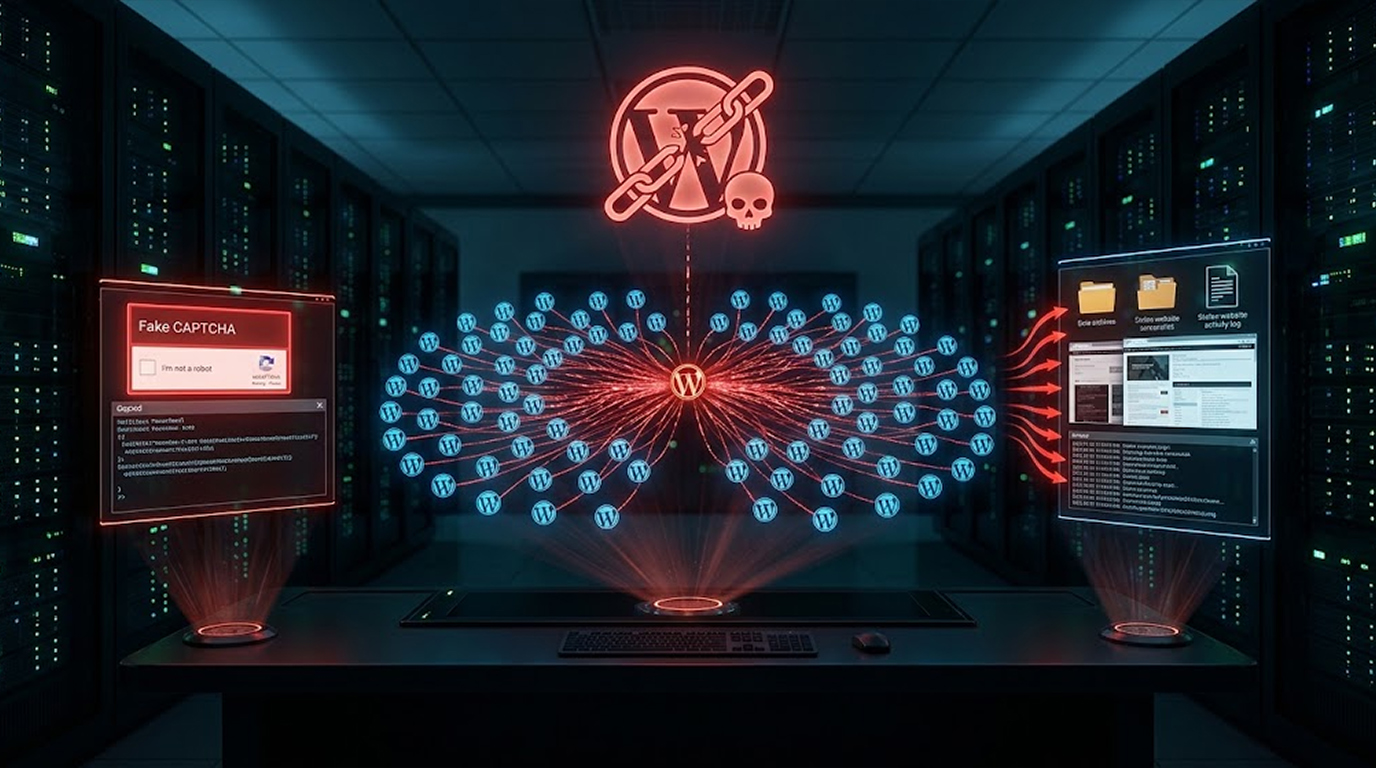
A huge worldwide cybercrime campaign is employing close to 2,000 hacked WordPress websites as a criminal infrastructure for spread malware, steal data, and spy on victims. The campaign, tracked as StopAndProtect, uses fake CAPTCHA prompts to trick users into running malicious PowerShell commands.
Check Point Research discovered the StopAndProtect WordPress malware campaign in mid-May 2026. The operation doesn't rely on a single piece of malware. Instead, it uses a whole toolkit of criminal software working together. Some components encrypt files. Others silently steal documents or lock the screen. Another acts as a live chat between the attackers and their victims.
If you run a WordPress site or simply browse the web, this affects you. Attackers are turning poorly maintained websites into weapons. Let me break down exactly what's happening and how to protect yourself.
What Is the StopAndProtect WordPress Malware Campaign?
The StopAndProtect WordPress malware is a mass cyber crime that uses hacked WordPress sites as infrastructure to:
- Malware stages for hosts
- Work as C2 servers
- Storing any stolen data like documents, screenshots, and logs
This problem is really big. More than 2,000 WordPress websites were hacked. They are mostly using old versions of WordPress, making them vulnerable. One compromised site runs a WordPress version from 2021, susceptible to roughly 40 different vulnerabilities.
How the StopAndProtect Attack Works
The StopAndProtect WordPress malware campaign uses a multi-stage infection chain:
Stage 1: ClickFix Social Engineering
Users see a fake CAPTCHA prompt on a compromised website. This is when the request is made for them to enter the PowerShell command. It is from this moment on that the malware becomes active.
Stage 2: .NET Downloader
The PowerShell command is executed to initiate the .NET Downloader. It collects statistics and delivers them to the C2 server.
Stage 3: Second Stage Downloader
Another .NET downloader that has sandbox checks and increased logging is used. It then launches the main components.
Stage 4: Six Malware Components Deployed
The final stage deploys six components:
|
Component |
What It Does |
|
SilentEncryptor |
Encrypts files (ransomware) |
|
NetworkShareScanner |
SMB/USB worm that spreads |
|
VBS Spreader |
Moves laterally via WMI |
|
LockScreen |
Blocks user input, shows ransom message |
|
SimpleChatProxy |
Live chat between attacker and victim |
|
SilentDataCollector |
Steals and exfiltrates files |
Advanced Stealer Features
Newer versions of the StopAndProtect WordPress malware campaign include even more advanced features:
- Keylogger with email detection
- WhatsApp exfiltration (both web and desktop)
- Screenshot capture every 30 seconds
- Network share mapping and unmapping
How WhatsApp Theft Works:
The stealer waits until the victim becomes inactive. Then, the WhatsApp automation is employed to concentrate on the search box, enter a specified keyword (contact name), open the contact information, and capture a screenshot.
The Hacked WordPress Infrastructure
The StopAndProtect WordPress malware campaign relies on hacked WordPress sites. Control is retained as follows:
The Plugin Installation:
Attackers utilize a ZIP archive which contains a PHP file named "uploader-installer.php". They install a custom WordPress plugin that will create a must-use plugin file in "wp-content/mu-plugins" directory.
File Upload Capability:
The plugin allows anyone with valid credentials to upload arbitrary files (including PHP files) to almost any path under the WordPress root. It allows for remote execution of the code.
Self-deleting:
As soon as the site gets compromised, the plug-in automatically deactivates and deletes itself.
The Verify Plugin:
In any compromised websites, there’s a "verify" plugin which has been installed. It overlays the original content with a fake CAPTCHA for Windows visitors. Users on macOS or Linux are not affected.
How the Attackers Made Mistakes
Check Point was able to learn more about the StopAndProtect WordPress malware campaign because the attackers made some big mistakes.
Infection Logs and Screenshots:
There have been some detailed logs and screenshots posted from victim machines giving insight on how the campaign works internally.
Self-infection:
The list of the uploaded files contains some internal files that are used during the development process. This could be an example of self-infection by the operator.
The Automation Tool:
There was discovered a customized automation tool titled "fMain.frm." This tool is used to mass-manage compromised WordPress pages.
It uses secure upload and delete PHP scripts to:
- Upload or delete additional files
- Activate or deactivate fake-CAPTCHA ClickFix
- Activate or deactivate caching
The Scale of the Campaign
The StopAndProtect WordPress malware campaign is massive:
|
Metric |
Number |
|
Hacked WordPress sites |
Nearly 2,000 |
|
Compromised IP addresses |
6,000+ |
|
Stolen archives (mid-May to July 2026) |
700+ |
Top Affected Countries:
- United States: 1,852 victims
- Russia: 630 victims
- India: 630 victims
Why This Campaign Is Dangerous
The StopAndProtect WordPress malware campaign is dangerous for several reasons:
- It turns WordPress sites into weapons. Poorly maintained websites become part of a criminal infrastructure.
- Multiple malware components work together. Ransomware, worms, stealers, and lock screens all in one attack.
- It steals data without encrypting. Silent stealing of data is usually performed by the attackers without using ransomware in most of the cases.
- Detection becomes difficult since the malware uses CAPTCHA and deletes itself.
What WordPress Site Owners Should Do
The StopAndProtect WordPress malware campaign targets poorly maintained sites. Here's how to protect yours:
1. Update Everything
- WordPress core
- Plugins and themes
- PHP version
2. Uninstall Unnecessary Plugins
- Remove any plugins that are not required
- They are security risks
3. Check for Suspicious Activity
- Search for any admin users who are not authorized
- Search for any PHP files
- Examine newly installed plugins
4. Utilize Security Tools:
- Install a WordPress security plugin
- Implement Two-Factor Authentication
- Utilize Web Application Firewall (WAF)
What the Users Should Do
If you are searching the Internet, the following malicious campaign will also affect you:
1. Be careful with CAPTCHA Prompts:
- Unusual CAPTCHA Prompts are always a sign
- Never copy or paste any command from website
- Do not visit any site which asks you to execute commands
2. Keep Your System Updated:
- Update your operating system
- Keep security software updated
- Use a modern browser
3. Use Common Sense:
- If it looks suspicious, it probably is
- Don't follow unusual instructions
- Trust your instincts
The Researcher's Warning
- Check Point's Jaromír Hořejší warned: "The operation doesn't rely on a single piece of malware, but on a whole toolkit of criminal software working together – some components encrypt files, others silently steal documents or lock the screen, and another acts as a live chat between the attackers and their victims."
- Eli Smadja added: "StopAndProtect shows how attackers can turn thousands of poorly maintained WordPress sites into a distributed criminal infrastructure for malware delivery, surveillance, data theft, and ransomware."
- The Bottom Line: "We urge organizations to be cautious of unexpected CAPTCHA prompts that instruct them to copy, paste, or run commands, keep their devices and security software updated, and immediately leave any website that asks them to perform unusual steps outside the browser."
Conclusion
The StopAndProtect WordPress malware attack is a dangerous international cyber criminal operation. Over 2,000 websites hacked are being employed todeliver malware, steal data, and spy on victims.
Takeaway Points
- 2,000 hacked WordPress websites
- ClickFix malicious CAPTCHA attacks
- Multiple malware components including ransomware, worm, stealer
- Over 6,000 victims
- U.S., Russia, India hit hardest
- Persistence maintained through custom plugins
WordPress site owners should update their sites immediately. Users should be cautious of unexpected CAPTCHA prompts. Keep your system updated.
The StopAndProtect WordPress malware campaign is a reminder that poorly maintained websites can become part of a criminal infrastructure. Stay vigilant.
FAQ Section
What is the StopAndProtect WordPress malware campaign?
This is a form of cybercrime that employs over 2,000 hacked WordPress websites to deliver malware, steal data, and spy on victims. This attack campaign uses ClickFix social engineering tricking people to run a PowerShell command.
How does the attack work?
First, the user is tricked by a fake CAPTCHA prompt into copying and pasting the PowerShell command. Following this, the attack uses a multiple stages approach, which employs ransomware, worms, lock screens, and data stealers.
What are the primary components of malware involved?
The attack includes such malware components as SilentEncryptor (ransomware), NetworkShareScanner (worm), VBS spreader, LockScreen, SimpleChatProxy (chat), and SilentDataCollector (stealer).
How many victims are there?
The campaign has compromised more than 6,000 unique IP addresses. Most victims are in the U.S., Russia, and India.
What should WordPress site owners do?
Make sure that the WordPress core, plugin, and theme are updated. Search for any suspicious user of administrators or PHP file. Make use of security tools such as WAF and two-factor authentication.


