After an initial compromise, attackers can maintain access by using hidden entry points called backdoors. Even after a "clean up" is done following an incident, backdoors can continue to exist and survive reboots, updates, or scans. Usually hidden as modified services, registry keys, scheduled tasks, or compromised firmware, backdoors allowed persistent access to around 30-40% of ransomware victims from their original compromise alarmed reports throughout 2025.
This is critical information for any average user or small organization because an active backdoor could allow someone to obtain their personal files, steal personal bank information, or turn devices into bots. Businesses could incur fines for lost productivity or fail to meet compliance standards. Detection methods primarily involve monitoring the activity for abnormal behavior since backdoors are disguised as normal functions.
Common Signs of a Persistent Backdoor
Detecting backdoors is based on identifying the same types of activity posted above. Here are some of the most common indicators identified as back doors in threat reports from 2025 by companies such as Vectra AI and SentinelOne. These include:
1. Outbound traffic - Suspicious amount and type of outbound traffic, including large amounts of data being sent to multiple unknown IPs at off hours (which indicates potential exfiltration and/or the use of C2).
2. Unusual performance - Excessive high CPU/memory usage resulting from hidden processes; the presence of code mining payloads could indicate the existence of backdoors.
3. Inconsistent modifications - Adding new users, changing configuration files, and running unexpected services indicate that an application may have been modified.
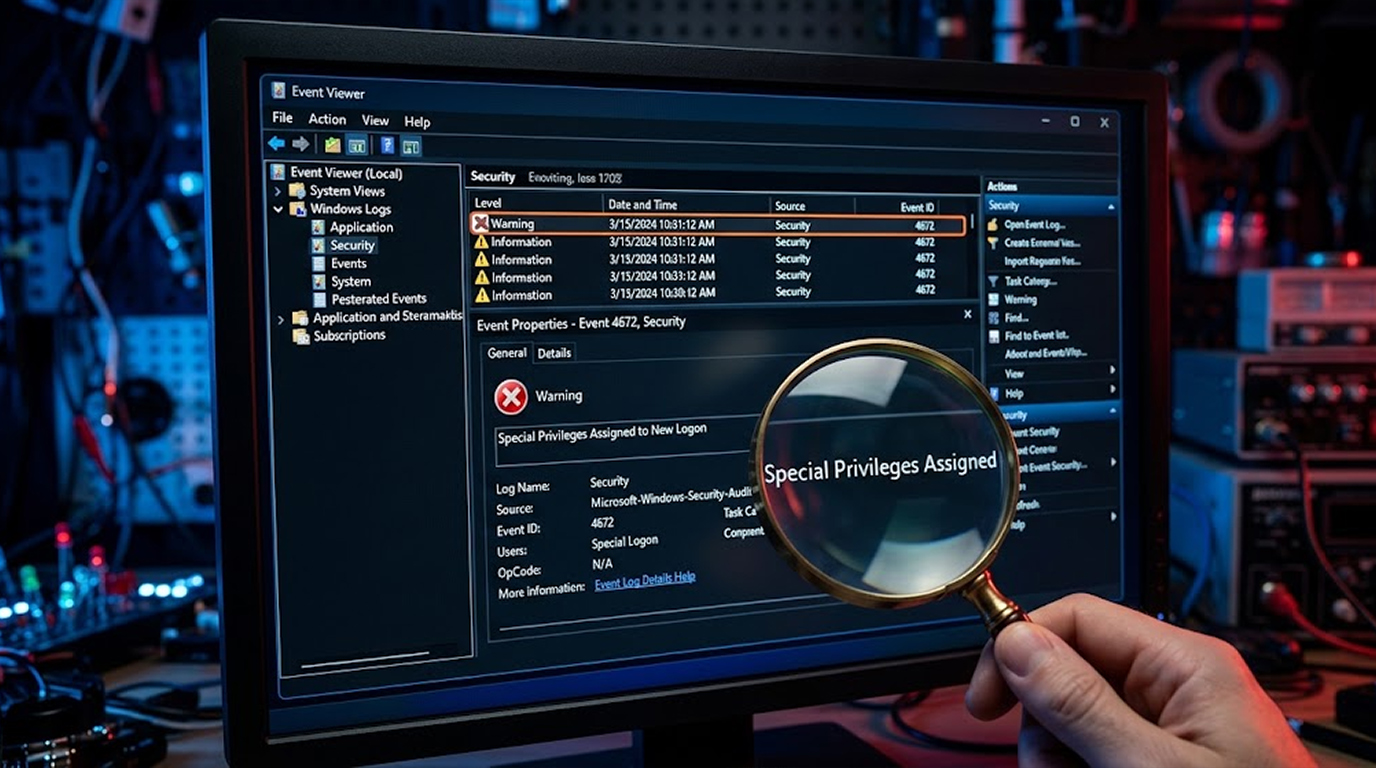
4. Anomalous log records - When forensic examination of log records shows failed logins, high levels of privilege escalations, and/or gaps in event logs, a backdoor has likely been identified by the analysis.
5. Open/Closed Ports - Commonly available ports with open remote access ports (for example, port 4444).
6. Other Firmware Anomalies - Routers, network devices, and their management interfaces work properly in their prior state and/or provide unexpected service versions or additional traffic to/from unexpected devices.
Practical Tools to Detect Backdoors
When you look for backdoor discovery tools, there are several free/open-source solutions that can be applied to small/home networks. Some examples include:
1. NMap A free/open-source network scanning tool; it checks for all open ports/services on a system, and is most frequently used for discovering "unusual listeners" on the network. You can find/download NMap from nmap.org and you will run it through terminal.
2. Wireshark- A free/open-source packet analysis tool; Wireshark allows you to monitor the packets traveling over your network and inspect the IPs/URLs that your computer sends packets to. Inspect the outbound traffic for anything that appears to be an unknown IP address.
3. Sysmon (Windows Sysinternals)-Free Microsoft utility that records many Windows events about a Windows device. By pairing Sysmon's recorded events with Sigma rules, you can identify and alert for suspicious activity (i.e., backdoors).
4. Velociraptor (open-source)- An "Endpoint hunter" (similar to Sysmon), Velociraptor allows you to deploy agents, and allows you to create queries for any anomalies you want to search for related to malware during a normal system's usage.
5. Suricata- An open-source, free ID system; Suricata allows a user to create rules for known patterns of backdoor communication (C2 traffic).
Start your scanning and analyzing your networks using the basics (Nmap and Wireshark), then progress to using Sysmon to conduct much deeper analysis.
Code Examples for Detection
Safe, simple scripts (run in safe environments; no harm to systems).
1. Python – Check Unusual Network Connections (using psutil)
Code to list active connections and flag suspicious outbound:
import psutil
import socket
def check_connections():
suspicious = []
for conn in psutil.net_connections(kind='inet'):
if conn.status == 'ESTABLISHED' and conn.raddr: # Outbound connections
remote_ip = conn.raddr.ip
try:
hostname = socket.gethostbyaddr(remote_ip)[0]
except socket.herror:
hostname = "Unknown"
if "unknown" in hostname.lower() or conn.laddr.port > 1024: # High ports often suspicious
suspicious.append(f"Suspicious: Local {conn.laddr} -> Remote {remote_ip} ({hostname}) PID: {conn.pid}")
return suspicious
results = check_connections()
for item in results:
print(item)
if not results:
print("No suspicious connections found.")
Practical: Run on Windows/Linux—flags connections to unresolved IPs or high ports (common for backdoors).
2. PowerShell – Scan for Unusual Scheduled Tasks (Windows)
Code to list tasks and flag potential persistence:
Get-ScheduledTask | Where-Object { $_.State -eq "Ready" -and $_.TaskName -notlike "*Microsoft*" } | Select TaskName, TaskPath, Actions | Format-Table
# Flag suspicious (e.g., tasks running as SYSTEM with unusual commands)
$suspicious = Get-ScheduledTask | Where-Object { $_.Principal.UserId -eq "SYSTEM" -and $_.Actions.Execute -match ".ps1|.vbs|.exe" -and $_.TaskName -notlike "*Windows*" }
if ($suspicious) {
Write-Host "Suspicious tasks found:"
$suspicious | Select TaskName, TaskPath
} else {
Write-Host "No obvious suspicious tasks."
}
Execute in PowerShell to check for backdoor persistence through tasks typically exploited by attackers (ex: non-Microsoft tasks).
3. Bash – Monitor Open Ports (Linux)
Code to list listening ports and flag non-standard ones:
#!/bin/bash
netstat -tuln | grep LISTEN | while read line; do
port=$(echo $line | awk '{print $4}' | cut -d: -f2)
if [[ $port -gt 1024 && $port -ne 22 && $port -ne 80 && $port -ne 443 ]]; then # Ignore common safe ports
echo "Suspicious listening port: $line"
fi
done
Practical: Save as script, run with sudo—highlights odd ports (backdoors often use 4444, 8080, etc.).
Real-World Examples Of The Affected (Backdoor) Malware Incidents Occurring In 2025.
1. Anomalous Traffic from Foreign IP Addresses Which Was Followed by Data Exfiltration from Manufacturing Companies' Routers Due to Backdoor Malware.
2. Backdoor Access Into Cloud Environments Was Achieved by Anomalous Traffic Flowing Into Or Out Of Cloud Services And Survived All Restarts Of Cloud Services.
3. Backdoor Malware Found On Enterprise Servers Caused Performance Drops And Were Discovered By Analyzing Logs Associated With The Hidden Processes Created By Backdoor Malware Installations On Firmware Or Services.
4. Ransomware Re-Entry Using Scheduled Tasks And Registry Changes, Which Had Not Been Cleaned Up Whenever Ransomware Was First Removed.
All Four Types Of Backdoor Malware Were Created When Remediation Was Not Completed. It Is Imperative That Organizations Conduct Complete Hunts For Backdoor Malware Post-Breach.
How To Help Organizations Identify And Remove Backdoor Malware
1. Establish Rutine Network Baseline – Utilize monitoring tools, such as Wireshark, to Identify a history of all normal Activity and Processes.
2. Ongoing Scanning Must Occur Weekly – Utilize Nmap plus Regular Code Reviews/Analysis.
3. Isolate And Investigate – Upon Discovering Indications Of Suspicious Activity Or Processes, Disconnect From The Internet And Conduct Velociraptor Hunts For Any Backdoor Malware.
4. Re-Entry Prevention – All Passwords Should Be Changed; Multi-Factor Authentication Should Be Enabled On All Accounts; And All Systems Should Be Updated/Patched.
5. Log Monitoring For Changes – Use Sysmon For Real-Time Alerts If There Is Any Change In The Log.
Should Organizations Become Overwhelmed With Backdoor Malware, Utilize The Free Resources Available By Addressing The CISA Guides Or Contacting A Professional Incident Response Firm (Through Insurance).
Key Takeaways
Unusual traffic and other anomalies can hide backdoors in plain view; however, as seen with 2025 threats, persistence is commonplace following a breach. Tools such as Nmap and Wireshark, along with easy-to-learn scripting languages (e.g., Python and PowerShell), facilitate the detection of these types of vulnerabilities by relative novices.
When developing an effective strategy for identifying backdoors in your systems, monitoring and establishing baselines should be a primary focus. After all, it's better to prevent these types of issues than to recover from them.