
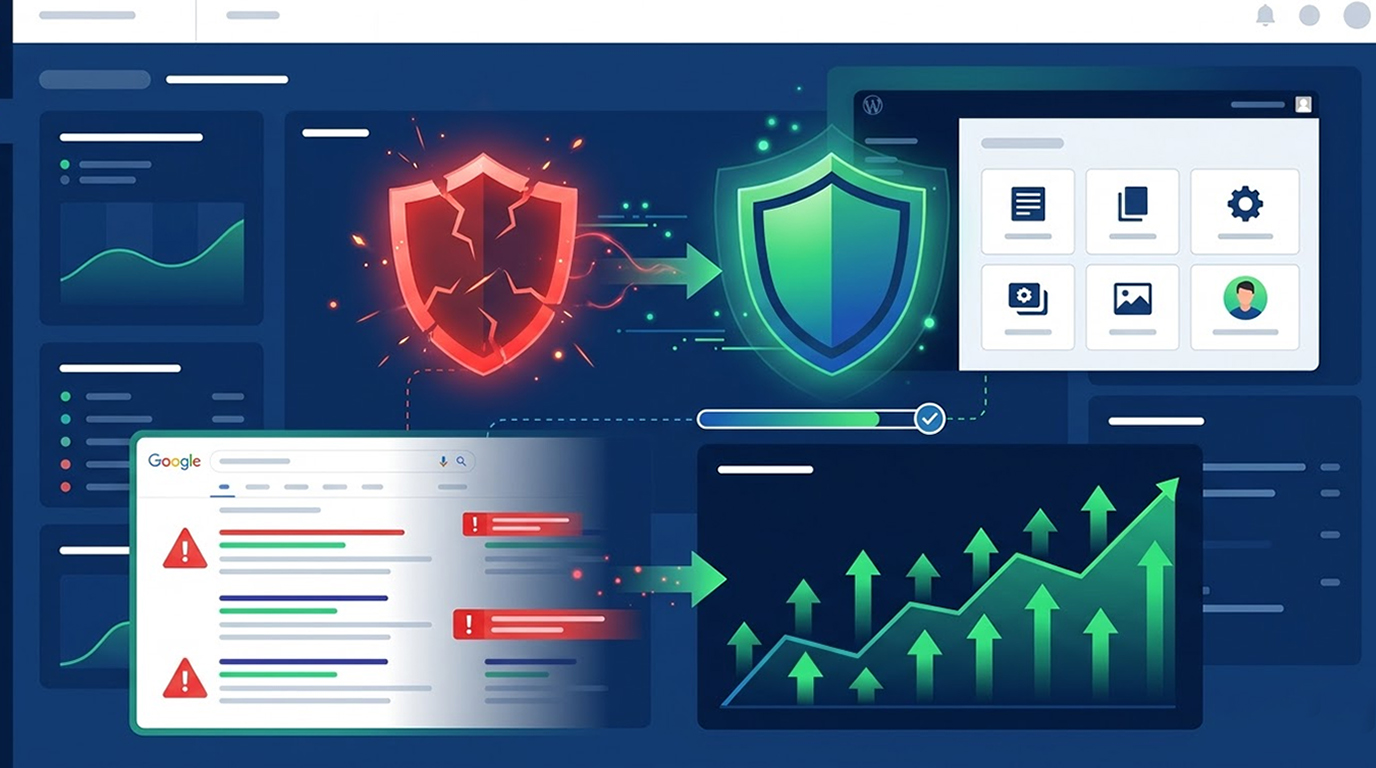
Hacked websites are a nightmare for anyone who owns one. You have to deal with the downtime of your site, a possible loss of data, and a lot of very upset customers. In addition to all this, you could find your SEO rankings falling off a cliff, seemingly overnight!
Since hackers can inject hidden spam links into your website as well as create Doorway pages, add malicious redirects, or stuff your site with keywords, Google is quick to notice and will respond with warnings, de-index your site or give you very heavy ranking penalties.
The good news is that most of the time websites can be restored back to their normal SEO levels or even stronger with the right steps.
So, in 2026 here is what you need to do to restore your organic traffic after your website is hacked.
1. Make Sure Your Website is Completely Clean of the Hack (The Most Important Step)
You cannot recover your SEO while your website still has malware, spam or backdoors on it. You will continue to be penalized by Google.
a) Do a complete forensics scan of your website and remove any malicious code, injected scripts, suspicious files, or database entries.
b) Delete any auto-generated spam pages or hidden links.
c) Update the WordPress core, themes, and all plugins to the latest secure versions.
d) Change all of your passwords (admin, FTP, database, and hosting) and enable two-factor authentication.
Pro Tip: DIY cleaning will often overlook some of the advanced backdoors that sophisticated hackers may have left behind. If you want to ensure that you get everything cleaned properly hire a professional hacked website recovery service that uses advanced forensics to ensure you have no traces left behind from the hackers.
2. Remove All Traces of Spam from Google’s Index
Hackers frequently create hundreds or even thousands of spam URLs. These poison your site’s reputation.
a) In Google Search Console go to Indexing > Pages and find spam URLs
b) Use the Removals tool to temporarily remove them
c) For permanent spam pages return a 410 Gone status (better than a 404 for hacked spam cleanup)
d) Submit a clean and updated XML Sitemap that contains only real pages.
When spam is removed, then Google will stop associating your domain with poor quality items.
3. Request a Google Malware Review
This is the critical step that tells Google: “My site is clean now.”
a) Log into Google Search Console.
b) Go to the Security Issues report.
c) Click Request Review after you’ve fixed everything.
Google’s malware reviews are usually fast (often within 24–72 hours). Once you get the green light, the worrysome red warnings will no longer show up in the search results.
4. Reindex Important Pages
Now that the cleanup is complete:
a) Submit the homepage & key landing pages for reindexing (try using the search console).
b) Url inspection tool will allow you to "request indexing". Just click.
c) Resubmit your sitemap after making sure it has been cleaned up as well.
This helps google crawl your sites faster & helps legitimate pages get back to the surface.
5. Rekindle Trust & E-E-A-T Signals
Google now places a heavy emphasis on an all-around good user experience, so focus on demonstrating your experience, expertise, authority, & trustworthiness (E-E-A-T).
a) Ensure that you include a real author bio complete with photo & relevant qualifications on every page of content.
b) Add new, relevant content (2026-2028) to older articles that are in need of updating (e.g., statistics & helpful sections like faqs or step-by-step guides).
c) Consider ways to improve load time, mobile experience, & internal linking on your site (to give your users what they want).
d) Consistently publish new quality content. Sites with clear authority tend to recover faster than those without.
6. Monitor & Fix Remaining Issues
a) Make it habit to track your recovery progress through google analytics & the search console daily.
b) Audit your backlink portfolio so you can easily disavow any bad backlinks created by hackers.
c) Schedule regular scans for malware & utilize a web application firewall (waf).
Complete seo recovery may take anywhere between 2-8 weeks following cleanup depending on how bad they were originally; however, in some cases, traffic can return in a matter of days once google clears the warning flags.
7. Secure Future Hack Prevention (and Prevent Future SEO Damage).
The best way to recover is with solid prevention:
a) Strong unique passwords + 2FA everywhere.
b) Keep all systems current and up to date.
c) Perform regular security audits & use automated backups.
d) Look into professional help for security hardening.
Already Hacked and Losing Rankings?
Don’t waste weeks trying to fix it yourself and risk permanent damage. Red Secure Tech helps clients recover their hacked websites quickly and confidentially. Services include removing malware, cleaning up spam, removing sites from Google Safe Browsing (after being hacked), and restoring SEO post-hack.
We help clients manage all aspects of the recovery process through an encrypted client portal, allowing clients to focus on their business while we work on getting their rankings back to normal.
→ Get Professional Fix Hacked Website Service Now
A website hack doesn’t have to be the end of your SEO journey. Act quickly, clean thoroughly, request reviews, and rebuild with quality and you can often recover most (or all) of your lost rankings.


