We’re nearing the time to kick-off the 2026 FIFA World Cup on June 11 which runs for 39 days and will take place in 16 host cities that span across the United States, Canada and Mexico. Millions of fans will be attending games in stadiums.
But while you’re counting down to this event cybercriminals have already been counting the money they will make off of it. Cybercriminals have a lot of tools to get your money such as: fake websites, phishing campaigns, malicious apps and very involved fraud schemes; all aimed at the fans desperately searching for tickets, merchandise, streaming services and/or travel deals.
Let me walk you through the top seven threats you need to know and exactly how to protect yourself.
Threat 1: Fake Ticket Websites (The Most Common Scam)
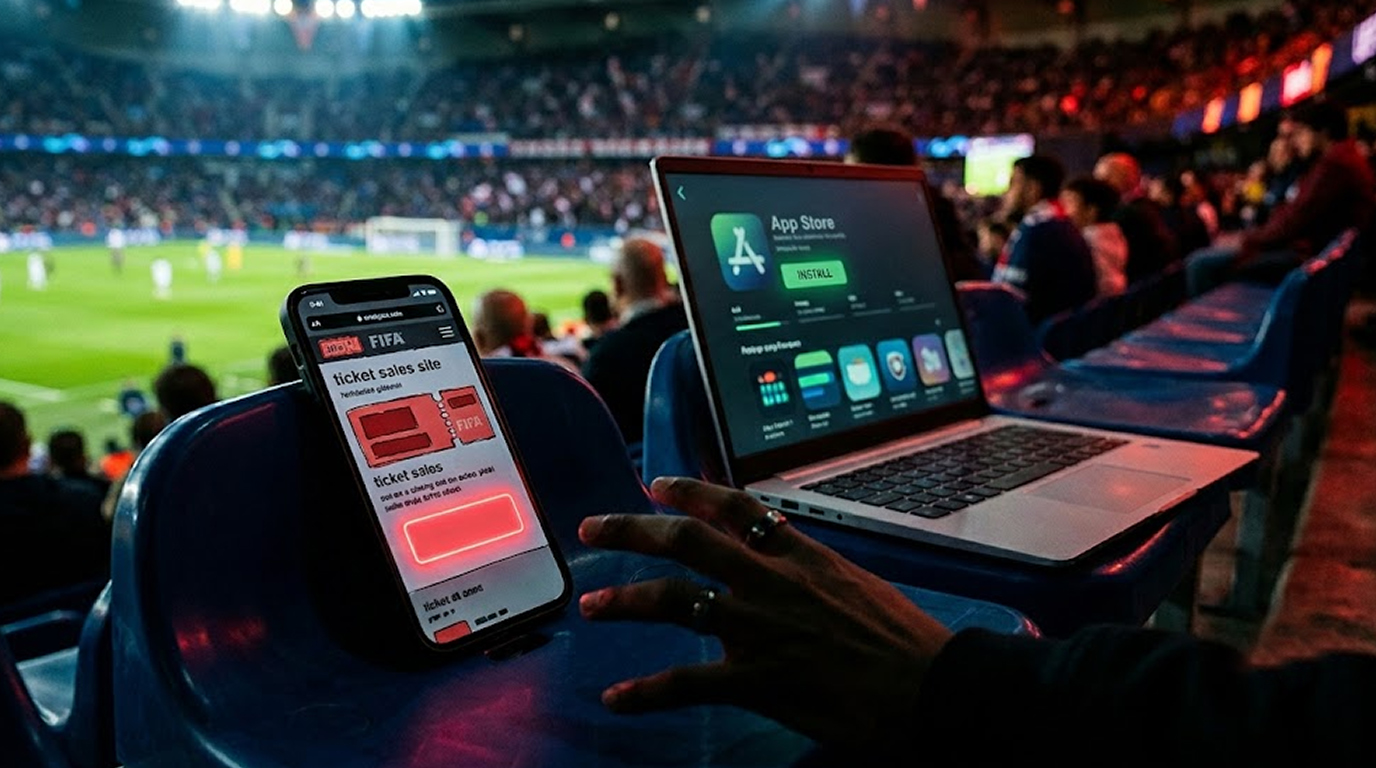
This is the biggest and most dangerous scam. Scammers have made clones of FIFA's real ticket selling website, including everything from branding & design layout, etc...all of which are copycat duplicates.
Here’s how they operate:
You search on-line to buy tickets but you find yourself on i.e Google searching for available soccer tickets (the FIFA website will pop up since it is sponsored) and once you click onto the ad/search result you are taken to (what appears) the actual FIFA website.
Once there you select your desired seats/locations, enter your payment details and receive an email conf. with actual tickets that look real or similar to - what would be the actual FIFA tickets.
But when you show up at the stadium, the QR code fails. The tickets were never real. Your money is gone.
The fake login trap:
A few rogue ticket sites go so far as to duplicate the real FIFA login site, then request a login. Once you’ve entered your information on this fraudulent site, the criminal would retrieve the information and then you would be locked out of your genuine FIFA account. Your account would be used to steal any tickets associated with it.
The best way to identify a fraudulent ticket website:
Check the domain name closely. FIFA tickets can only be purchased on the FIFA official website: fifa.com. There are numerous other website domains currently being used by fraudsters to sell counterfeit FIFA tickets; examples include fifa-ticket.live; fifaworldcup26.sale; 2026fifaworldcuptickets.online or using a typo of the authentic site to trick buyers into purchasing counterfeit tickets; i.e., fraudsters will register a domain like fifa.pink or fifa.cab.
The best way to protect yourself:
Manually enter fifa.com in the address field of your browser. Do not follow hyperlinks on search results or sponsored ads.
Once you've reached the official FIFA site, bookmark it for future reference. Under no circumstances should you purchase tickets from Facebook ads, Telegram, WhatsApp, or other direct messages on social media channels. FIFA does not accept payment in cryptocurrency; therefore, all sellers requesting cryptocurrency for ticket purchases are legitimate fraudsters.
Threat 2: Phishing Emails and Lottery Scams
You receive an email. It looks like it is from FIFA or a sponsor. You have won a lottery, or your ticket needs verification, or there is a problem with your Fan ID.
How it works:
Phishing emails typically include a link to a phony web site which looks like a FIFA website. You enter your password and the hacker steals your password. Some emails may request additional personal information such as a passport number, home address or bank account number.
To identify phishing emails:
In order to identify phishing emails, you should look closely at the email address because it will not be coming from an official domain (fifa.com) and there may be small spelling/grammatic errors in the address.
The email will typically create a sense of urgency by telling you your tickets are going to be cancelled or your account will be locked if you do not respond quickly enough.
Be wary of phishing email scams:
Never open an unsolicited email regarding ticket issues or lottery wins. If you want to access your FIFA account, go directly to www.fifa.com and log in manually rather than using a link from an email. Do not act on any email where there is a request for urgency or personal info.
If unsure whether you have received a phishing email, search for www.fifa.com by typing it in to your browser, as opposed to accessing through your email.
Threat 3: Malicious Streaming Apps and Banking Trojans
This is the most dangerous threat for Android users. Free streaming apps are circulating that promise access to live matches. But they deliver much more.
How it works:
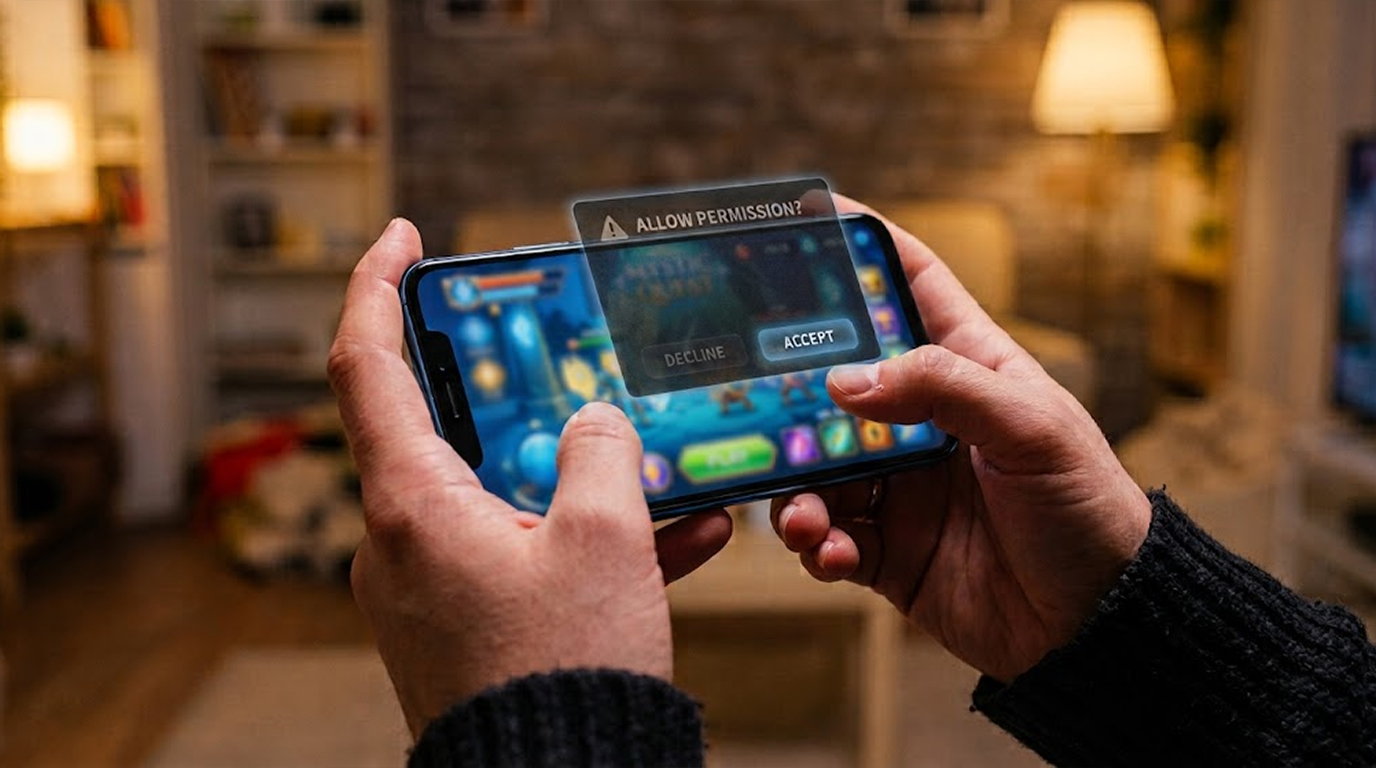
You’ve downloaded a streaming application from an unofficial website that is not available in the Apple App Store or Google Play Store. The streaming application is requesting accessibility permissions that it should not be requesting.
If you give this malware accessibility permissions, then it can overlay fake login screens onto your bank or cryptocurrency applications, log everything that you type (including your passwords), steal your SMS codes used as part of your two-factor authentication process, and take control of your display.
Red Flag:
Any time you are presented with a request for accessibility access from a streaming application, that application is malicious in nature. The application does not have any legitimate business reason to be requesting access to your device or seeing your screen.
There is no legitimate requirement for a streaming application to receive access to control your device or see your screen.
Protection from Fake Streaming Apps:
Only download applications from an official (ie, Apple App Store/Google Play Store) application store, never download a streaming application from a third-party site.
If an application requests accessibility access, deny it immediately and uninstall the application. Use mobile data or a VPN when doing sensitive transactions rather than using public Wi-Fi.
Fake Streaming Apps:
Look for streaming applications that offer “free HD streams” of every game. Look for applications that have a lot of positive customer reviews and a large number of downloads on third-party sites.
You will never find fake streaming applications in either the Apple App Store or Google Play Store because they get taken down as soon as they are found.
Threat 4: QR Code Fraud
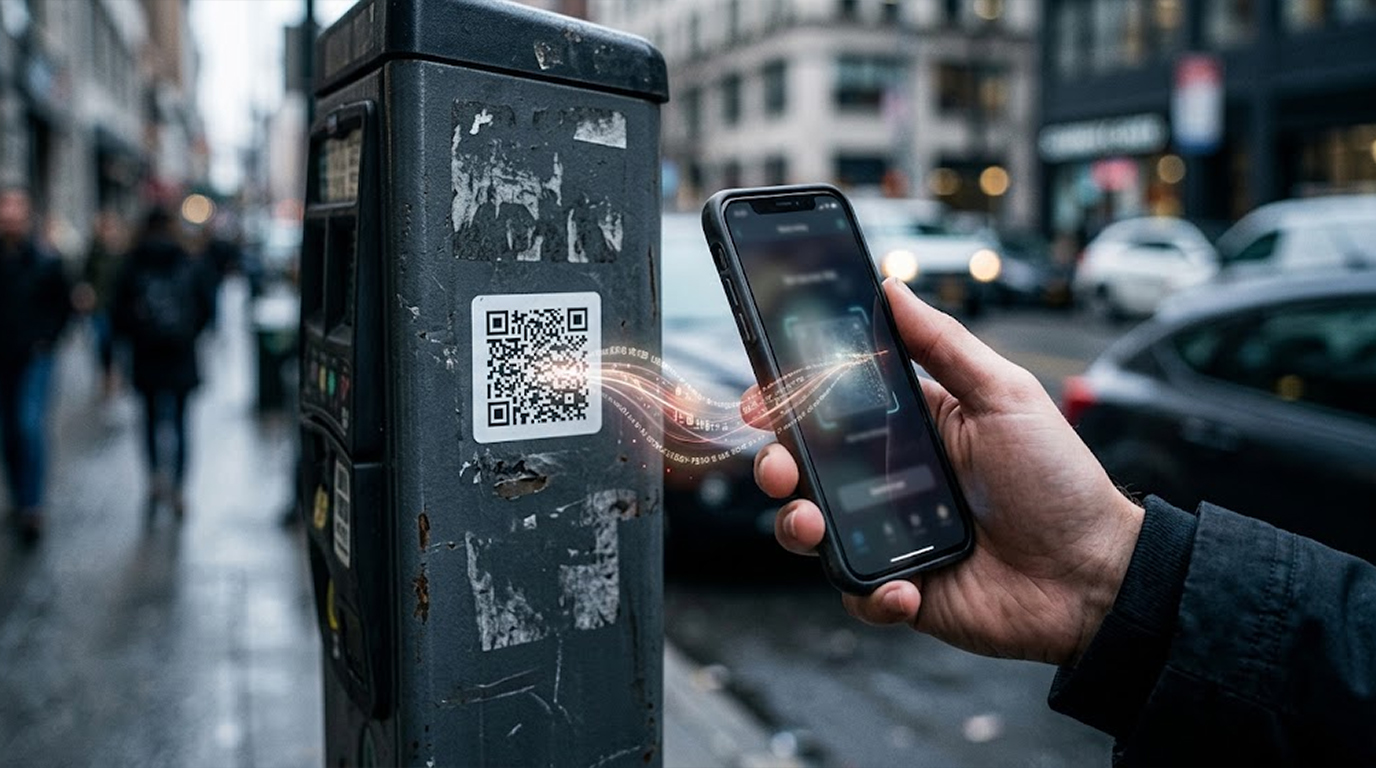
This is a fast-growing scam at major sporting events. Fake QR codes are being placed on shuttle passes, parking permits, and fan transport signage.
How it works:
You see a QR code for a shuttle to the stadium or a parking pass. You scan it. The QR code takes you to a fake payment page. You enter your credit card information, but the pass never arrives. Worse, the code could also download malware onto your phone.
Ways to identify counterfeit QR Codes:
The stickers could appear suspicious (e.g., poorly applied), they might be lifting or they might be stuck on top of a legitimate sticker. Upon scanning, the URL displayed would not be the one associated with the transportation company that was supposed to be used.
When you scan QR codes, follow these tips to minimize your risk:
1. Be sure that the QR code you are scanning is for your reliable transportation company’s official website or application; if you scan a QR code that does not match up with either of those, this could be a sign it is a fake one that should not be used.
2. Never scan QR codes that appear on any flyer or sticker.
3. If you are able to, use the transport companies application instead of scanning the QR code.
4. When in doubt as to whether the QR code is legitimate, contact the business to verify the QR code is valid
Threat 5: Accommodation and Travel Scams
With 16 total host cities shared by 3 separate countries, it is difficult to book accommodations. Scammers have jumped on this opportunity by posting fake rental ads online.
How it Works:
You find an excellent apartment/house located near a stadium on a classified ad or social media site. The prices seem reasonable and the images of the property look like they are professionally done.
Once you send a message to book a unit, the "host" will request that you provide a cash deposit (either through a wire transfer or cryptocurrency) by sending him/her money.
You send the money. When you arrive, the address does not exist, or the property is not actually for rent. The host disappears.
Identifying a fraudulent rental property:
The listed rental price is below the market average; the person renting out the property is pressuring you to pay right away; they are only accepting payment in cash through PayPal, cryptocurrency, or wire transfer (not via credit or debit card); the person renting out the property will not communicate through the booking platform; and the images of the property appear too generic and can be found by doing a reverse image search online.
Ways to protect yourself:
Make sure you are booking your accommodation through a reputable company that offers buyer protection, such as Airbnb, Vrbo or Booking.com; avoid paying via wire transfer or cryptocurrency; and communicate with the host via the booking platform rather than through email or WhatsApp; be wary of and report any rental that is too inexpensive or requests full payment prior to check-in.
Criminals are also attempting to defraud job seekers by offering fake jobs at upcoming sporting events (such as the FIFA World Cup).
Be cautious of any job offer that requires payment or provides personal information (such as your passport) before you have a job interview.
Threat 6: Public Wi-Fi & Stolen Credentials
Airports, fan zones, hotels, and coffee shops are popular places for sports fans to check scores, take photos, or log in to their social media or other accounts. Attackers know this.
How it Works:
Attackers can create "Evil Twin" (Wi-Fi) networks programmed to look like legitimate, trusted networks (like Stadium_Free_WiFi or Airport_Travel_Net). Once you connect to an "Evil Twin" network, the attacker can monitor all of your activites, e.g., view all typed passwords, emails, and banking information.
How to Recognize a Fake Wi-Fi Network:
You may notice misspellings in the network name. There might be no password to access the network while the legitimate network requires one. The "login" page may appear different than the legitimate one.
How to Protect Yourself:
Where possible, use your mobile data instead of public Wi-Fi. If you are required to use a public Wi-Fi, ensure that you connect to the real network and that you have use a Virtual Private Network (VPN) so that your traffic is encrypted.
Remember to "forget" the network once you are done, so that your device will not automatically reconnect to it the next time you are in the area. You should avoid logging into sensitive accounts (like e-mail or banking) when using a public Wi-Fi.
In Stadiums and Fan Zones:
All official fan zones (FZ) will have sponsored Wi-Fi networks so you should contact an event staff member before connecting to a network to confirm that it is the correct connection. Just because a network is open, it does not mean it is safe.
Threat 7: Social Media Impersonation and Fake Competitions
Social media has become a superhighway for frauds via fake accounts, contests and promotional items.
Here's how it commonly happens:
You find a post about face value tickets in a fan group from whom you feel confident you are doing business because their account looks real. You will follow that person to their Internet page and send them money via Venmo or PayPal using the Friends and Family option - then they're gone.
You see an advertisement for official World Cup merchandise discounted 70%; you click that link, you enter your credit card number and way too often, nothing arrives or you've received a counterfeit.
How do you know if an account is fake:
The account was just created, there's a low number of followers or the followers appear to be fake; you receive a private message requesting payment; the profile picture is actually from a fan whose account is verified; the User ID isn't the same as the two previous.
How do you keep safe:
Only purchase merchandise from certified stores or licensed vendors. Do not send payment to a stranger using the Friends and Family option through Venmo, PayPal or CashApp. Be skeptical of competitions you didn't enter.
Verify accounts affiliated with FIFA via social networks and confirm their individual verifications. All FIFA accounts have verifications on all major social network platforms; do not trust non-verified accounts selling tickets.
Steps to Take if You Have Been Scammed
If you think you may have been a victim of the World Cup scam then please follow these steps immediately:
Step 1: Immediately contact your bank or credit card company and ask for a chargeback if you used a credit card to pay. You will have more protection against fraudulent purchases made with credit cards instead of debit cards.
Step 2: Change your password on the FIFA website or application immediately. If you do not already use two-factor authentication you should enable this feature immediately.
Step 3: Report the scam to your local law enforcement agency as well as your country's consumer protection agency. In the United States you can do this by filing a complaint with the FBI's Internet Crime Complaint Center; In the United Kingdom you can do this by reporting to Action Fraud; In Canada you can do this by reporting to The Canadian Anti-Fraud Centre.
Step 4: If you provided any personal information such as your passport number to the scammer you may wish to put a fraud alert on your credit files. You should monitor your credit history for any unusual activity.
Step 5: If you downloaded any suspicious applications to your device you should use a reputable security application to perform a malware scan on your device. If you are unable to remove any malware that you find, backup your important files and perform a factory reset on your device.
Your World Cup Safety Checklist
Before you buy any tickets, book any accommodation, or download any app, run through this checklist.
Obtaining Tickets
I have done the following to obtain my FIFA tickets before placing my order for the ticket once it is available.
1. Obtained my tickets from the official FIFA website.
2. Accessed my tickets through a browser window instead of following a link.
3.Checked that the domain name I was using to purchase my tickets was correct and there were no typos or extra characters.
4. I will not purchase tickets using a cryptocurrency as a form of payment.
5. I will not purchase my tickets using social media or WhatsApp.
Obtaining Hotel Accommodation
I have completed the following steps to secure my hotel accommodation for my trip prior to booking with a hotel/motel.
1. I will only use a legitimate third party supplier such as www.booking.com or www.hotels.com that provides purchase protection.
2. I will not transfer any money to a hotel/motel by bank wire transfer or by using a cryptocurrency as a form of payment.
3. I will read reviews written by former guests that stayed at the hotels/motels before I make my reservation.
4. I will not send money to an individual (a person that I have not yet met in person).
Viewing and Apps
1. My apps must come directly from the creator’s official site, and I do not download other apps from third-party sources.
2. I do not allow any app to request access to my accessibility feature(s).
3. I use a VPN whenever I connect to a public Wi-Fi network.
4. I do not click on any hyperlink in an unsolicited email.
General
1. I will not scan any QR code unless I specifically requested that QR code to be sent to me.
2. I will always verify the legitimacy of the sender/receiver before I open or click a link in an email.
3. I will not respond to any messages that bring a sense of urgency and a need to respond to them immediately.
4. I have never provided my credentials to anyone else.
The Bottom Line
The 2026 FIFA World Cup is going to be an incredible event. Do not let a scammer ruin it.
The golden rules are simple. Buy only through fifa.com and type the address yourself. Never pay in cryptocurrency for tickets or accommodations. Do not install streaming apps from outside official app stores. Treat any urgent too good to be true offer with extreme suspicion.
When traveling to a new city, always use cellular data instead of public wi-fi networks, verify QR codes against official websites, only book accommodations through trusted providers and if it feels wrong, just leave the area.
Taking a few precautions can help you enjoy yourself much more later.
Have fun at the games and be safe!
FAQ Section
How do I know if a website for purchasing World Cup tickets is legitimate or not?
Be cautious when looking at URLs. The official website is or will be 'fifa.com'. Fake websites will have domains such as fifa-ticket.live, fifaworldcup26.sale or fifa.blue. Scammers also use 'typosquatting' – domain names using similar spelling to create fake links, such as fifa.pink or fifa.cab. Type in 'http://fifa.com' to your browser only and do not click on search engine results or advertisements for the correct website.
Am I able to purchase my World Cup tickets via Facebook or WhatsApp?
No, you can only purchase official FIFA tickets through the official ticket site of FIFA (fifa.com). Tickets that are being sold through social media private messages and via Telegram or WhatsApp are likely fraudulent. FIFA does not sell tickets through any third-party platform or individual.
Is it safe to use a free streaming application to watch the matches?
No, many unofficial streaming applications may contain malware that potentially results in stolen bank account numbers and passwords or personal information that is compromised. If a streaming application requests an accessibility access to your device, it is most likely malware. Use only legitimate broadcasters and trusted streaming services for any broadcasts.
If I have already entered my credit card number on a fraudulent FIFA ticketing site what should I do?
First thing you should do is call your bank right away and let them know what happened. If you used a credit card to buy tickets from a fraudulent site, ask your bank about getting your money back. After that, keep an eye on your credit card statement for any unusual transactions. Lastly, go to your FIFA account and change your password and change any other accounts where you’re using that same password.
Can FIFA accept cryptocurrency for tickets?
No, FIFA does not accept cryptocurrency for tickets sold through their own official online channels. If anyone other than FIFA is asking for payment in Bitcoin, Ethereum or other cryptocurrencies, you should consider them scams. This holds true for private sellers of tickets, private sellers of lodging as well as individuals selling merchandise.