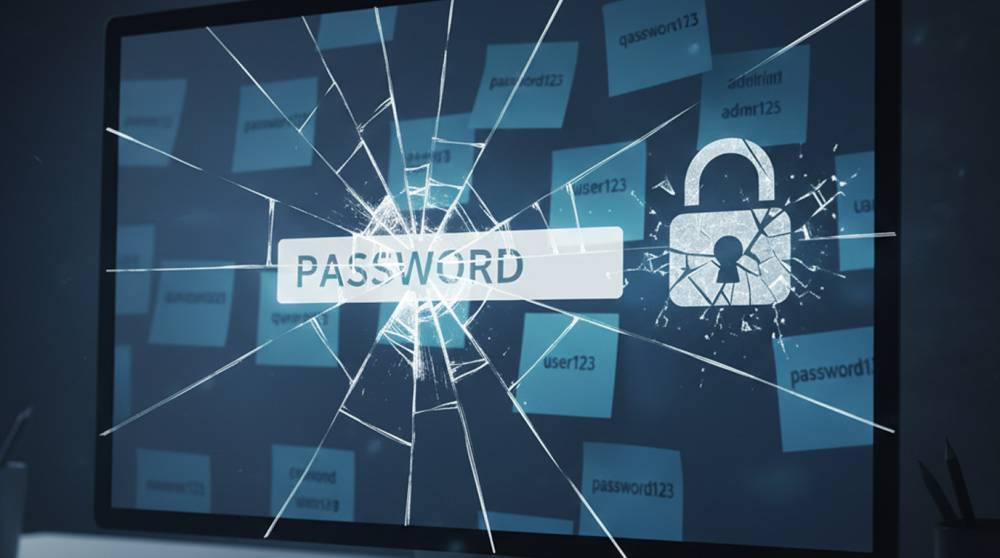
A “pwned” password isn’t hacked from you directly. It’s a password that already appeared in a data breach somewhere else on the internet.
Attackers collect billions of leaked passwords from breaches, dumps, and forums. Then they reuse them. A lot.
So when someone guesses your password on the first try, it’s usually not luck. It’s recycling.
How Passwords End Up Pwned
Most people don’t lose passwords because of targeted attacks. They lose them because:
1. A website they signed up for years ago got breached
2. Passwords were stored poorly (plain text or weak hashing)
3. The same password was reused across multiple sites
4. Old breaches resurfaced and got shared again
That forgotten forum account from 2016? It might still be causing problems today.
Why Reused Passwords Are a Goldmine
Attackers don’t brute-force anymore unless they have to. They use credential stuffing instead.
That means:
1. Take a list of leaked email-password pairs
2. Try them across popular services
3. Wait for logins to succeed
This works disturbingly well. We’ve seen companies where:
1. Email accounts were accessed first
2. VPN access followed
3. Internal tools came last
All because one reused password worked everywhere.
What “Pwned Password” Checks Actually Do
Services like Have I Been Pwned don’t store your password in plain text. They use hashing and partial matching to check if a password appears in known breach datasets.
In simple terms:
They check if your password is already public knowledge, without learning what it actually is.
If it shows up, it’s time to retire it. Immediately. No ceremony needed.
Common Mistakes We Still See
1. “It’s a strong password, so reuse is fine”
2. “That breach was years ago, so it doesn’t matter”
3. “Attackers won’t target us”
4. “We force complexity, so we’re safe”
Complexity doesn’t help if the password is already leaked. Once it’s out, it’s out.
What Companies Should Do
1. Block known breached passwords
Prevent users from setting passwords that are already exposed.
2. Encourage password managers
Reuse drops dramatically when passwords are generated automatically.
3. Enable MFA everywhere possible
Especially for email, VPNs, and admin accounts.
4. Monitor for credential stuffing
Multiple login attempts across accounts is a strong signal.
5.Educate without shaming
Most password reuse is habit, not negligence.
Quick reality check:
We’ve seen secure environments fall apart because one reused password opened the door.
Pwned passwords aren’t a user problem or a security team problem. They’re a math problem.
If billions of passwords are already leaked, attackers will keep trying them until something works.
The fix isn’t fear. It’s prevention: block bad passwords, reduce reuse, and add a second factor wherever possible.