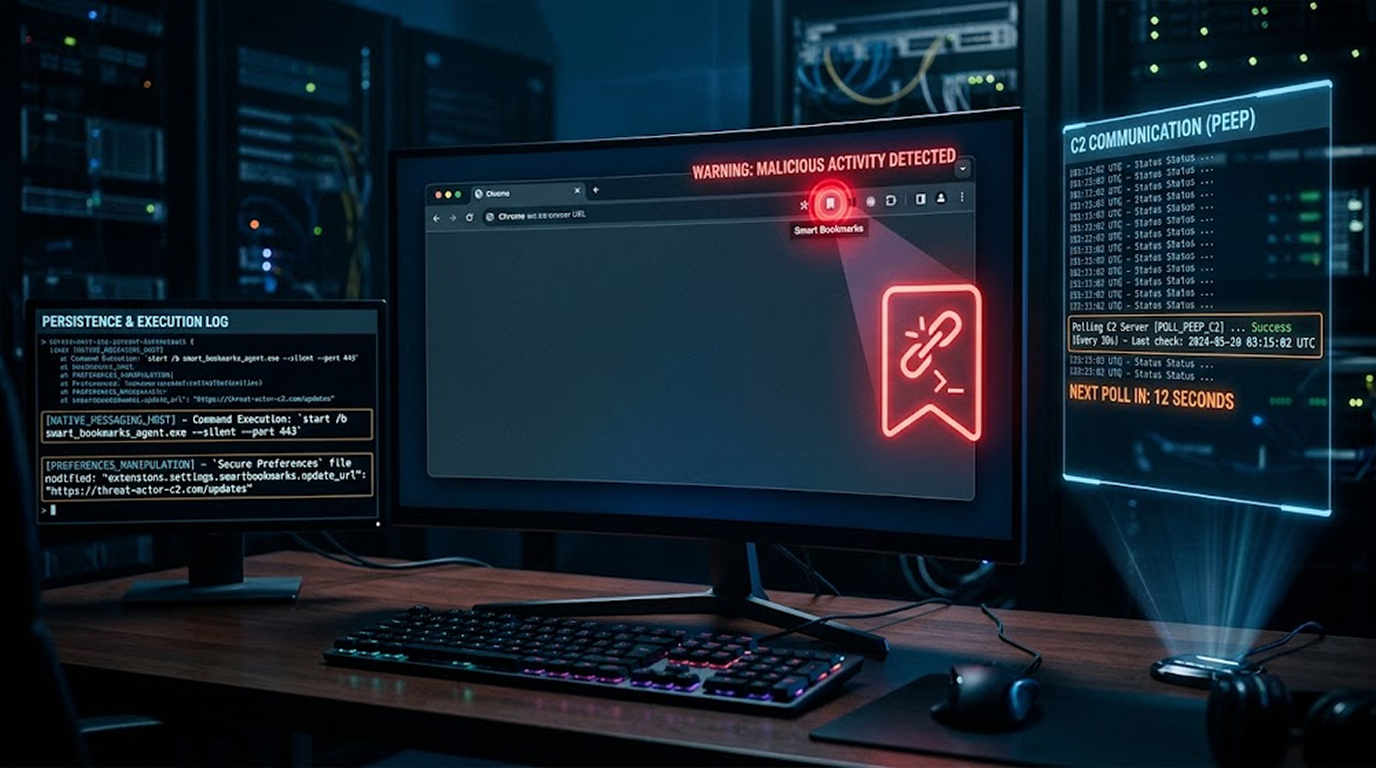
Security researchers found a malware hiding in plain sight. It's a Chromium-based toolkit called PEEP that pretends to be a harmless bookmarks extension for Chrome and Edge. But it's actually a backdoor that turns your browser into a remote access tool for hackers.
The malware needs an attacker to already have access to your machine. Once they're in, they inject the extension directly into your browser profile. It bypasses Chrome Web Store checks and user prompts by messing with Chromium's Secure Preferences file.
SOCRadar published the analysis. PEEP uses a native-messaging tool to break out of the browser and run commands on your actual computer.
Here's what you need to know.
Quick Summary
|
What |
Details |
|
Malware |
PEEP (post-exploitation toolkit) |
|
Disguise |
Smart Bookmarks extension |
|
Targets |
Chrome and Edge browsers |
|
Method |
Native Messaging Host bridge |
|
Capabilities |
Command execution, credential theft, session hijacking |
|
C2 Polling |
Every 30 seconds over HTTP |
What Is PEEP?
PEEP is a post-exploitation framework. That's a fancy way of saying it doesn't break into your computer by itself. The attackers need to get in through some other method first. Once they have a foothold, they drop PEEP as a persistent backdoor.
The extension calls itself "Smart Bookmarks" (ID: ejkndncpkdcjcikfhiamcdehdoegilbj). It's the main agent that:
- Checking for commands from the C2 server every 30 seconds
- Stealing information from your browser
- Receiving the assignments from the attacker
- Returning the results
Where It Reports Home:
The extension talks to two C2 servers:
- 206.237.30[.]232
- xfjcc[.]fun
All communication happens over plaintext HTTP. That's a pretty big security mistake on the attacker's part.
How PEEP Gets Installed
PEEP is built on RedExt, an open-source red teaming framework that's been used in previous attacks called GlassWorm. PEEP improves on RedExt with:
- Proper installation routines
- A native host bridge
- Heartbeat telemetry
- An update channel
- More commands
How It Stays Installed:
PEEP modifies the Secure Preferences file to make sure the extension turns on automatically every time you open your browser. Since it's not available on the Chrome Web Store, it also uses:
- Group policies to force installation
- Sideloading tricks
The PowerShell Scripts:
The malware uses three PowerShell scripts:
|
Script |
What It Does |
|
install_silent.ps1 |
Turns on Developer Mode to sideload extensions |
|
patch_secure_prefs.ps1 |
Patches the Secure Preferences file |
|
force_enable.ps1 |
Re-registers the extension and restarts the browser |
Linux Too:
There's also a Python script called "patch_secure_prefs_linux.py" that does the same thing. The attackers are clearly going after Linux systems too.
What PEEP Does
Browser Monitoring:
The extension checks in with its C2 server every 30 seconds. It sends back:
- Your browsing history
- What tabs you have open
- Your session cookies
Remote Access:
PEEP is a full remote access toolkit. It can:
- Execute commands on your machine
- Access your credentials
- Take control of your sessions
- Alter web pages you are viewing
The Native Messaging Host:
When PEEP needs to do something outside the browser, it uses a helper program called "nm_host.exe." This is what makes it dangerous, it's not just stealing browser data anymore. It's running commands on your actual computer.
What the Helper Can Do:
- Run shell commands
- Manage files
- See what processes and services are running
The Command Set
Where PEEP Communicates:
|
Endpoint |
Purpose |
|
/api/register |
Registers the infection |
|
/api/agents/<id>/heartbeat |
Sends browser and system info |
|
/api/extension_update/ |
Updates the extension |
|
/api/extension_crx/ |
Updates the extension |
|
/api/agents/<id>/task_result |
Sends back command results |
|
/api/exfil |
Sends stolen data |
|
/health |
Internal system status |
|
/login |
C2 panel login |
What It Steals Automatically:
- Cookies
- Recent history
- Open tabs
- Active URL
- Your IP address
- Locale and time zone
Commands It Can Run in the Browser:
- Take screenshots
- Read clipboard
- Inject JavaScript
Who Is Behind This?
The activity hasn't been attributed to any specific group. But there are Chinese-language artifacts in the source code, which suggests a Chinese-speaking threat actor.
“Authorized CTF” Reference:
There was reference to “Authorized CTF” in the code according to SOCRadar findings. It may be that attackers are attempting to trick the AI tools by lowering its guardrails and developing malware.
How to Detect PEEP
What to Look For:
- Extension ID: ejkndncpkdcjcikfhiamcdehdoegilbj
- C2 Domains: xfjcc[.]fun, 206.237.30[.]232
- File List: nm_host.exe, install_silent.ps1, patch_secure_prefs.ps1, force_enable.ps1
- Registry Changes to Secure Preferences
Suspicious Activities:
- Unexpected “Smart Bookmarks” extension
- Connections to xfjcc[.]fun or 206.237.30[.]232 every 30 seconds
- PowerShell scripts modifying Secure Preferences
How Many Victims?
SOCRadar reported that there were 34 agents, 10 active sessions, and 507 data entries in the C2 panel. However, it is not known what number of these are genuine victims and what number are test entries.
What You Should Do
Risk to You:
- Your browser gets transformed into a permanent backdoor
- Your credentials get stolen
- Your session gets hijacked
- Commands can be executed on your computer
How to Protect Yourself:
1. Check Your Extensions
Look for "Smart Bookmarks" (ID: ejkndncpkdcjcikfhiamcdehdoegilbj). If you see it, remove it immediately.
2. Network Traffic Monitoring
Look for any network traffic to xfjcc[.]fun or 206.237.30[.]232 every 30 seconds.
3. Secure Preferences Check
Make sure there have not been any changes to your Secure Preferences file.
4. Powershell Script Check
Check for the three Powershell scripts involved with PEEP.
5. Use Endpoint Detection
Monitor for nm_host.exe execution on your systems.
The Bottom Line
PEEP is a sophisticated toolkit that turns Chromium browsers into persistent backdoors. It hides as a bookmarks extension and uses a Native Messaging Host to break out of the browser sandbox.
What You Need to Know:
|
Key Point |
Detail |
|
Malware |
PEEP (post-exploitation toolkit) |
|
Disguise |
Smart Bookmarks extension |
|
Targets |
Chrome and Edge browsers |
|
Method |
Native Messaging Host bridge |
|
Capabilities |
Command execution, credential theft, session hijacking |
|
C2 Polling |
Every 30 seconds over HTTP |
What You Need to Do:
- Review installed extensions
- Monitor for C2 polling
- Check Secure Preferences
- Review PowerShell execution
- Use endpoint detection
FAQ Section
What is PEEP?
A Chromium-based post-exploitation toolkit that pretends to be a bookmarks extension. It turns browsers into persistent backdoors using a Native Messaging Host.
How does PEEP get installed?
Attackers need prior administrative or code execution access to install PEEP. It modifies Secure Preferences to auto-enable the extension.
PEEP’s functionality?
Polls the C2 server after 30 seconds, steals data from the browsers and performs host-based command executions via Native Messaging Host.
How can I detect PEEP?
Look for the "Smart Bookmarks" extension (ID: ejkndncpkdcjcikfhiamcdehdoegilbj) and polling to xfjcc[.]fun or 206.237.30[.]232.
What should I do?
Inspect extensions, look for C2 polling, inspect Secure Preferences, and perform endpoint detection.