Think of your smartphone as a central hub for all of your electronic communication and transactions; where the banking app, emails, photographs, work-related tools, etc are stored. With that said, it’s a common target for hackers.
When you fail to install your software and applications, it’s like leaving your front of your house open for anyone; someone will and can get in. Criminals will have access to all of your information stored in your phone (including money), plus they will install malicious programs (known as malware) onto your device.
Remember, updates are not just for new emojis; most updates include bug/fault fixes for security issues and to enhance the protection of your personal data. They can also increase your applications run normally.
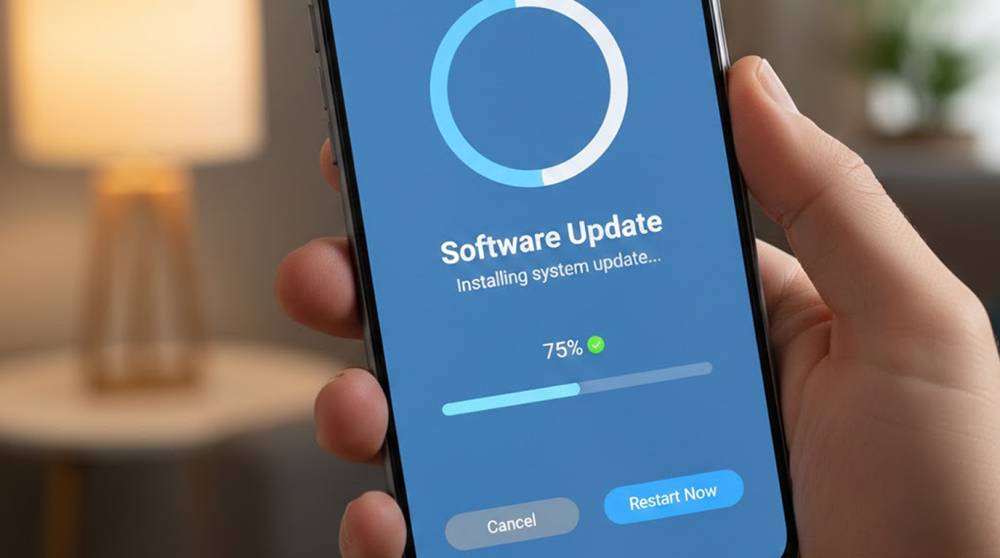
When prompted by your smartphone to perform an update, expect three things:
1. Security Fixes: This is where you will be provided with patches to fix vulnerabilities that criminals are currently using to gain access to your device and steal your information.
2. New features: Many times updates provide additional privacy features as well as ways to separate applications from one another.
3. Performance Improvement: Devices that are up-to-date are usually less prone to crashing, which provides a less attractive target for criminals looking to install malware.
Real-Life Examples
Android Bank Payment Malware (2024)
1. Attackers used a vulnerability that was fixed in a new Android update to exploit devices.
2. Attacked Devices were those which had not been updated.
iOS Zero-Day Attack (2023)
1. Malicious applications had access to Contact and Photo information due to a bug.
2. Apple released fixes rapidly, and as a result, devices that received the new iOS version remained unharmed.
Both Examples Demonstrate How Important It Is To Keep Your Technology Updated.
Reasons Why People Choose to Delay Updates
1. They may be afraid that an update will break an application.
2. They may not have sufficient storage on their devices to install the new version of the application.
3. They may find it inconvenient or time-consuming to perform the update. However, by delaying the update, the individual is leaving himself/herself vulnerable to a security breach, since even a "small" update may contain many important security fixes.
Things You Can Do to Protect Yourself
1. Enable Automatic Updates
a) iOS - Settings > General > Software Update > Automatically Download Updates
b) Android - Settings > System > Advanced > System Update > Auto-download
2. Make Sure You Keep Your Applications Updated
Your applications can also be exploited as an avenue into your device. An operating system by itself is not enough to protect yourself from security breaches.
3. Review Your Security Settings
a) Enable encryption for your devices
b) Use Biometric Authentication or a Strong Password
c) Enable Two-Factor Authentication for all Applications
4. For Companies: Use Mobile Device Management (MDM)
With MDM tools, your IT department can monitor devices, manage updates, and ensure employees keep their mobile devices up-to-date. Examples of MDM tools include:
1. Microsoft Intune
2. Jamf (for Apple devices)
3. ManageEngine Mobile Device Manager Plus
5. Identify Outdated Devices
IT departments should regularly check the version of Android that their employees' devices are running. This can be done by using the following command:
adb shell getprop ro.build.version.release
User Education
It's essential to clarify that, in addition to implementing corporate policy of mobile device OS update compliance, it is equally important to provide an explanation of the reason(s) for performing OS updates, i.e., to help an employee understand the actual risk associated with not updating their mobile devices.
Highlights:
1. Mobile OS updates are the first line of defense for you and your device/data.
2. By skipping a Mobile OS update you leave your device/data at risk.
3. Setting up automatic Mobile OS updates, updating all applications stored on the device and using strong security settings can provide a significant amount of protection.
4. Oversight allows a company to protect its entire workforce. The lack of an up-to-date Mobile OS on one employee’s phone creates risk to every employee.