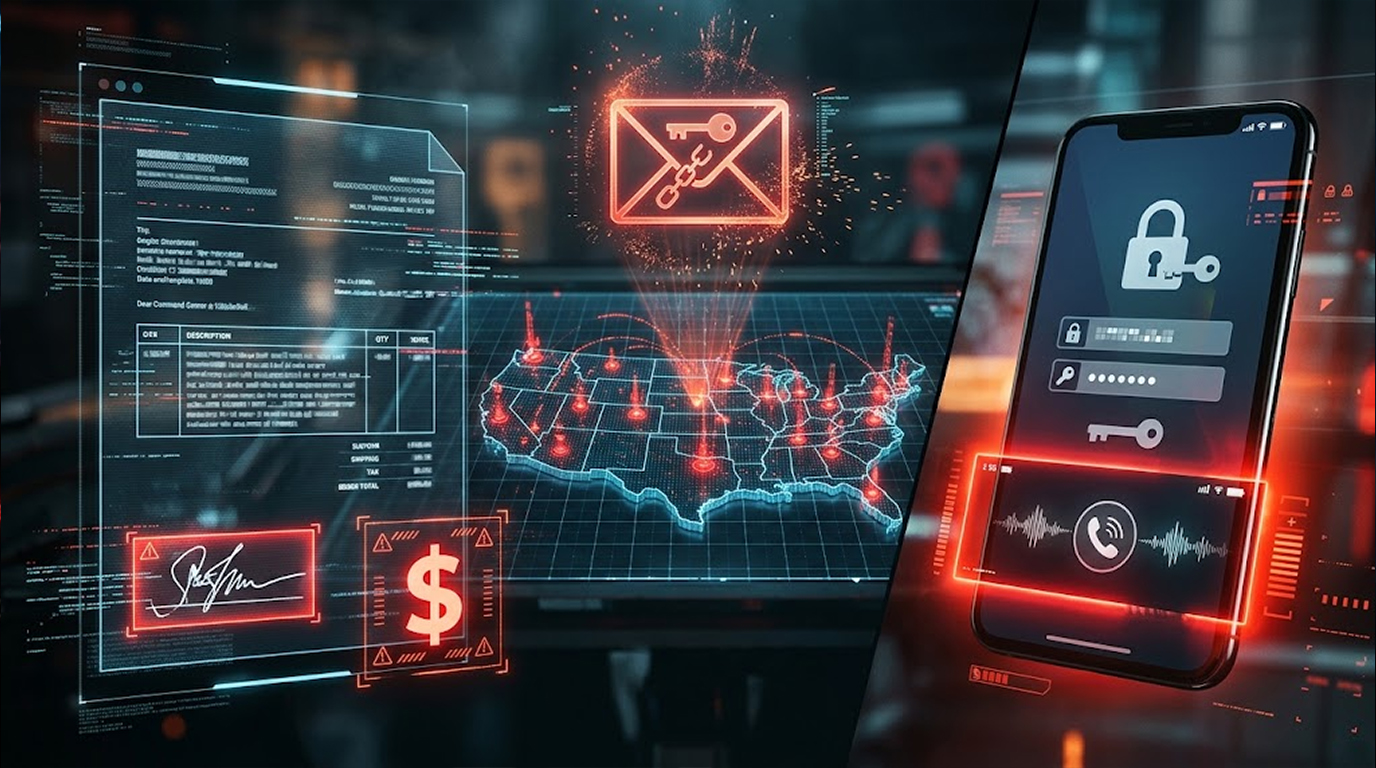
Microsoft just published details on two separate campaigns that are causing real problems for organizations. One is a financial fraud operation that sent over a million scam emails in three days. The other is a passkey-themed social engineering campaign that's been breaching cloud environments since May.
They're different attacks with different goals. But they share a common thread. Both abuse trust. One trusts email infrastructure. The other trusts the person on the phone.
Let me walk through both.
Quick Summary
|
Campaign |
What It Does |
Scale |
|
CEO Impersonation |
Fake invoices for ACH transfers |
1M+ emails in 3 days |
|
Passkey Phishing |
Social engineering for cloud access |
Since May 2026 |
Campaign One: The Fake Invoice Machine
Between August 3 and 5, attackers sent over a million emails. They pretended to be CEOs. They targeted accounts payable departments. The pitch was simple: pay this ServiceNow annual subscription invoice.
The emails looked legitimate. They came through trusted third-party email delivery infrastructure. They included a fake invoice. They even included a fake email thread showing prior "approval" for the payment.
Here's the clever part. The attackers researched their targets. They found the actual names of CEOs, CFOs, and presidents at victim companies. Then they put those names in the email signatures. So the recipient sees an email from someone they recognize, about a vendor they use, with an invoice that looks real.
"Unlike traditional invoice scams that rely on a single social engineering lure, this campaign layered executive impersonation, vendor branding, fabricated invoices, and supporting email conversations into a unified narrative intended to reduce recipient skepticism," Microsoft said.
The targets were mostly U.S. enterprise users. IT services, consumer goods, real estate, discrete manufacturing.
The Domains:
The attackers registered domains that looked like ServiceNow. Things like service-nowinc[.]com and domainlify[.]net. They used these to send emails and host fake invoice pages.
The AI Angle:
Microsoft said the attackers used generative AI to create email templates and draft messages. That's how they scaled to a million emails in three days.
Campaign Two: Passkeys as Bait
This one's more sophisticated. And honestly, more concerning.
The campaign has been active since May 2026. The attackers would contact them via phone calls or messages. They would pose themselves as helpdesk of IT and notify them that there is an issue with their password and MFA process which they need to take care of right away.
Then they send an SMS with a link. The link goes to a fake Microsoft sign-in page. The employee enters their credentials. Or worse, they go through a device-code authentication flow that grants the attacker access without ever stealing a password.
Microsoft calls this "identity-focused social engineering." The attacker doesn't need to hack anything. They just need to convince one person to follow instructions.
"The actor appears to invest heavily in pre-attack research, likely gathering information about employees and organizational structure from public sources such as social networking and professional profiling platforms," Microsoft said.
The Domains:
The attackers registered domains with passkey and SSO themes. And they got creative with subdomains. They'd use the target company's name as a subdomain, like <company name>.<malicious domain>[.]com. That makes the link look legitimate at a glance.
Some of the domains:
- passkeyhelpdesk[.]com
- secure-passkey[.]com
- setupmypasskey[.]com
- add-passkey[.]com
- integratedsso[.]com
- oktasession[.]com
- syncmykey[.]com
- portalsetuphub[.]com
The MFA Persistence Problem:
Here's where it gets nasty. After getting initial access, the attacker doesn't just rely on stolen credentials. They enroll their own MFA method. Usually a new phone number or an authenticator app.
Now they can sign in whenever they want. The legitimate user doesn't get a prompt. The attacker has their own second factor. And unless someone revokes the session or removes the rogue MFA method, the attacker stays in.
"Following initial access, the actor's first objective was to transform a temporary compromise into a persistent foothold," Microsoft said.
What They Do Once Inside:
- Reconnaissance using the Graph API. Users, groups, permissions, resources.
- Look for privilege escalation opportunities.
- Enumerate mailbox messages and attachment metadata.
- Download files from SharePoint Online, OneDrive for Business, and sometimes Exchange Online.
- Exfiltrate data for hours or days.
- Rotate IP addresses across different phases so network indicators don't link them.
"The attack underscores a critical detection challenge: Microsoft Graph abuse rarely appears suspicious when viewed through a single API call," Microsoft said. "This attack serves as a strong example of why Graph activity must be assessed holistically."
Who's Behind This?
Microsoft attributes the initial access activity to a few groups. Storm-3121 and Storm-3032.
Storm-3121 does initial access work that leads to ShinyHunters and Falcon extortion. Storm-3032 is Microsoft's name for UNC6671, a group that broke off from BlackFile and now operates under the Helix brand.
The passkey phishing campaign overlaps with a loose collective tracked as Cordial Spider, O-UNC-045, PREY-0058, and UNC6671. Security researchers have described them as a coordinated group that runs multiple extortion brands while sharing phishing infrastructure.
"UNC6671 uses credential harvesting panels hosted on generic root domains masquerading as being related to passkeys, appending victim-specific subdomains to facilitate targeted voice phishing campaigns."
The exact relationship between these groups isn't clear. Microsoft suspects splintered affiliates are sharing initial access playbooks, phishing panels, and voice-phishing callers.
What You Should Do
For the Email Fraud Campaign:
- Train finance teams to verify payment requests through a separate channel. Call the person. Don't just reply to the email.
- Check for CEO impersonation. If an email comes from the CEO's name but a weird domain, flag it.
- Review processes for paying vendors. Implement a second approval stage for ACH transfers.
For Passkey Phishing Attack:
Employees should be told that IT will never make calls on their personal phone to resolve passkeys.
- Monitor for new MFA methods being enrolled. Alert on it.
- Review sign-ins from unmanaged devices. Especially Office Home.
- Watch for Graph API activity that looks like bulk reconnaissance or file downloads.
- Revoke sessions and rmove rogue MFA methods when you find them.
- Correlate Graph activity. Don't look at single API calls. Look at patterns.
The Bottom Line
Microsoft detailed two campaigns. One is a massive email fraud operation impersonating CEOs to steal money through fake invoices. The other is a passkey-themed phishing campaign that bypasses MFA by enrolling the attacker's own second factor. Both abuse trust. Both are active.
Quick Reference:
|
Campaign |
Tactic |
Goal |
|
CEO Impersonation |
Fake invoices, AI-generated emails |
ACH transfer fraud |
|
Passkey Phishing |
Voice phishing, fake sign-in pages |
Cloud access, MFA persistence |
What to Do:
- Train finance teams on payment verification
- Tell employees IT won't call about passkeys
- Monitor for new MFA enrollments
- Watch Graph API activity for bulk access
- Revoke sessions and remove rogue MFA methods
FAQ Section
What are the two campaigns Microsoft disclosed?
One is a financial fraud campaign impersonating CEOs to trick finance teams into ACH transfers. The other is a passkey-themed phishing campaign that uses voice calls and fake sign-in pages to breach cloud accounts.
How does the email-based scamming campaign work?
The attackers send millions of emails from the address of CEOs. These emails contain fake invoices and fake email discussions. AI is used to create email templates and target accounts payable.
How does the passkey phishing campaign work?
The attackers call on a victim’s personal cell phone and say that they are IT staff and should urgently repair their passkeys or MFA. Then they provide links to the fake Microsoft sign-in page or device-code flow login.
What is meant by MFA persistence?
Once the attacker gains the access to the account, they enroll MFA methods of their own choice. This gives them an option to sign in whenever they like and not notify the real user about it.
What should organizations do?
Train finance teams on payment verification. Tell employees IT won't call about passkeys. Monitor for new MFA enrollments. Correlate Graph API activity.