
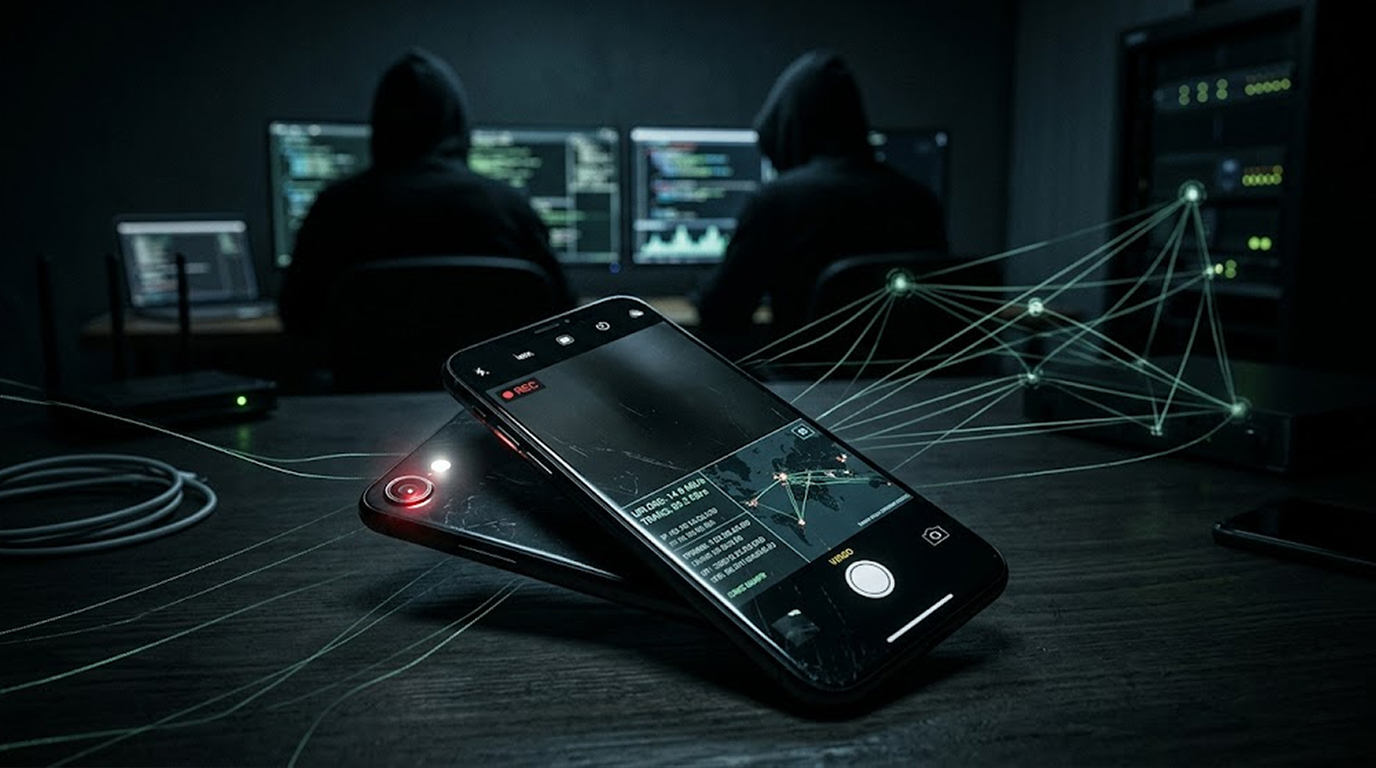
A lot of people think that their phones' cameras only turn on when they use the camera app. However, malicious apps can activate either the front or back camera without your knowledge in order to either take pictures or record video and then send that to someone who is stalking / spying on you; as such, this means they have turned your smartphone into an unauthorized remote control allowing them to spy on or monitor you without being able to know this is happening.
In 2026, the threats of this nature come from both overt "stalkerware" applications, which are marketed as things that "help parents monitor their children" and "help employers track their employees", as well as from hidden spyware applications downloaded via trojanized websites/apps, phishing attempts or sideloading onto your smartphone. Some sophisticated platforms will evenness bypass privacy indicators within the iOS / Android environments to enable them to covertly / secretly monitor or spy on persons/individuals.
How Malicious Camera Apps Work
Malicious app will be installed and then need to obtain camera and microphone access to function normally.
Thereafter they will operate as follows:
1. Go into stealth mode. Either hide their icon from the application list, run as a service, or masquerade as a legitimate application (like photo editors, video calling applications, or system utilities)
2. Have the ability to remotely activate. Thus, if the attacker sends an activation command to the victim's phone, the attacker can live stream via the victim's phone camera, take pictures from the victim's phone camera, or record video and audio using the victim's phone.
3. Exfiltration of data. Video and audio captured using the victim's phone are sent to a server controlled by the attacker. Most of the time, this data is encrypted.
4. By passing the visual cue system (i.e., on an iPhone, the green or orange dot that appears on the screen when the phone is being recorded, suppressed by advanced spyware, such as some versions of Predator and ZeroDayRAT).
Common ways for delivery of this type of malware:
1. Fake/trojanized applications. For example, they may masquerade as popular camera filters, beautifying applications, and instant messaging applications.
2. Phishing links or malicious APKs downloaded via SMS/WhatsApp (sideloading).
3. Legitimate applications that have been compromised or via supply chain attacks.
Real-World Trends and Examples in 2026
1. Stalkerware & Spy Applications (Examples mSpy, FlexiSPY, Eyezy, Spyera), or Commercially Available Monitoring Programs Are Used for a Non-Intended Purpose (i.e., Stalking) When Used by Abusive Individuals. They Provide End-User Access to Remote Cameras, Adult Listening (Ambient Listening), & Live Video Feeds. Several Of These Programs Run Stealthily and Can Include Timing Access to Activate the Camera without Any User Input.
2. ZeroDayRAT Is Another Example: It Is a Commercially Available Mass-Automated Spyware Tool Found for Sale on Telegram. It Provides an End-user with Full Remote Access to the Device Including Real-time Access to Both the Front and Back Cameras (Streaming Video), Screen Capture/Recording, (Microphone Access), and Keystroke Logging. This Application Can Be Used to Spy on Any Android 5-16 Device as Well as iPhones Up to 26 (Latest Version).
3. Predator Spyware: This Advanced Spyware Package Can Control Both the Front and Back Cameras and Microphones of Your Mobile Device, Bypassing iOS Privacy Indicators (No Green Alias or Other Color Indicators), etc.
4. Trojanized Camera/Utility Applications: Trojanized Camera/Utility Applications Have Previously Been Inadvertently or Purposely Distributed As Downloadable Applications That Allow Unauthorized Proxy Access to the Camera, Taking Pictures, and Transmitting Pictures/Video Media. Many of These Trojanized Applications Have Embedded Malicious SDK's, Creating a Method to Record & Transmit from Their Devices Without the End-user's Knowledge.
These Applications Have Been Used by Partners Who Physically Abuse Their Partners, by Stalkers, by Jealous Individuals, by Cybercrime Actors, and, in Some Cases, By Priority-Based Targeted Intelligence Agents in Espionage-related Activities.
Risks and Impact
1. Privacy invasion : Live or recorded video of you, your home, conversations, or surroundings.
2. Blackmail/harassment : A cybercriminal can get hold of footage and use it against people to extort money from them.
3. More compromised information : Cameras also have microphone, location, and screen recording access, meaning the device can be fully monitored if the attacker has access to them.
4. Data leakage : The attacker can sell or leak any footage on underground markets.
5. Data privacy law violations : For businesses, unauthorized surveillance of employee devices can be considered a violation of data privacy laws, including GDPR.
Even so-called "legitimate" monitoring apps can become weapons of abuse or, if installed without consent, pose a risk.
Practical Methods for Detecting and Protecting Yourself
1. Verifying App Permissions
a) On Android: Go to Settings, then Apps. Select Special App Access. Select Camera or Microphone then revoke any given access from apps you do not want to have access to your camera or microphone. Any apps that you do not know or recognize should also be reviewed.
b) For iOS users: access your Settings, then choose Privacy & Security, click on the Camera or Microphone and disable any app you don’t know or see.
2. Check for hidden/suspicious apps
a) Android Users : Check your Settings, Apps for any generic or empty icon names. Make sure your Play Protect is working (Google Play, Tap on Profile, then Play Protect).
b) iPhone/iPad Users : Check out your App Privacy Report under Settings, Privacy & Security, App Privacy Report for the most recent apps that have accessed your camera or microphone.
3. Monitoring for Unusual Behavior
a) Due to battery drain or spike in data usage.
b) The camera light (or dot) turning on without your choosing it to turn on.
c) Processes that you do not recognize in your battery and data usage lists.
4. Using Safe Sources for App Downloads
a) Use only the google or apple stores to acquire apps.
b) Don't download apk files from links you received in text messages, on WhatsApp, or via email.
c) Use caution when downloading free camera filters and editing apps that are produced by unknown developers.
5. Download and Use Security Applications
a) Android: Install Google Play security and any reputable mobile security applications, such as anti-spyware.
b) iOS: Keep the iOS current. Apple periodically provides fixes for vulnerabilities to spyware in its iOS version.
c) General: Use a password manager; enable multi-factor authentication; review connected accounts regularly.
6. Perform Factory Reset Last
If you think your smartphone has malware present, but you cannot pinpoint the specific application at fault, performing a factory reset may be your only option. Before doing so, however, ensure that you have backed up all critical files on your smartphone, except for applications.
Key Takeaways
1. In some cases, malware or bad software can be used to turn on a phone's camera or microphone without the user knowing. For example, if I go into someone else's phone and use one of these malware applications, I can turn their camera on and record without them knowing, all remotely from a computer.
2. The various types of threats with regard to these app-related abuses of privacy include the more conventional stalkerware type applications (commercial stalkerware) to more advanced types of spyware, such as ZeroDayRAT and Predator, both of which can identify and bypass the privacy indicator that normally would indicate that your phone has been compromised.
3. The most frequent of these types of intrusions happen via social engineering, such as phishing or sideloading mobile applications, rather than actual app marketplaces.
4. You should constantly monitor your app permissions to keep your device safe and only install apps from legitimate sources, additionally, you should make sure your OS is current.
5. If you believe you are being surveilled, you should immediately check your camera/microphone log to see if there is evidence of any type of unauthorized access, you may want to speak to a professional for assistance.


