
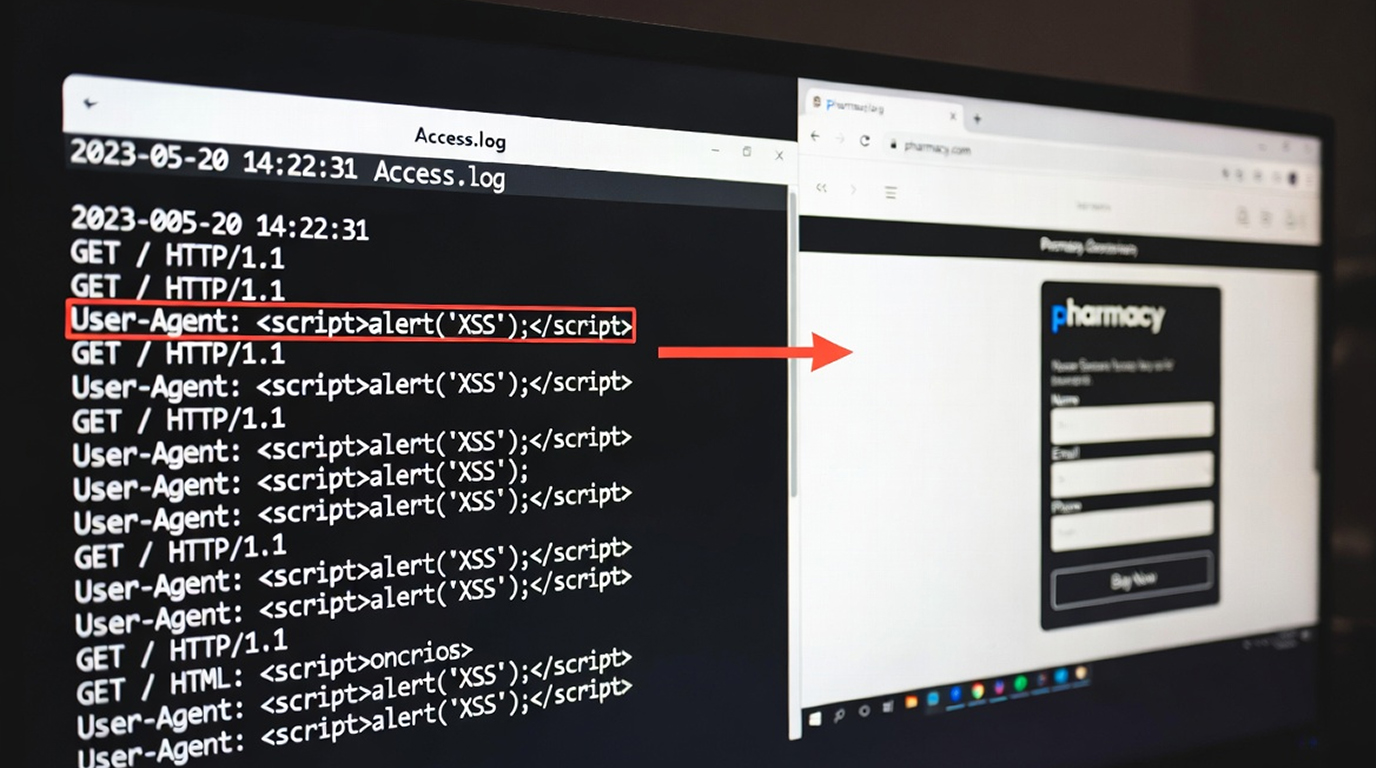
Log poisoning is a stealthy attack that is typically not given attention. However, it still creates lots of frustration for site owners. Instead of uploading malicious files onto a server or discovering a dramatic zero-day vulnerability, an attacker will still implement malicious spam or phishing pages under the legitimate domain just through leveraging the server's own log files.
The other frustrating part is that it continues to be so simple to execute and effective to implement in 2026, and therefore so many teams completely overlook the fact that logs are not security risks, because they are usually seen as "background noise."
How the attack works
The log poisoning technique is a very simple but clever attack:
1. Log injection: The web server logs various types of details, such as user agent information, referrer, client IP, query information, and URLs that came from 404 errors. An attacker can send requests with carefully crafted spam or phishing content injected into these fields.
2. Log poisoning: The attacker can modify the user agent as part of the original log entry to be something like this <title>Buy Cheap Products Online – Fast Delivery</title><h1>50% OFF Today Only – Limited Stock</h1>.... After the web server processes the original request, it will write the exact same log entries into the access.log or error.log.
3. Include the poisoned log through the web The attacker then finds any way to read that log file via the browser, often through a Local File Inclusion (LFI) vulnerability, a debug page, an admin tool that shows “recent logs,” or a misconfigured include.
4. The spam page is now publicly accessible to users that have an account with the site. Google crawls through the spam site and includes them in its index. As a result of these pages being indexed, the web site will rank for spam keyword searches produced by people searching using a search engine. The person that created the spam will either receive income from the affiliate links, be able to distribute malware, or manipulate the search engine with SEO tactics.
Why This Attack Keeps Working So Well
1. Logs are almost never sanitized for HTML or malicious content.
2. No unusual files can be found on the server, however, the spam is nested among regular system logs.
3. The spam can often pass through WAF due to the payload being sent in HTTP headers instead of directly requesting the application.
4. After being indexed by Google, the spam pages may go unobserved for weeks or months until they are removed.
This technique is frequently seen against e-commerce stores, corporate blogs, news sites, and internal tools that have any kind of log-viewing feature.
Real-World Impact
Attackers use it for:
1. Promoting affiliate spam (such as pharmacy, gambling or fake crypto schemes)
2. Hosting phishing pages that look real because they are hosted on a legitimate domain
3. Distributing malware through injected scripts
4. Manipulating SEO to boost black hat sites
Sometimes, the spam sites can stay indexed for a long time, which will hurt the image of the site and have a negative effect on its SEO score.
How to Prevent It?
Follow these steps to truly make a difference.
1. Move your logs outside of the web root. Store them in /var/log/ or in a dedicated directory that cannot be accessed via the web.
2. Clean every entry before logging. Remove all HTML tags and bad characters from User-Agent, Referer, query strings, and other user controlled data.
3. Disable the ability to wrap PHP code in potentially insecure ways
allow_url_fopen = Off
allow_url_include = Off
4. Examine Debug & Admin Tools for Restrictive Pages. Any pages that reveal raw log contents when viewed in a production environment should be removed by the administrator.
5. Regularly Maintain Logs. Logs should be rotated on a regular basis and regularly checked for unusual activity (i.e. HTML Tags/Links/Spam Keywords).
6. Monitor search results Set up Google Search Console alerts for your domain combined with common spam terms.
Log poisoning is a good reminder that even routine server functions can be turned against you if they aren’t handled carefully. A few small configuration changes can prevent this silent attack from turning into a very public problem.


