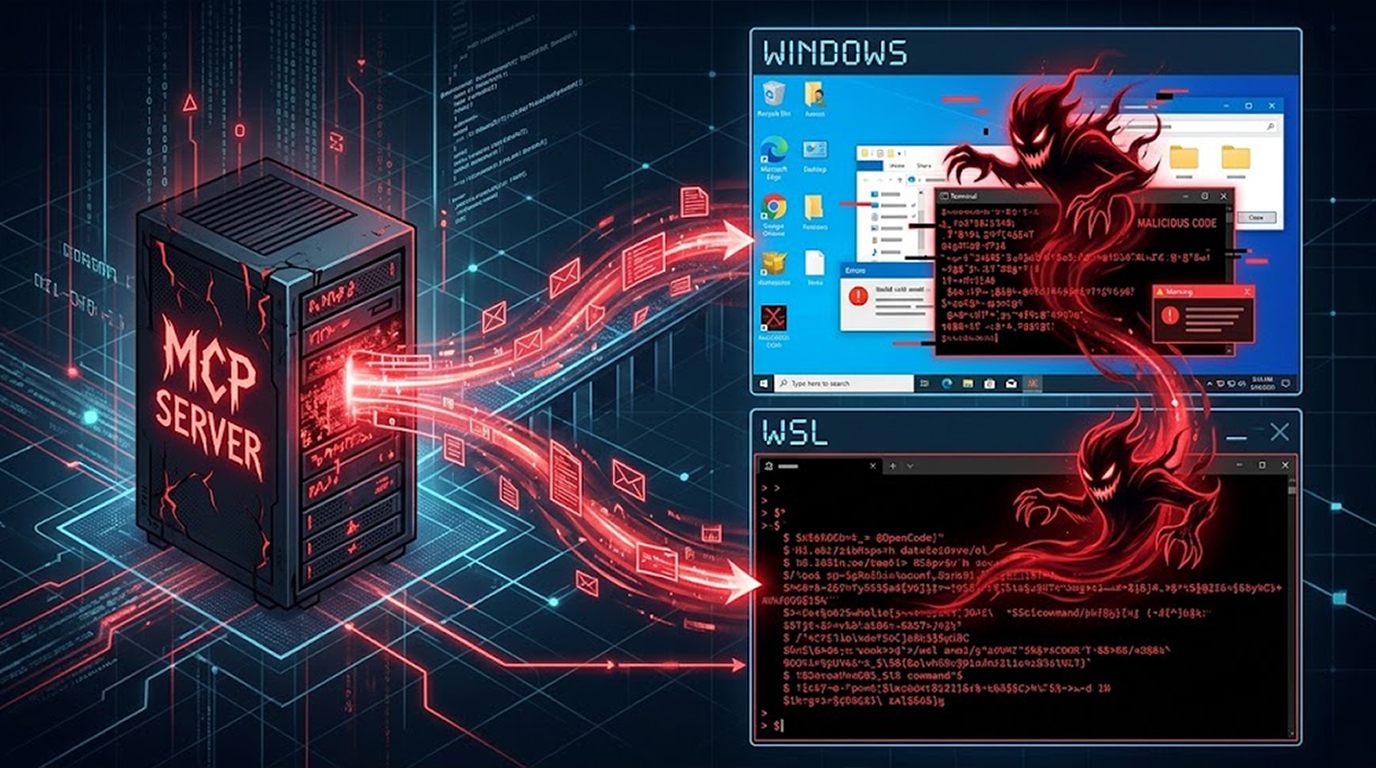
Your AI gateway might have handed over cloud credentials to an attacker this week, because LiteLLM just disclosed a severe compromise that pushed a malicious version to PyPI and Docker, and the payload used a dual-trigger execution path to steal secrets before your application code even started running.
The incident took place on October 21, 2026, around 4:00 a.m. PST, and it affected multiple independent security controls.
If you downloaded an unpinned version of LiteLLM between 11:39 a.m. and 1:23 p.m. UTC via pip, or pulled the Docker image between 11:46 a.m. and 2:20 p.m. UTC, you are impacted.
What the LiteLLM Compromise Exposed
The poisoned release incorporated code designed to harvest credentials, keys, and system data, while also setting up a remote access trojan that checks in with an attacker-controlled server every hour.
The compromised versions span across multiple registries.
|
Registry |
Compromised Versions |
|
PyPI |
LiteLLM v1.107.0 |
|
Docker Hub |
v1.107.0, latest, main-latest, main-stable |
|
GHCR |
v1.107.0, latest, main-latest, main-stable |
The malware doesn't wait for you to call a specific function, because it triggers automatically when the Python interpreter initializes.
The Dual-Trigger Execution Path
Wiz researchers noted that this campaign uses a dual-technique approach, which appears to be the first documented case in the wild, because it uses both a .pth file and a sitecustomize.py file simultaneously.
The first trigger is cook.pth, which contains a command to import cook, a Python script that deobfuscates itself and runs a stealer routine named privcollect.
This stealer gathers system, browser, developer, cloud, and AI tool secrets, then exfiltrates the data to litellm[.]dev/healthcheck via an HTTP POST request.
The second trigger attempts to execute sitecustomize.py, which only runs on Linux and macOS machines, and it is configured to fetch domain.txt from a GitHub dead drop.
If that file returns a valid response, the malware downloads a second-stage Python script from <domain>/codepy and executes it.
Aikido researcher Ilyas Makari explained that it forks a background daemon, acquires a lock at /tmp/remote_code_loader.lock to prevent multiple instances, and enters an infinite loop, checking for new payloads every hour.
From Credential Theft to LLMjacking
Wiz observed abuse of the stolen credentials starting about 4.5 hours post-exfiltration, and the attacker validated AWS instance role credentials captured from compromised CI runners and Kubernetes nodes.
They did this from two specific IP addresses between 4:20 p.m. and 5:01 p.m. UTC:
- 168.100.8[.]57
- 165.227.201[.]8
Each credential was checked with sts:GetCallerIdentity, followed by bedrock:ListFoundationModels and a ListModels call, which is consistent with LLMjacking.
In a small number of environments, the attacker also enumerated IAM roles, users, and access keys, while performing general discovery on AWS accounts and trails.
How the Attackers Breached the Release Pipeline
LiteLLM had already hardened its release pipeline after a similar incident in March, which included moving releases to a private repository, making Docker tags immutable, and signing images.
But on October 19, the maintainers temporarily expanded release permissions to allow two internal engineers to publish daily bugfix backports for customers, and the attacker leveraged that access.
The entire sequence relied on stolen GitHub CLI credentials.
- The attacker had access to three sets of developer credentials, including one that could run GitHub workflows.
- They used a token belonging to an organization owner to disable branch protections and force-push the malicious changes.
- They ran the compromised workflow, pointing it to a lookalike repository "Berri-AI/litellm" instead of "BerriAI/litellm", causing the poisoned artifacts to be signed and published.
The root cause of the token theft is equally fascinating, because LiteLLM discovered that Claude Code will embed a user's GitHub CLI OAuth token into a response body, and in situations where response bodies are logged, these tokens may appear in LiteLLM logs.
The maintainers identified an unexpected, innocuously named user account in their internal LiteLLM deployment that was exposed to the public internet, and it is suspected that the attacker gained access to this deployment, obtained the tokens from its logs, and used them to compromise the release workflow.
Is This Linked to the March TeamPCP Attack?
The use of a .pth file to launch the stealer mirrors the modus operandi observed in the March 2026 attack attributed to TeamPCP.
However, Socket told The Hacker News that there is no evidence at this stage to link the two incidents, because the embedded RSA public keys differ, as do the exfiltration implementation and backdoor behavior.
That doesn't rule out the same operator using different tooling, but the public evidence reviewed so far doesn't establish a connection.
What to Do If You Installed Version 1.107.0
A single compromised install can hand an attacker the ability to push malicious code downstream, so you have to act fast.
Here is the remediation plan for developers:
- Remove LiteLLM 1.107.0 from your machines immediately.
- Isolate hosts on which the malicious version was installed.
- Hunt for the malicious Python artifacts, including cook.pth, cook.py, and sitecustomize.py.
- Block access to the exfiltration domain litellm[.]dev.
- Rotate all credentials, especially cloud tokens, AI tooling keys, and GitHub tokens.
- Investigate the execution of /codepy in your environment logs.
JFrog security researcher Guy Korolevski summed it up perfectly. A clean source repository tells you little about the artifact you actually install, so you need to verify the exact wheel and vet versions before they reach a build.
If 1.107.0 ran anywhere in your environment, rotate every reachable credential and rebuild.
FAQ
What is the LiteLLM compromise?
It is a supply chain attack where threat actors pushed LiteLLM version 1.107.0 to PyPI and Docker registries. The malicious version contained a credential stealer and a backdoor designed to run arbitrary code.
How did the malware execute without importing LiteLLM?
The package included a path file named cook.pth and a sitecustomize.py script. Python processes these files automatically when the interpreter starts, meaning the payload ran before any application code was executed.
What is LLMjacking in this context?
LLMjacking is the practice of using stolen cloud credentials to access and abuse large language models at the victim's expense. Wiz observed the attacker validating AWS credentials and querying Bedrock models shortly after the data exfiltration.
How did the attacker get the GitHub CLI tokens?
LiteLLM suspects that Claude Code embedded a user's GitHub CLI OAuth token into a response body. Because response bodies were logged in an exposed internal LiteLLM deployment, the attacker accessed those logs to steal the credentials.
What should I do if I downloaded LiteLLM 1.107.0?
Remove the package, isolate the host, hunt for cook.pth and sitecustomize.py, block the litellm[.]dev domain, rotate all credentials, and rebuild the environment.