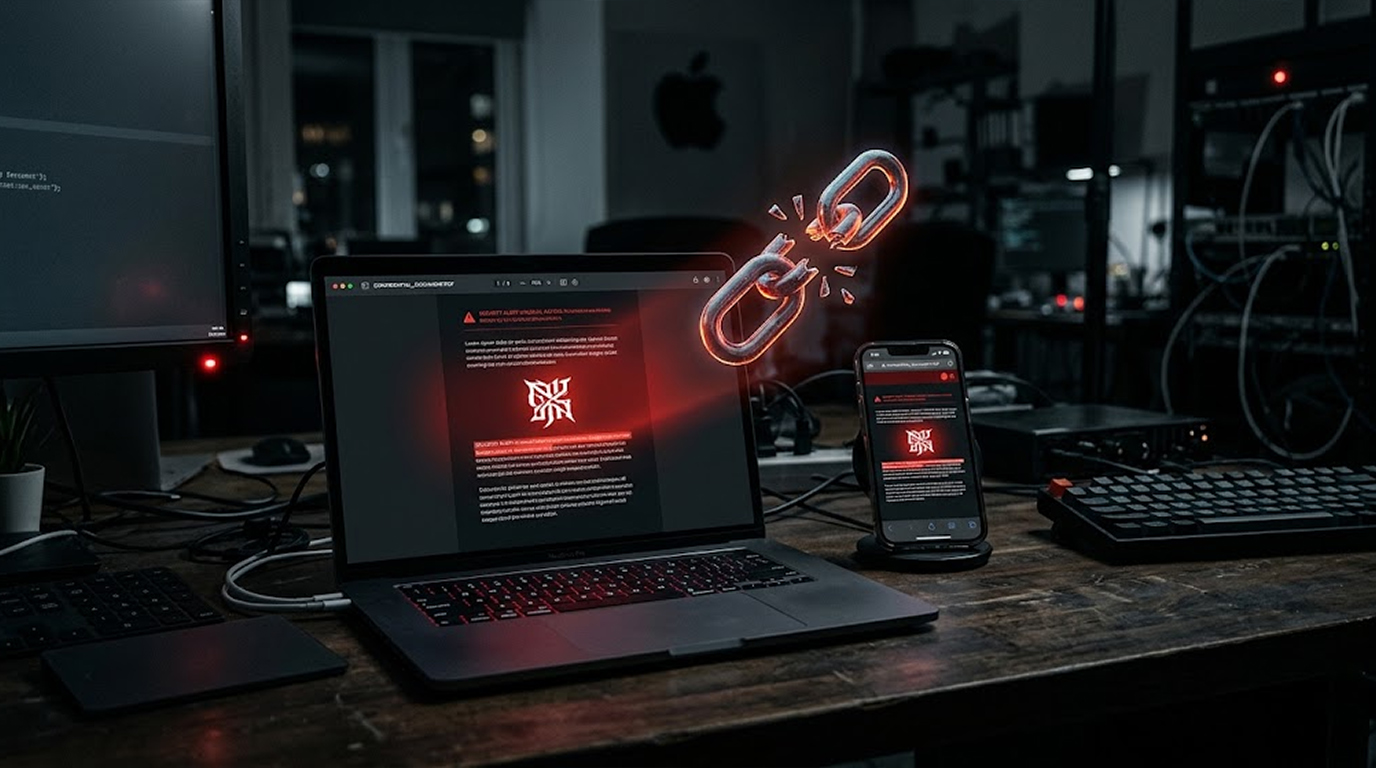
You did not click a link. You did not download an attachment. You did not approve a permission prompt. You did not even touch your phone.
And yet, your iPhone is compromised.
This is the reality of the iOS zero-click attack, a class of exploit that requires no interaction from the victim whatsoever. The payload arrives, executes, and establishes persistence while the device sits in your pocket, and the first indication that anything happened is often a notification from a security researcher months later.
Understanding how these attacks work, and why they are becoming more common, is the first step toward defending against them.
Important Disclaimer
This article is intended for educational and defensive purposes only, and the information shared here is meant to help users and security professionals understand how zero-click attacks operate so they can better protect their devices.
Do not use these techniques against systems you do not own or do not have explicit written permission to test, because unauthorized testing is illegal in most jurisdictions.
The author assumes no liability for any damages, legal consequences, or other outcomes resulting from the use or misuse of this information, so always keep your devices patched and seek professional help if you suspect a compromise, and stay legal, stay ethical, stay responsible.
What Makes a Zero-Click Attack Different
Most attacks require a decision. You click a link, you open a file, you install an app. Zero-click attacks remove that decision from the equation entirely. The exploit triggers automatically when the device processes incoming data, and the user is never presented with a choice.
This is what makes them so dangerous. Every piece of security training tells users to avoid suspicious links and attachments, but zero-click attacks bypass that advice completely because there is nothing for the user to avoid.
The attack surface is the code that processes incoming data automatically. When your iPhone receives a message, it parses the content to display a preview, to render a notification, or to process an attachment. That parsing happens without your involvement, which means a vulnerability in the parser is reachable without your involvement too.
The Main Attack Vectors
Zero-click attacks on iOS typically exploit one of a handful of automatic processing systems.
iMessage and the Blastdoor Sandbox
iMessage is the most common delivery vector. When a message arrives, iOS processes it automatically to generate notifications and previews, and that processing happens inside a sandbox called Blastdoor, which is designed to contain any damage from malformed content.
A zero-click attack targets a vulnerability in the parsing code itself, and if the exploit can escape or bypass the sandbox, it can execute code and begin the infection chain. Apple has repeatedly patched Blastdoor bypasses as researchers find new ways around the protections.
Image and Media Parsers
Image parsing is another common target. A malicious image sent through iMessage can trigger a vulnerability in the code that processes images, and because image parsing happens automatically, the user never needs to open anything.
The same applies to audio files, video files, and other media formats that the system processes to generate previews.
WebKit and Browser Engine Components
Some zero-click attacks target WebKit, the browser engine that powers Safari and renders web content inside other applications. A message that contains a link preview is capable of triggering a WebKit process, which may contain an exploit enabling code execution.
System Services
Apart from messaging, zero-click attacks have been used against other system services responsible for automatic processing of information, such as voicemail and calendar invitations.
Notable Zero-Click Exploits
Recent years have seen several high-profile zero-click exploits that illustrate the sophistication of these attacks.
- FORCEDENTRY was an exploit by Pegasus which was used against the iMessage using a maliciously crafted PDF document disguised as a GIF. This did not require any user interaction.
- Glass Cage was a zero-click attack chain that leveraged a PNG image which was sent over the iMessage. The attack chain made use of the automatic parsing of the malicious image in the Messages Blastdoor service and eventually escalated to the level of the kernel and complete compromise of the device.
- DarkSword is the more recent exploit kit discovered in 2026. DarkSword is a zero-click mobile exploit kit that uses a chain of six vulnerabilities and was used for targeted attacks before reaching the criminal community on the secondary market.
- Audio-based RCE attacked CoreAudio AudioConverterService using an evil audio file over iMessage or SMS. The exploit bypassed Blastdoor and achieved code execution without any user action.
The common thread across these exploits is that the delivery mechanism is automatic processing, and the payload is designed to look like ordinary content, which means the victim has no visual clue that anything malicious is happening.
The Infection Chain
A zero-click attack follows a recognizable structure, even though the specific vulnerabilities change.
The attacker sends a specially crafted message through iMessage, SMS, or another automatic processing channel. In the message is some data which takes advantage of a vulnerability in the parser, and this is executed without further interaction from the user.
The first stage is executing code within the sandboxed environment. The second stage escapes from this environment through exploitation of some other vulnerability in the system component. The third stage provides the attacker with access to the kernel level, which grants the attacker total control over the device. The last stage involves installing spyware on the device.
Nothing at all looks suspicious for the user at any step. There is no unusual prompt, no download request, and no indication that the device is compromised.
Why These Attacks Are Hard to Detect
The core challenge is that there are no visible indicators. This particular spyware was made to remain invisible, and the exploit does not leave any obvious trails.
In addition, the modern spyware frameworks try not to consume too much power. This means that there will be no draining of the battery, there will be no decrease in performance of the mobile phone, and there will be no suspicious behavior on the network side. The mobile phone works as usual, and the user has no reasons to check what happens to him.
In general, detection of such spyware usually involves memory forensics or other kinds of special tools, looking for spyware signatures.
Defensive Measures That Actually Help
While zero-click attacks are sophisticated, there are concrete steps you can take to reduce your risk.
1. Keep iOS Updated
The most important defense is patching. Apple regularly releases security updates that close the vulnerabilities these attacks exploit, and the window of exposure is between the discovery of a vulnerability and the release of a patch.
Enable automatic updates so you are not relying on your own discipline to stay current.
2. Enable Lockdown Mode
Lockdown Mode is an optional security feature designed for users who face elevated risk of targeted attacks. It dramatically reduces the attack surface by blocking most message attachment types, restricting WebKit features, and disabling other automatic processing that attackers exploit.
Apple has confirmed that it has not observed any successful mercenary spyware compromises on devices with Lockdown Mode enabled, which makes it the single most effective defense against zero-click attacks for high-risk users.
The trade-off is reduced functionality. Some attachments will not preview, some websites will not work properly, and some features will be unavailable. For the journalist, activist, and the executives who are most likely to be targeted, the trade-off is justified.
3. Look out for Signs of Compromise
Although zero-click spyware is intended to stay hidden, some clues can occur. Unexpectedly discharged battery, strange data activity, and heating of the device during its inactivity are just some possible symptoms; however, they are also common symptoms of standard device usage.
Do not try to uncover any potential compromise on your own in case it occurred. Contact an expert or a company specializing in mobile forensics.
4. Think about Your Threat Model
Everyone doesn't require the same amount of safety measures. High-profile targets like a journalist, activist, politician, or executive of a sensitive company are at more risk, and so Lockdown Mode should be taken into consideration. If you are not a likely target, regular security is sufficient.
5. Reboot Your Device Periodically
Some exploits depend on persistent technologies that will not withstand a reboot. Periodic reboots can disable certain kinds of malware, although advanced spyware might resist it.
6. Implement Hardware Security Keys
Where highly valued accounts need protection, hardware security keys offer phishing resistant protection against credential theft regardless of how else the device is compromised.
7. Be Cautious with Unknown Messages
While zero-click attacks do not require interaction, many attacks still start with a message. If you receive a message from an unknown sender, do not engage, and consider reporting it as spam.
Quick Reference: Zero-Click Defense Checklist
|
Defense |
Action |
|
Patching |
Enable automatic iOS updates |
|
Lockdown Mode |
Enable if you are a high-risk target |
|
Reboots |
Restart your device regularly |
|
Threat model |
Assess whether you are a likely target |
|
Suspicious messages |
Do not engage with unknown senders |
|
Hardware keys |
Use for high-value accounts |
|
Professional help |
Contact a specialist if you suspect compromise |
The Bottom Line
Zero-click attacks represent the cutting edge of mobile exploitation. They bypass every user decision, they exploit the systems that process data automatically, and they leave almost no visible trace.
The defense is not about being more careful, because there is nothing to be careful about. The defense is about reducing the attack surface, keeping the device patched, and enabling the protections that make exploitation harder.
For most users, keeping iOS updated is sufficient. For high-risk targets, Lockdown Mode is the strongest available defense against the class of attack that zero-click exploits represent.
The attackers are patient and well-resourced. Your best response is to make their work as difficult as possible.
FAQ Section
What is a zero-click attack?
A zero-click attack is an exploit that compromises a device without requiring any action from the user. The vulnerability is triggered automatically when the device processes incoming data.
Can I avoid zero-click attacks by not opening messages?
No, because the attack triggers during automatic processing, before you would have any opportunity to open or ignore the message.
Does Lockdown Mode stop zero-click attacks?
Lockdown Mode dramatically reduces the attack surface by blocking most message attachment types and restricting WebKit features, and Apple has stated it has not observed any successful mercenary spyware compromises on devices with Lockdown Mode enabled.
How would I know if my iPhone has been compromised by a zero-click attack?
Often you would not know. The spyware is designed to be invisible, and detection typically requires specialized forensic tools. If you are a high-risk target and suspect a compromise, contact a security professional.
Is jailbreaking required for these attacks to work?
No, zero-click attacks exploit vulnerabilities in the standard iOS software, which is why keeping the device updated is critical.
What is the most important thing I can do to protect myself?
Keep iOS updated. Patching closes the vulnerabilities these attacks rely on, and automatic updates ensure you are not relying on your own memory to stay current.