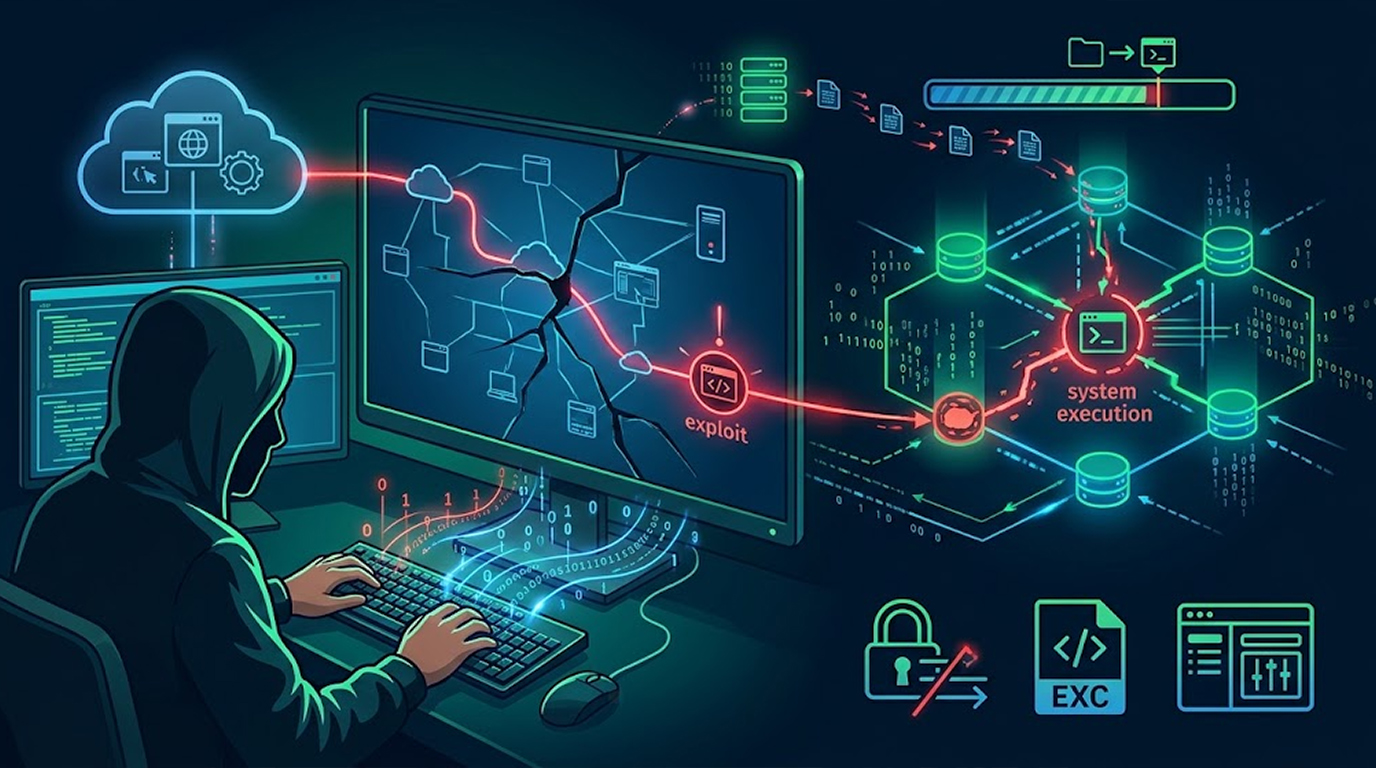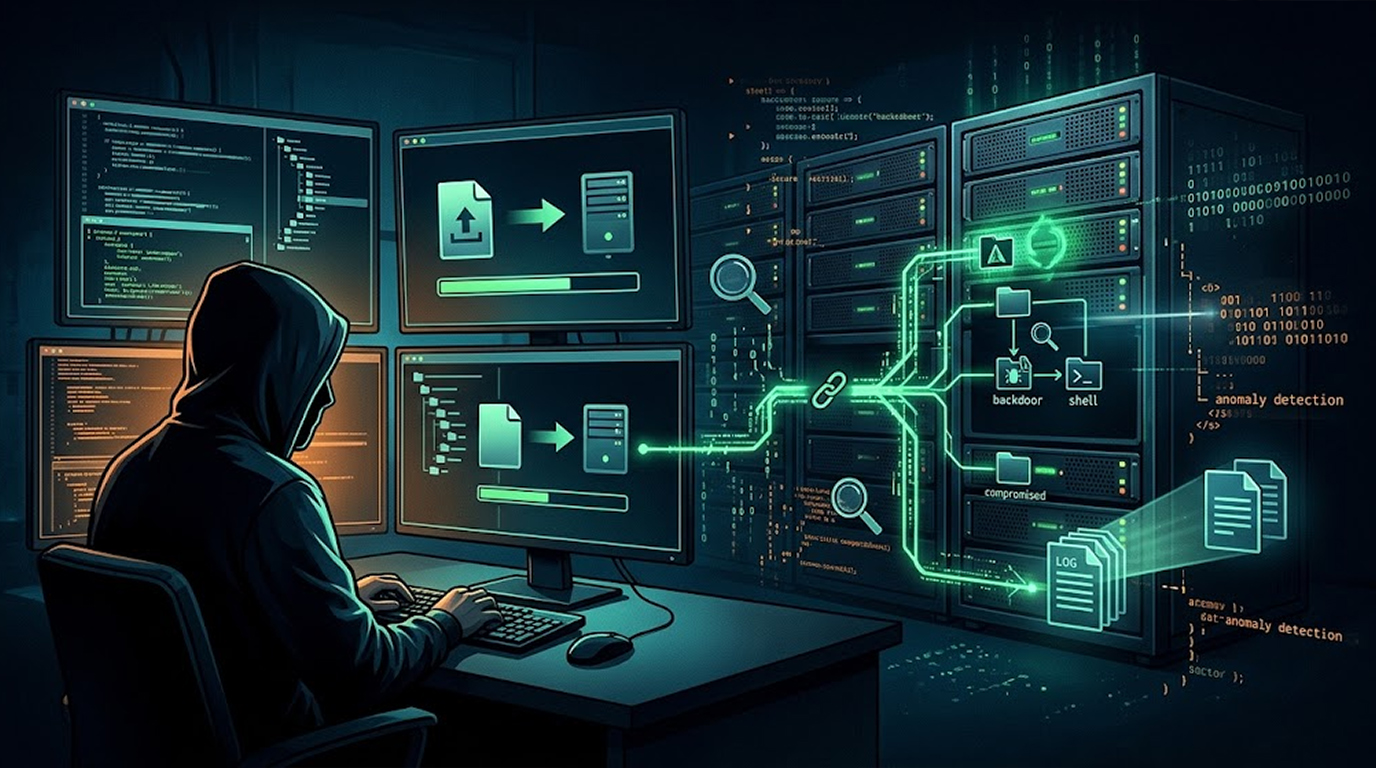
You patched the vulnerability, you removed the suspicious file, and you thought the incident was over, then two weeks later the same thing happens again, because the attacker did not just exploit a bug, they left something behind, and that something is a web shell.
A web shell uploader is a small script that an attacker plants on your server to give themselves a permanent control panel, and finding one is not a single check, it is a layered habit that covers what is on disk, what is in the logs, and what your web server is actually doing.
Here is the practical version.
Important Disclaimer
This article is intended for educational and defensive purposes only, and the techniques described here are shared to help site owners and security professionals investigate systems they own or are authorized to administer.
Do not use these techniques against systems you do not own or do not have explicit written permission to test, because unauthorized access and investigation is illegal in most jurisdictions.
The author assumes no liability for any damages, legal consequences, or other outcomes resulting from the use or misuse of this information, so always work within your authorization, preserve evidence before you delete anything, and stay legal, stay ethical, stay responsible.
What a Web Shell Actually Is
A web shell is a script that executes commands through ordinary web requests, and it is usually written in the same language your site already uses, which means PHP, ASP, JSP, or ASPX.
The simplest ones fit in a single line, and they take a parameter from the request and pass it to a system function, and the attacker can then run anything they want through their browser.
The more sophisticated ones hide their logic inside encoding functions, and they add password protection, and they allow file upload, database access, and port scanning, and some of them survive deletion by recreating themselves. The reason they are dangerous is not that they are clever, it is that they run inside your legitimate web server process, which means process allowlisting rarely flags them, and their traffic looks like normal inbound HTTPS.
If you have already found one and need it removed properly, the emergency removal service at Red Secure Tech handles backdoor elimination and full recovery, and they specifically cover the hidden backdoors that most cleanup attempts miss.
Layer One: Check the Files
Start with the file system, because a shell has to live somewhere, and most of the time it lives exactly where you would expect.
Look for Executable Files in Upload Directories
An uploads directory should contain images, documents, and media, and it should never contain anything that the server can execute.
On a Linux server, search the upload directories for executable extensions:
find /var/www/html/uploads -type f \( -name "*.php" -o -name "*.phtml"
 -o -name "*.php5" -o -name "*.phar" \)
If this returns anything, investigate every result before you do anything else.
Look for Double Extensions
Attackers commonly name a shell image.php.jpg or document.php.png, because a naive upload filter checks the last extension while the server executes based on the first one.
Search for files that contain an executable extension anywhere in the name:
find /var/www/html -type f -regex ".*\.\(php\|phtml\|jsp\|asp\|
aspx\)\.\(jpg\|jpeg\|png\|gif\|zip\|pdf\)"
Look for Obfuscation in File Contents
Web shells rarely look like normal application code, and they usually rely on encoding functions to hide their payload.
Search for the signatures that appear again and again:
grep -REl --include='*.php' 'eval\s*\(\s*(base64_decode|
gzinflate|gzuncompress|str_rot13)|assert\s*\(\s*\$|
preg_replace\s*\(.*\/e' /var/www/html
Legitimate code sometimes uses these functions, so treat a match as a lead rather than a conclusion, and read the file. The researchers at Red Secure Tech published a detailed breakdown of the obfuscation and polymorphism techniques attackers use in 2026, which is worth reading if you want to understand what you are looking at.
Look at Timestamps and Ownership
A file created by the web server user in a directory where that user should only be reading is a signal, and a file whose modification time does not match any deployment is worth a look.
Compare the file list against your last release, and pay attention to anything that appeared between releases.
Look Outside the Web Root
Some shells are dropped into temporary directories and executed through a path traversal, and some are written to session directories, and some hide in plugin folders that nobody audits.
Search the whole application tree, not only the uploads folder, and include the temporary directory.
Layer Two: Read the Logs
The logs tell you how the file arrived and whether it has been used, and they are often the only evidence that survives after a shell is deleted.
Find the Upload Request
A web shell is usually delivered through a file upload form, so look for POST requests to upload endpoints, especially ones that occur outside business hours, from unusual addresses, or with unusually large bodies.
If your logging captures request bodies, search for multipart uploads that contain an executable extension, and search for the filename patterns described above.
Find the Shell Being Used
Once a shell is in place, the attacker requests it repeatedly, and those requests have a distinctive shape.
Look for requests to executable files inside directories that should not contain them, and look for requests with no referrer, unusual user agents, or a first seen resource that immediately starts receiving parameters.
Search for the parameter names that shells commonly use:
grep -Ei 'cmd=|exec=|shell=|command=|passthru=|base64'
/var/log/nginx/access.log
Find the Command Execution
If your logs capture query strings or POST bodies, look for system commands inside parameters, and look for base64 encoded values in parameters that normally hold short identifiers.
Correlate the Timeline
The upload usually happens shortly before the first use, and the first use usually happens shortly after the exploit, so build a timeline and see which requests line up. That timeline is also the foundation of your incident report, and it is the same sequence that a structured recovery process follows.
Layer Three: Watch the Server Behave
Behavioral detection is the most reliable layer, because a shell that has not been used yet is still a shell, and it will eventually execute something.
Watch for the Web Server Spawning a Shell
On Linux, a web server process should not be spawning /bin/bash or /bin/sh, and on Windows, w3wp.exe should not be spawning cmd.exe or powershell.exe.
This is one of the highest fidelity signals available, and it is worth alerting on even if you have never seen it in your environment.
Watch for File Creation by the Web Server
Attackers write shells to disk through the web server process, so anomalous file creation in the web root and upload directories is a strong indicator.
Baseline what normal file creation looks like in those directories, and alert on deviations, especially for files with executable extensions.
Watch for High Entropy Files
Obfuscated shells often have high entropy because of encoded payloads, so alert on high entropy files created by the web server user with an executable extension. This is a supplement to content inspection rather than a replacement for it.
Watch for Outbound Connections
A shell that is being used often connects outward to the attacker's infrastructure, so monitor for outbound connections from the web server to unusual destinations, especially on uncommon ports.
If you want to know whether your detection would actually catch a live attacker using these techniques, an adversary simulation engagement is the way to find out, because Red Teaming tests whether your team would detect, alert on, and respond to a real intrusion rather than a scripted scan.
Tools That Do the Heavy Lifting
You do not have to run every command by hand, and several tools are built for this job.
|
Tool |
What It Does |
|
Anteumbra |
YARA based detection for PHP, ASP, JSP, and ASPX shells, with log analysis and a dashboard |
|
YARA |
Custom rule matching for specific families and obfuscation patterns |
|
ClamAV |
General malware scanning tuned for web shells with scheduled scans of the document root |
|
Wordfence and Sucuri |
WordPress aware scanning that flags unknown files and compares core files against checksums |
|
wp-shell-hunter |
Detects PHP shells disguised as media files in WordPress installations |
A practical combination is YARA for family specific matching, a general scanner for unknown files, and a log query that runs daily against the upload endpoints. Detection is only one half of the work, though, and the other half is finding the vulnerability that let the file in, which is what a vulnerability assessment is designed to surface before the next shell arrives.
Real Scenarios
Scenario 1: The Plugin Upload
The Setup
A site uses a plugin with an unrestricted upload feature, and the upload directory is inside the web root and configured to execute PHP.
The Attack
An attacker uploads a file named logo.php.jpg, and the upload filter checks only the last extension, and the server executes the file because PHP is enabled in that directory.
The Result
The shell is accessible at a predictable path, and the attacker uses it for weeks.
The Check That Finds It
A search for double extensions in the uploads directory returns the file, and a search of the access logs shows a POST from an unusual address followed by repeated requests to the same path.
The Lesson
The filter was the bug, and the configuration was the amplifier. A penetration test of the upload feature would have found both before the attacker did.
Scenario 2: The Theme Editor
The Setup
A content management system allows administrators to edit theme files from the browser, and a stolen administrator session is used to write a shell into a template file.
The Attack
The attacker adds a single line of encoded PHP to a rarely used template, and the file is not new, so file creation alerts do not fire.
The Result
The shell is reachable through the site, and it is hidden inside a file that has existed for years.
The Check That Finds It
A content search for encoding functions inside theme files returns the modified template, and comparing the file against the repository version shows the added line.
The Lesson
Content inspection catches what file creation monitoring misses.
Scenario 3: The Log Cleanup
The Setup
An attacker plants a shell and then deletes the access log entries that show the upload, and the site owner finds the shell but cannot determine how it arrived.
The Attack
The shell is found during a routine scan, and the logs show no upload request at all.
The Result
The investigation stalls, and the vulnerability remains unpatched, and the site is compromised again.
The Check That Finds It
Shipping logs to a remote collector in real time means the local deletion does not remove the evidence, and the upload request is still visible in the central store.
The Lesson
Logs on the same server as the compromise are logs the attacker can edit.
The Prevention That Makes Detection Easier
The best way to deal with a web shell uploader is to make it inert before you find it.
- Deny execution in upload directories at the web server layer. If the server refuses to execute PHP in the uploads folder, an uploaded shell is just a file.
- Store uploads outside the web root. If a file is not inside a web accessible directory, it cannot be requested and executed.
- Enforce strict allowlists. Validate the MIME type and the file signature, not only the extension, and rename uploaded files to something the server will never execute. If you are building or rebuilding an upload feature, the secure web development team builds these controls in from the first line of code rather than bolting them on afterwards.
- Keep the application and plugins patched. Most shells arrive through a known vulnerability, and patching removes the door.
Quick Reference: Web Shell Detection Checklist
|
Layer |
Check |
|
Files |
Executable extensions in upload directories |
|
Files |
Double extensions such as .php.jpg |
|
Files |
Encoding functions inside PHP files |
|
Files |
Files created between deployments |
|
Logs |
POST requests to upload endpoints |
|
Logs |
Repeated requests to unexpected executable paths |
|
Logs |
Command parameters in query strings and bodies |
|
Behavior |
Web server spawning a shell |
|
Behavior |
Web server creating executable files |
|
Behavior |
Outbound connections from the web server |
The Bottom Line
A web shell uploader is not hard to find once you know where to look, and the reason it survives is that most teams check one layer and stop.
Check the files for executable content in directories that should only hold media, check the logs for the upload and the first use, and watch the server for the behavior that follows, because the shell has to be written, it has to be requested, and it has to execute something.
Do all three and you will find it, and the prevention is simpler still, which is to deny execution in the directories where uploads land. If you find one and want it removed properly, along with the vulnerability that allowed it, Red Secure Tech's hacked website recovery service handles the full process from forensic analysis to hardening.
Find it before it is used, because a shell that sits quietly for a week is a shell that is waiting for the right moment.
FAQ
What is a web shell uploader?
It is a script planted on a server that lets an attacker execute commands through ordinary web requests, and it is usually delivered through a vulnerable file upload feature.
How do I know if my site has one?
Search upload directories for executable extensions, grep for encoding functions in PHP files, review access logs for unexpected executable requests, and monitor the web server for spawning shells.
Can antivirus find web shells?
General malware scanners find many known families, and they miss custom and heavily obfuscated shells, so they work best alongside content inspection and log analysis.
Will deleting the shell solve the problem?
No, because the vulnerability that allowed the upload is still there, and the attacker will return, so patch the upload feature and harden the directory as well.
What is the most important prevention step?
Deny execution in upload directories, because that single configuration change makes an uploaded shell harmless even when the upload itself succeeds.
Should I keep the evidence before cleaning?
Yes, preserve the file, its hash, and the relevant log entries before you delete anything, because you need them for the investigation and for any later legal process.