An example of unauthorized network authentication is when an attacker logs into your Wi-Fi, VPN, Active Directory, RDP, SSH, cloud console or any other service using stolen or guessed credentials. One of the most prevalent methods for ransomware groups and espionage actors to gain an initial point of entry will continue to be this method into 2025–2026.
Indicators of unauthorized authentication:
1. Log events must be examined for:
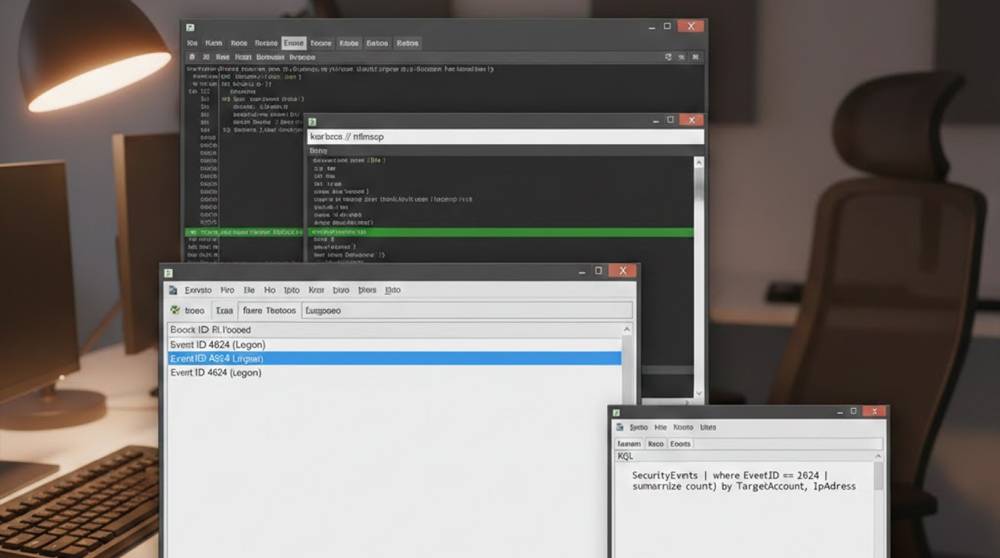
a. Windows Event ID 4624 (successful login) with Logon Type 3 (network access) from an unknown IP or during impossible hours of the day
b. Event ID 4625 (failed login) spikes from an individual IP address indicating credential stuffing attempts
c. Event ID 4648 (explicit credential usage) indicating a pass-the-hash or pass-the-ticket attack
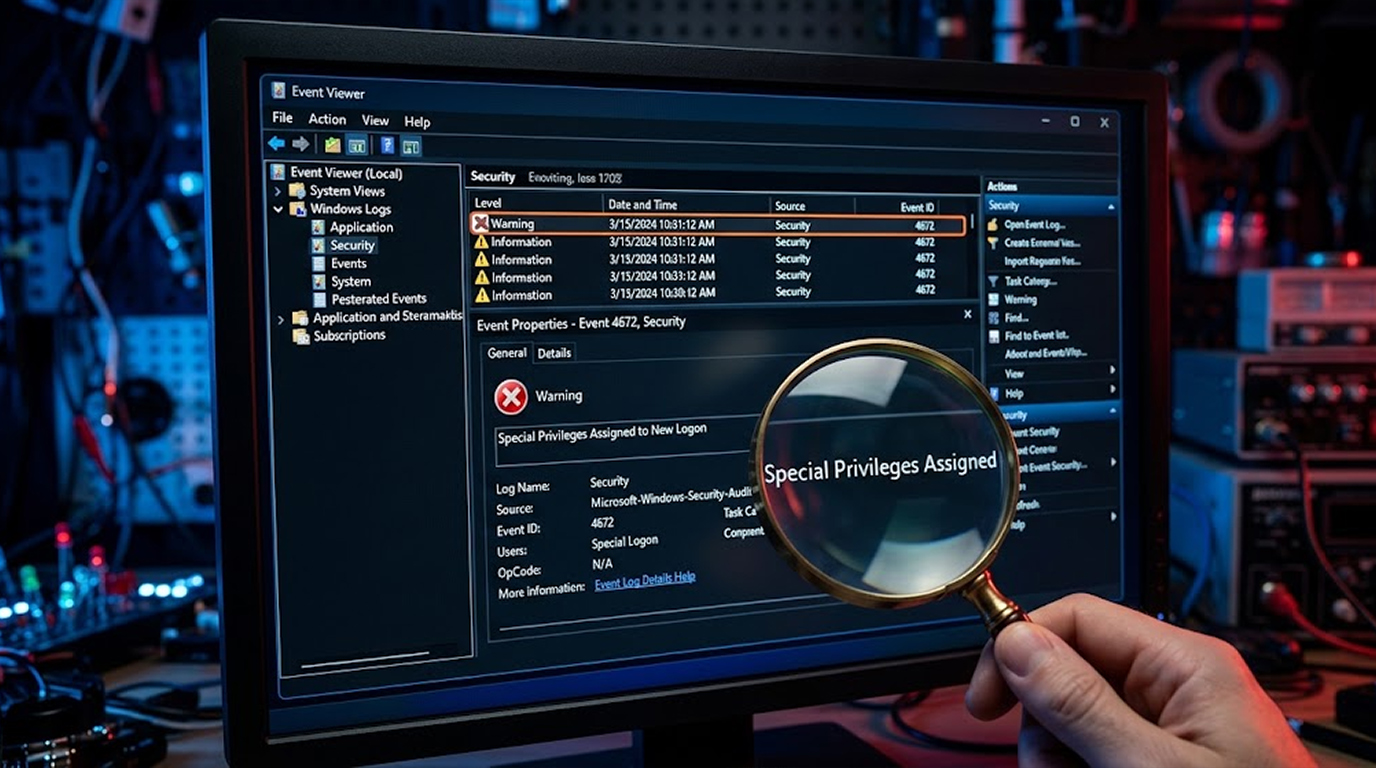
d. Event ID 4672 and unexpected permissions granted
e. New device MAC or certificate from an unknown source in VPN or RADIUS logs
f. Cloud audit log (Azure AD sign-ins, AWS CloudTrail, Google Cloud Audit) showing impossible travel and/or new geolocation.
2. Investigate the following IDS/IPS alerts:
a. Suricata / Snort's Brute Force attack signature (large number of 4625 failed log in attempts in a short amount of time)
b. Zeek (Bro) reporting abnormal Kerberos ticket requests or NTLM relay attempts
c. Emerging Threats rules for Pass-The-Hash (Mimikatz, Impacket) tools that are clearly maliciously used.
d. Use of SMB V1 or NTLM V1 downgrade.
Examples of Practical Tools
1. Windows Event Viewer - The built-in tool can be used to identify potentially suspicious logons quickly, such as the successful network logons (log type 3) created in the last 7 days. The command below will perform this function.
Get-WinEvent -FilterHashtable @{LogName='Security'; ID=4624; StartTime=(Get-Date).AddDays(-7)} |
Where-Object { $_.Properties[8].Value -eq 3 } |
Select-Object TimeCreated, @{Name="User";Expression={$.Properties[5].Value}}, @{Name="SourceIP";Expression={$.Properties[18].Value}}
2. Microsoft Defender for Endpoint, aka Microsoft 365 Defender - This free tool (with many compatible licenses) can be used to perform advanced hunting by executing the KQL query below.
SigninLogs
| where TimeGenerated > ago(7d)
| where ResultType == 0
| where IPAddress !in ("Your trusted IPs")
| summarize count() by UserPrincipalName,IPAddress,Location
| order by count_ desc
3. Wireshark - Free, cross-platform software can be used to filter for unauthorized authentication attempts. Four examples of filters that can be used with Wireshark in this manner include:
1. Kerberos: To capture TGT requests from unknown IPs, use the following filter: kerberos
2. NTLM: To capture NTLMv1 or unexpected relay traffic, use the following filter: ntlmssp
3. LDAP Bind: To capture failed ldap binds due to ldap.resultCode != 0, use the following filter: ldap.messageID && ldap.resultCode != 0
4. RDP: To capture new RDP connections made from unknown IPs on tcp.port==3389, use the following filter: rdp or tcp.port == 3389.
4. Sysmon + Sigma Rules (free & highly effective) Install Sysmon → use these community Detection through sigma rules:
1. Event ID 1: Process Creation with Suspicious Parent - This includes lsass.exe spawning cmd.exe where cmd.exe is the child process of lsass.exe.
2. Event ID 3: Network Connection From Lsass.exe - This is a Pass-the-hash (PTH) indicator as well.
3. Event ID 10: Process Access to Lsass.exe - This is indicative of a Credential Dumping activity.
5. To find suspicious activity with zeek (a free and open-source network analysis framework) run zeek on a SPAN/mirror port and examine notice.log for:
1. Spikes of Login failures,
2. Protocol anomalies (e.g., NTLM downgrade), as these would indicate suspicious activity,
3. SSH::Password_Authentication from unknown or unexpected IP addresses.
6. The following are three free cloud-native options:
1. Azure AD Sign-In Logs (Free Tier) with Filters for impossible travel alerts within the logs
2. AWS GuardDuty (Free 30-Day Trial) will detect reconnaissance and credential misuse
3. Google Cloud Security Command Center with IAM Policy Analyzer and Log-In Anomaly alerts
Quick Action Checklist
1. Enable detailed logging (Sysmon + PowerShell + audit policy)
2. Forward logs to free SIEM (Graylog, Wazuh, Elastic free tier)
3. Set alerts for: new device logon, impossible travel, brute-force patterns
4. Use MFA everywhere (push / hardware preferred)
5. Block legacy protocols (NTLMv1, SMBv1, LDAP simple bind)