Wiper malware is a type of malicious software built to destroy data permanently. Unlike ransomware, which locks files and asks for money, wipers erase or overwrite everything on hard drives, servers, or storage devices. Once it runs, recovery is usually impossible, even backups can get hit if they're connected.
Wipers are extremely harmful to personal and small business users and others who depend solely on digital files. Family photos, business documents, financial records, and company databases can all be permanently erased in a matter of minutes. Disruption, sabotage, or retribution are generally the motivating factors behind this type of software rather than financial gain.
How Wiper Malware Works in Practice
Wiper malware typically follows a clear path of destruction.
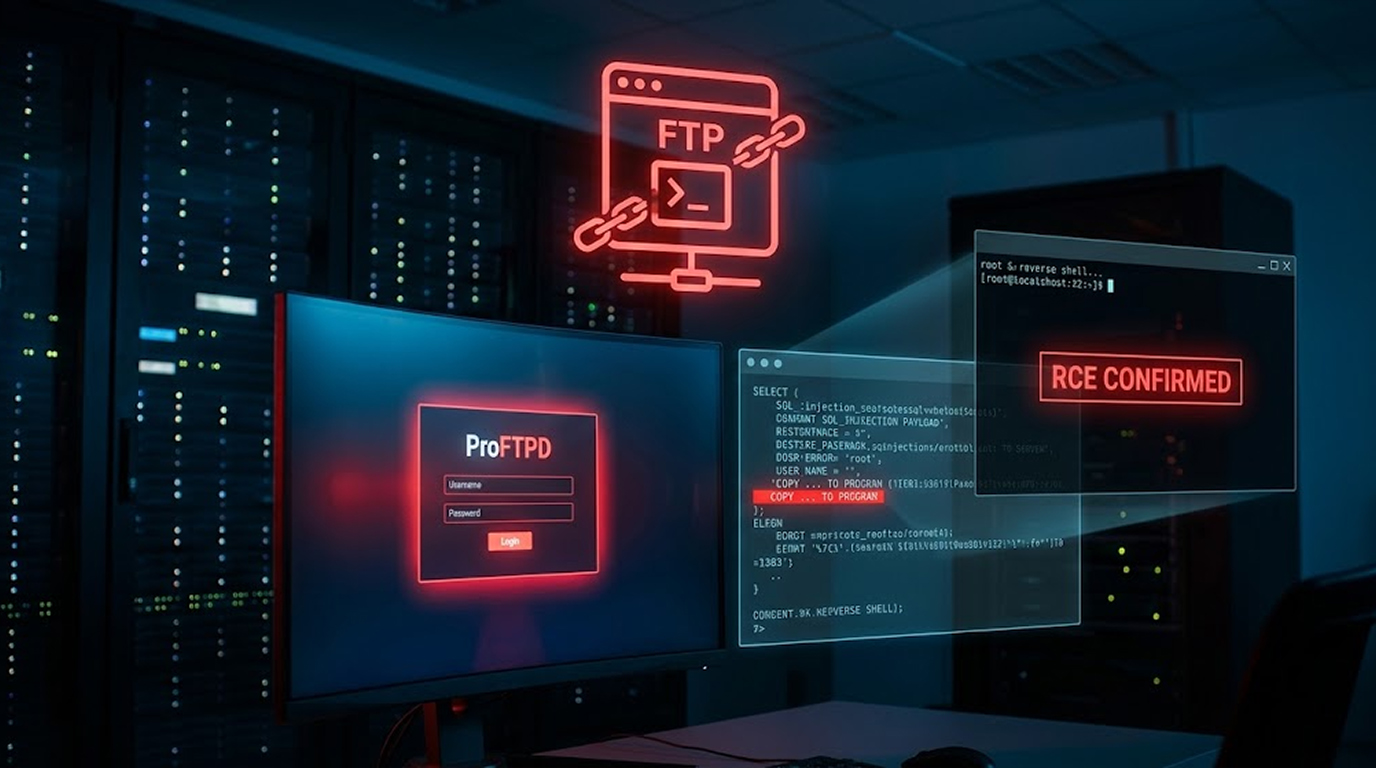
1. Initial access to an organization’s network is typically gained by using some of the following methods: phishing emails; exploiting known security vulnerabilities; compromising RDP credentials; downloading malware; and supply chain attacks (infecting software when consumers update software).
2. In the interim, wiper malware awaits a trigger (timer, command, etc.) before carrying out its destruction process; while awaiting this trigger, it will also seek the opportunity to infect other computers on the same network.
3. Wiper malware damages or destroys all files on the infected machine by overwriting the original files with either random data, zeroes, or other forms of junk data - which means the data cannot be recovered after a wipe occurs. Some wipers only target specific folders - document folders or database folders; while others will wipe out the entire drive. Advanced wipers now also disable Volume Shadow Copy recovery.
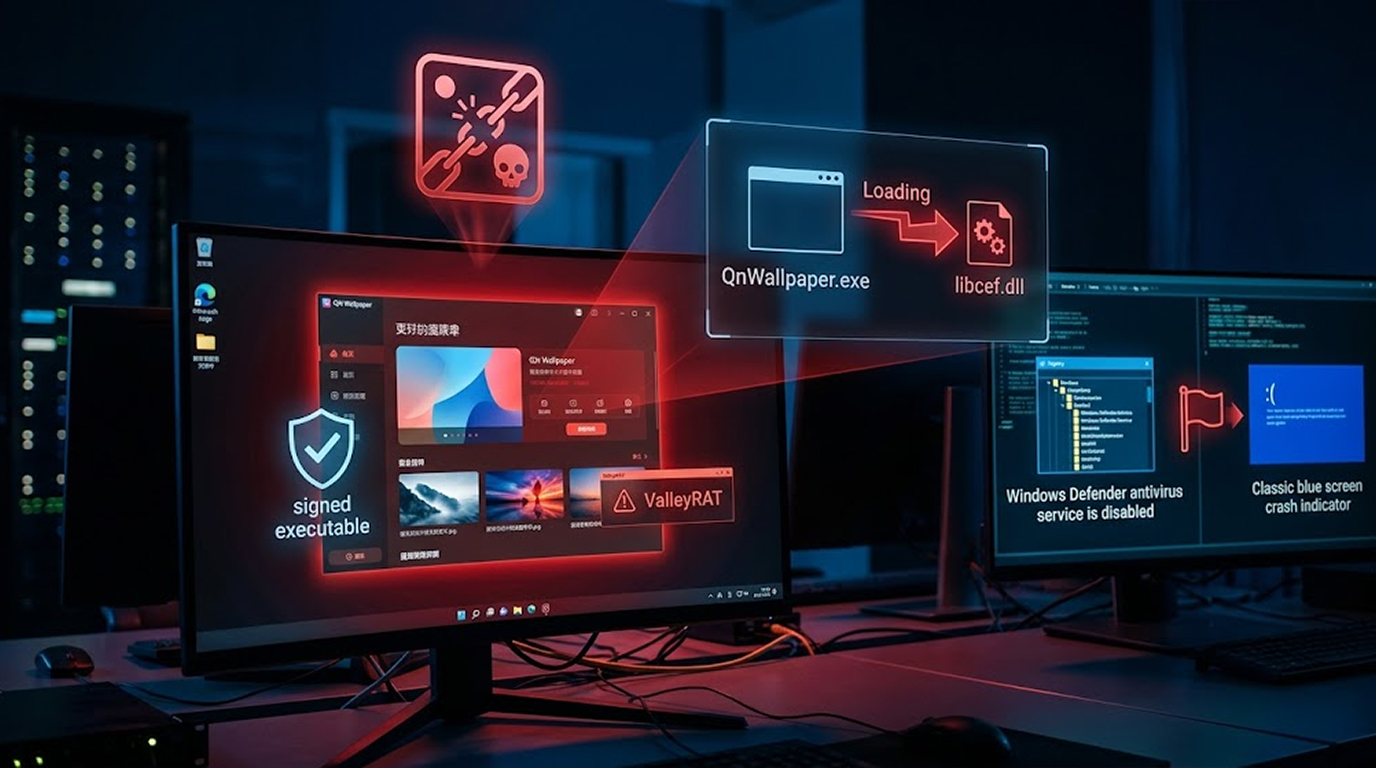
4. Many wiper malware programs actively conceal their activity by deleting their own log files, disabling antivirus programs before execution, and sometimes even using self-destruction to cover their tracks.
Typically, a wiper would not provide a ransom note for the user, rather the user would notice the system would boot to either a black screen, provide errors, or be completely unusable.
Damaging Wipers: Examples from the Real World
Many times wipers have been tied to international political strife in the form of significant events.
1. Starting in 2022 (and with a spike in attacks in subsequent years), numerous "Wipers" were deployed against Ukraine-based government, energy, and finance related entities to create disturbances and chaos for all levels of government and civilian population.
2. PathWiper: Pathwiper (discovered in 2025) used "legitimate admin tools" to compromise and wipe Ukrainian organizations with little or no noise. These tools were used against government organizations to create extensive disruption.
3. DynoWiper: DynoWiper, a result of a multi-national effort, attempted to demolish the energy and green energy grid in Poland (late 2025) due to an intent by "state-supported actors" to take out electricity service as well as create disruptions. Although this attempt did not completely annihilate the systems involved, it was an example of their intentions to create large-scale service outages.
4. Ransomware associated with attacks against private sector businesses have begun incorporating "built-in wiper" functionality; some ransomware variants now have "built-in" wiper functions as a fail-safe to wipe data in the event of non-payment, as well as to provide added pressure for payment.
Practical Ways to Protect Yourself
These practical methods will help you protect yourself from cyberattacks. They involve being proactive to mitigate damage from a cyberattack and having a plan for rapid recovery because wipers offer very little time to mitigate damage.
1. Maintain offline and disconnected backups utilizing the 3-2-1 strategy: three copies stored on two distinct storage media types and one stored in an alternate secure location away from the original source. Regularly perform test restores of your backup files. Additionally, utilizing cloud backup with versioning will also benefit you.
2. Utilize strong security controls. Regularly update your antivirus/EDR (there are many free options that perform adequately, such as Microsoft Defender), and keep your firewall enabled, disable any unused RDP, and set up multi-factor authentication where applicable.
3. Keep software/operating systems up to date and do not open any email attachments or click on links from unsolicited emails. Use a password manager to create long, complicated passwords that will be unique to each account.
4. Make sure to segment your network; if you are using a home or small office, separate guest Wi-Fi and consider using a VLAN if you can. You should keep your IoT devices on a separate network from the rest of your devices.
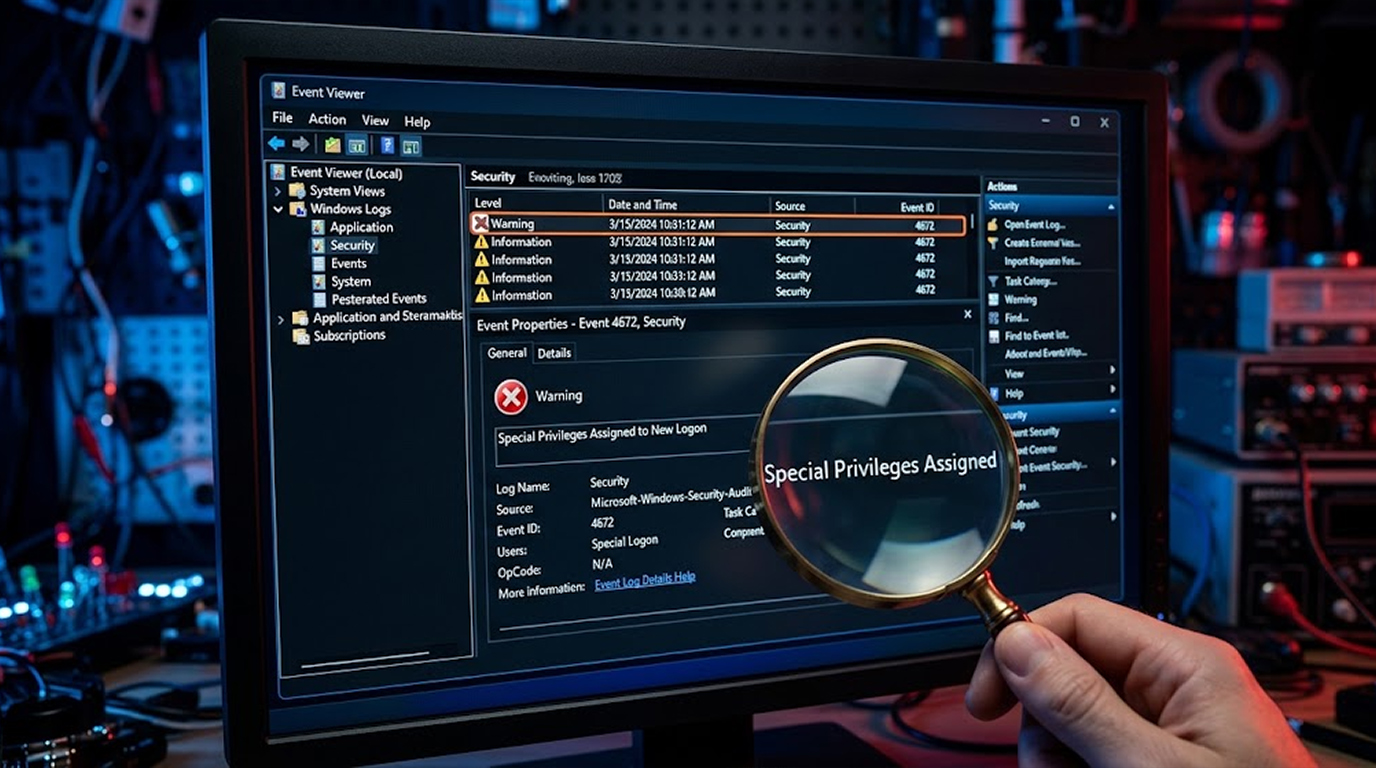
5. Keep a keen eye out for irregular patterns relating to your disk activity, slowing down your performance, getting alerts from your virus protection software relating to file changes. If you believe that your system has been infected by malware, unplug your machine from your network immediately.
Commonly Available Free Tools:
1. Microsoft Defender (installed on Windows), perform full scans frequently.
2. Malwarebytes (use the free version), useful for scanning your PC whenever you want (on-demand).
3. Autoruns (Sysinternals Free) , once you've been infected, to determine what programs run at Explorer start-up, you can check for any suspicious entries in your start-up items.
If infected, immediately stop using the device, seek professional assistance (do not attempt to recover wiped drives yourself), and if you suffer a severe data loss, report it to the authorities.
Summary
Wiper malware is created for the sole purpose of causing destruction with no way to recover the data, you could say it's like a digital arsonist. It can use all of the normal attack vectors to spread; however, once Wiper malware has wiped your device it cannot be undone.
Your best way to avoid the impact of Wiper malware is to make sure that you have a good backup, install updates on your computer as soon as they become available, and to be cautious when clicking email attachments and links. As cyber threats are increasing in frequency, always think of your data as being precious and use a backup to ensure that you won't be left with nothing if your device is wiped.