
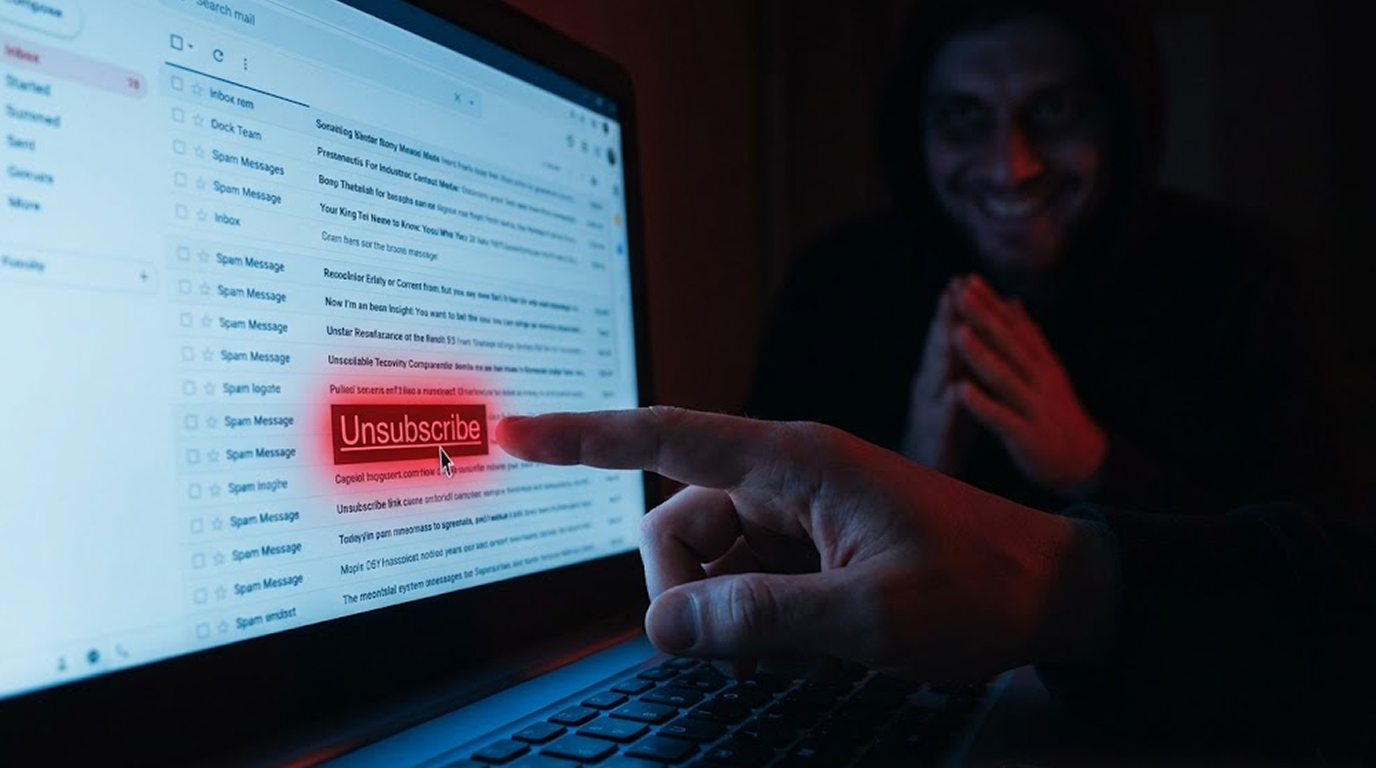
Your inbox is overflowing with junk, newsletters you never signed up for, offers you never wanted, scams you never asked for.
You see a small link at the bottom of one email, "Unsubscribe" or "Click here to stop receiving these messages."
You think, finally, a way out.
You click.
And then the spam gets worse.
Much worse.
Here is why that happens and what you should do instead.
The Short Answer
Clicking unsubscribe on legitimate emails from real companies works perfectly fine.
Clicking unsubscribe on spam or malicious emails tells the sender that your email address is active, monitored, and ready for more abuse.
Legitimate businesses respect unsubscribe requests because they are required by law.
Spammers and scammers do the opposite, they see your click as a golden ticket.
Once they know a real person is on the other end, they send more spam, sell your email to other spammers, and target you with more dangerous scams.
How Legitimate Unsubscribe Works
Real companies are required by law to honor unsubscribe requests.
In the UK, the Privacy and Electronic Communications Regulations (PECR) requires organizations to provide a working unsubscribe option.
In the EU, the GDPR gives you the right to withdraw consent at any time.
In the US, the CAN-SPAM Act requires a visible and functional unsubscribe mechanism.
When you click unsubscribe on an email from a legitimate retailer, news outlet, or service you actually used, they remove you from their list.
They do this because breaking the law costs them millions in fines.
Legitimate unsubscribe links can be identified in these ways:
They will lead to a domain that corresponds to the company's actual home page.
They do not request any sensitive personal information such as credit card details.
They effectively remove you from their mailing list without the need for further confirmations, additional clicks or downloads.
You will stop receiving email within a few days of completing the process.
How Spammers Use Unsubscribe Links
Spammers do not care about laws, they are already breaking several just by emailing you.
To them, an unsubscribe click is not a request to stop, it is a signal.
What your click tells the spammer:
This email address belongs to a real person who reads their messages.
This person has the time and attention to click links.
This email address is valuable and can be sold to other spammers.
This person might fall for other scams.
When you click:
The spammer updates their database to show that you have an active email address.
You will receive spam email from the spammers as well as other companies that have "rent" lists that include you.
Your email will be added to other spammer databases, and you will receive spam email from these spammers, who will now know you are an active email user.
You will be placed on more lists, which means more unsubscribe links, which means more clicks, which means more spam.
This is a vicious cycle.
The unsubscribe link is not designed to help you unsubscribe. It is designed to help provide the spammers with your email address.
The Confirmation Trick
Some spam emails take this further.
When you click unsubscribe, instead of removing you, they show a message like "Please confirm your email address to unsubscribe."
You type your email address and click confirm.
Now they have not only confirmed your email is active, they have collected it in plain text, verified by you.
Why this is dangerous:
You just told the spammer exactly who you are.
You confirmed that you read their emails.
You gave them permission to keep emailing you (in their mind).
You may have also given them your name, IP address, and other data the webpage collects.
Never confirm anything on a spam email's unsubscribe page.
The Malicious Unsubscribe Link
Some unsubscribe links are not just traps, they are weapons.
Clicking them can:
1. Place malware on your computer.
2. Direct you to a phishing site where they will collect your login information.
3. Auto-subscribe you to additional e-mail lists.
4. Put tracking cookies on your computer that follow you as you surf the net.
How to spot a malicious unsubscribe link:
Before clicking a link, hover over the link and look at the url in the bottom bar of your browser.
If the link belongs to an odd domain, such as unsubscribe.xyz or clickheretostop.ru then do not click the link.
If the link uses a URL shortener like bit.ly or tinyurl, be suspicious.
If the link asks you to download anything, close the page immediately.
The unsubscribe button should never ask you to install software, enter a password, or provide personal details beyond maybe your email address.
What Spammers Know About You
Every time you interact with a spam email, you give away free information.
When you open an email:
Many spam emails contain invisible tracking pixels, tiny images that load when you open the message.
These pixels tell the spammer that you opened the email, at what time, from what IP address, and what device you used.
When you click a link:
The spammer learns even more, you are interested enough to click, you might be vulnerable to a scam, your email client and operating system are exposed.
When you unsubscribe:
You have confirmed everything, you are real, you are active, you engage with spam, you are worth targeting again.
Spammers share this information with each other.
One click can put you on dozens of "active sucker" lists sold on cybercriminal forums.
The Law vs The Scammer
Laws like CAN-SPAM, GDPR, and PECR only apply to legitimate businesses.
A spammer operating from a foreign country, using fake names and hacked servers, does not care about your local laws.
They will not be fined, they will not be arrested, they will not stop.
Reporting them to the authorities is usually pointless because they cannot be found.
The only effective protection is to never interact with their emails at all.
Do not open them, do not click links, do not unsubscribe, just delete or block.
What to Do Instead of Unsubscribing
Here are the safe ways to handle spam.
Method 1: Reporting as Spam/Junk
This is the best way to get started.
Gmail - Click the "Report Spam" button (the exclamation point icon)
Outlook - Click the "Junk" option and then click on either "Block" or "Report Junk";
Apple Mail - Click the "Junk" option or drag and drop to the Junk folder
What This Will Do:
Train your email provider to recognize similar messages in the future as spam.
Move the current message out of your inbox.
Help improve spam filter technology for the benefit of other users.
Will not reveal any information about you to the sender (spammer).
Method 2: Blocking a Sender
Most email providers offer a function for blocking certain email senders.
In Gmail, you can open the email from the sender you want to block and click on the three little dots and then select the option to " Blocksender."
In Outlook, you can do the same by right-clicking the email and selecting "Junk" and then "Block sender."
When blocking an email address, all emails in the future from that address will automatically be sent to the spam folder or deleted from your inbox.
The spammer will have no way of knowing whether you have blocked them.
When the spammer creates a new email address, you can block that address too.
Method 3: Create Email Filtering/Rigging
There are rules that you can make that allow for you to NEVER have to deal with “Spam,” again. You may want to set up a rule that sends an email to the trash bin if it contains certain words or comes from certain email addresses or domains.
Google: Click the 3 dot menu, go to “Filter messages like these,” then create the rule of “Delete” or “Skip the inbox” for that rule.
Outlook: Right-click the spam message, then select “Rules,” next click “Create Rule,” and create a rule that says to delete all future spam messages.
What will happen is you will NEVER have to see that spam again, the Sender will NEVER know you created a rule to delete their email, and your filters/rules will still work regardless of how many times they change their name (send to you with new names).
Method 4: Delete and Ignore
Sometimes doing nothing is the best option.
Delete the email, empty your trash, and move on.
Do not open it, do not click anything, do not unsubscribe.
Why this works:
You give the spammer no information.
You waste none of your time.
You deny them the confirmation they are seeking.
Method 5: Use a Disposable Email Address
For online signups that might generate spam, use a disposable email address.
Services like 10MinuteMail, Guerrilla Mail, or SimpleLogin create temporary addresses.
If spam starts arriving at that address, you simply delete it.
Your real email stays clean and private.
When It Is Safe to Unsubscribe
There are times when clicking unsubscribe is perfectly safe.
You recognize the sender.
It is a company you actually bought something from.
It is a newsletter you remember signing up for.
It is a service you used with your real email address.
The email looks professional.
No spelling errors, no strange formatting, no bizarre color schemes.
The unsubscribe link goes to the company's real domain (like company.com/unsubscribe, not unsubscribe.company.xyz).
You have unsubscribed from them before successfully.
If you have a history of clean unsubscribes from this sender, it is probably safe.
The email offers a one-click unsubscribe.
Modern email standards include a one-click unsubscribe header that works without opening the email.
In Gmail, you can unsubscribe from the message list without even opening the email.
This is safe because your email client handles it, not you clicking a random link.
The One Exception: List Bombing
There is a malicious attack called "list bombing" or "subscription bombing."
Someone signs you up for hundreds or thousands of legitimate newsletters without your permission.
Your inbox fills with confirmation emails, welcome messages, and subscription verifications.
What to do in this case:
If you find yourself in this position you cannot unsubscribe from every one of those subscriptions separately; it could take days to do that.
Instead, you can use your email provider's bulk selection features and choose all of the messages received during a particular time period and mark them all as spam.
You should also create filters that will automatically delete any message with keywords such as "confirm your subscription" or "welcome to".
If you're still receiving the emails after using these methods, consider changing your email address.
These attacks are generally infrequent but they can be very damaging when they occur.
A Quick Decision Guide
Use this flow chart as text to decide what to do.
Is the email from a company you recognize and trust?
Yes: It is safe to unsubscribe normally.
No: Go to next question.
Do you have any relationship with this sender?
Yes: Check if the email looks professional, if yes, unsubscribe, if no, mark as spam.
No: Go to next question.
Did you open the email already?
Yes: Mark as spam and block the sender, do not click unsubscribe.
No: Delete the email without opening it.
Are you receiving dozens of similar emails?
Yes: Create a filter to delete them automatically.
No: Just keep marking them as spam.
The Bottom Line
The unsubscribe button was designed for legitimate email marketing, not for criminals.
When you click unsubscribe on spam, you are not stopping the emails, you are confirming that you exist.
Spammers celebrate your click, they sell your address, they send you more spam, and they target you with more dangerous scams.
The only winning move is not to interact.
Mark as spam, block the sender, create a filter, or just delete.
Save your clicks for emails you actually want to stop receiving from companies you actually trust.
For everything else, ignore, delete, and move on.
FAQ Section
Is it ever safe to click unsubscribe on a spam email?
Only if you are certain the email is from a legitimate company you have done business with.
If you do not recognize the sender or did not sign up for their messages, do not click unsubscribe.
Mark it as spam instead.
What happens if I accidentally click unsubscribe on a spam email?
You have confirmed to the spammer that your email address is active and monitored.
You will likely receive more spam, not less.
You may also be added to other spam lists that the spammer sells to criminals.
Why do spammers include an unsubscribe link if they do not honor it?
The unsubscribe link is not for removing you, it is for finding you.
When you click it, the spammer learns that a real person reads their emails.
That information is valuable and can be sold to other spammers.
How can I stop spam without clicking unsubscribe?
Mark the message as spam or junk, this trains your email provider's filters.
Block the sender's email address.
Create a filter to automatically delete messages from that domain.
Simply delete and ignore.
Does unsubscribing from a legitimate email ever increase spam?
No, legitimate companies follow the law and will remove you from their list.
However, some shady companies may sell your email address to third parties before removing you.
Stick to unsubscribing only from senders you actually trust and recognize.


