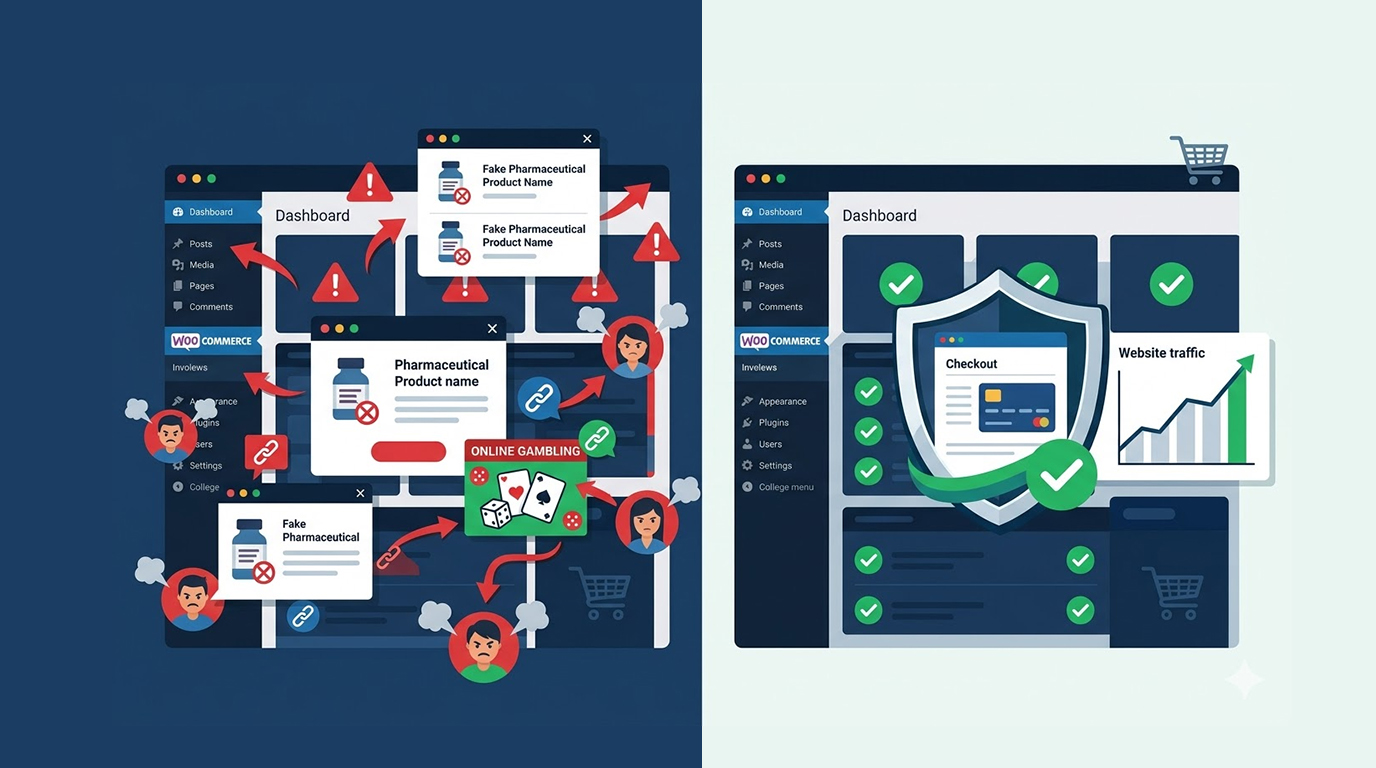
Nothing kills an online store faster than hidden redirects and pharma spam. One day your customers are happily browsing, the next they’re being redirected to bad sites. Google flags your store, rankings drop, and sales plummet.
This type of attack often called “pharma hack” or “redirect spam” is one of the most common and frustrating infections hitting WooCommerce and WordPress stores in 2026. Hackers inject invisible redirects and thousands of spam pages/links that are hard to spot with normal eyes.
Below you'll find a straightforward, step-by-step process for identifying, eliminating, and avoiding hidden redirects and pharma spam on your online store.
Step 1: Verify if You Actually Have This Issue
Here are some tell-tale signs:
1. Your customers tell you they have been directed to other sites that don't relate to your Shopify Store (adult, gambling, etc.).
2. There are hundreds of unusual URLs in Google Search Console.
3. You see your store being returned for spam query strings rather than product-related searches on Google.
4. You've noticed an unexpected drop in organic traffic and an increase in bounce rate.
5. There are suspicious rewrite rules in your .htaccess file.
If you notice any of these, it's important to move quickly because the longer spam remains on your website, the harder it will be for you to restore your position.
Step 2: Protect Yourself Immediately
Before you begin the process of cleaning your website:
1. Place your store into maintenance mode (you can use WP Maintenance).
2. Back up everything (database + all files) (you can use UpdraftPlus or create a backup through your hosting provider).
3. Change all of your passwords (WordPress admin, FTP/SFTP access, hosting panel, and database).
4. Enable Two-Factor Authentication (2FA) on all of your accounts.
Step 3: Identifying any shady redirections or pharmaceutical spam requires steps as follows:
1. Perform a manual check
a) Check your website in an incognito browser to navigate through products and check-out pages
b) In code verification (CTRL+U) look for any jars and/or js which would redirect to unknown sites
c) Open up your .htaccess file and look for any unknown rewrites.
2. Use Search Console to check any redirections or pharmaceutical spam
a) Access **Indexing** > **Pages** and filter the results to include "not found" or any strange URLs
b) Enter **site:yourdomain.com viagra** into Google to find out if any pharmaceutical spam has been injected into your site
3. Use specialized tools to check for pharmaceutical spam
a) Run **Sucuri Sitecheck** or **Wordfence**.
b) Use server-based tools like **Malewarebytes** or your host's security scanner.
Common locations for finding pharmaceutical spam on your website are as follows:
1. in the /wp-includes or /wp-content folders
2. in the theme functions.php file or in the header/footer files
3. in the database tables (especially in wp_posts or wp_options).
4. in your **.htaccess** file or **index.php** file
Step 4: Dealing with Unwanted Content and Redirects
To remove unwanted content and redirects, perform the following actions:
1. Eliminate suspicious folders and files from the scan report
2. Clean the database of spam posts, pages, and options through phpMyAdmin or via a plugin such as WP-Optimize
3. Restore a clean version of .htaccess by restoring default WordPress .htaccess file rules
4. Replace malware-infested theme folders and files with new uninfected copies from official repositories
5. Clean all caches (browser cache, server-side cache, CDN cache, and WooCommerce cache) post clean-up.
Reminder: Test the integrity of your checkout and payment pages after cleaning, as one missed file could allow somebody to collect your customers' data.
Step 5: Requesting Google Review, Re-Indexing, & Removing Site Penalties:
1. Request a Google review in the Google Search Console by going to Security Issues once your site is 100% clean.
2. From the Google Search Console, submit an XML sitemap for indexing.
3. Access the URL Inspection Tool in the Google Search Console for requesting indexing for the primary pages of your website.
Google generally removes warning notices within 24-72 hours of the removal of the spam.
Step 6: Hardening Your Website to Prevent Further Infection:
1. Automatic update WordPress core, themes and plugins.
2. Use a strong security plugin such as Wordfence, Sucuri or Solid Security.
3. Use a Web Application Firewall (WAF) either at the application or CDN level.
4. Disable file editing from within wp-config.php.
5. Enforce a strong password policy combined with two-factor authentication (2FA).
When DIY Is Not Enough
Removing hidden redirects and pharma spam is tricky because the infection often returns if even one backdoor remains. Many store owners waste days or weeks only to see the spam come back stronger.
If you have any of these problems:
1. A lot of spammy URLs
2. Permanent redirection that will not stop
3. Google blacklist or Safe Browsing warning
4. Missed sales, damaged reputation.
…it’s time to bring in professionals.
Red Secure Tech specializes in fast, confidential hacked website recovery for online stores. We use forensic tools to find every hidden redirect, remove all pharma spam, clean the database, request Google reviews, and harden your site so it doesn’t happen again, often in 48–72 hours.
→ Get Professional Help to Remove Hidden Redirects & Pharma Spam Now
Our team works securely through an encrypted portal so you can focus on selling while we restore your store.
Final Thoughts
Pharma spam and hidden redirects are very aggressive but certainly removable. The secret is thorough removal and then good hardening. Move fast, clean thoroughly, then harden your store, as your sales & reputation depend on it!
If your online store is currently infected with malware, don’t think you’re on your own. Contact us today for expert help with the malware removal and recovery process.