
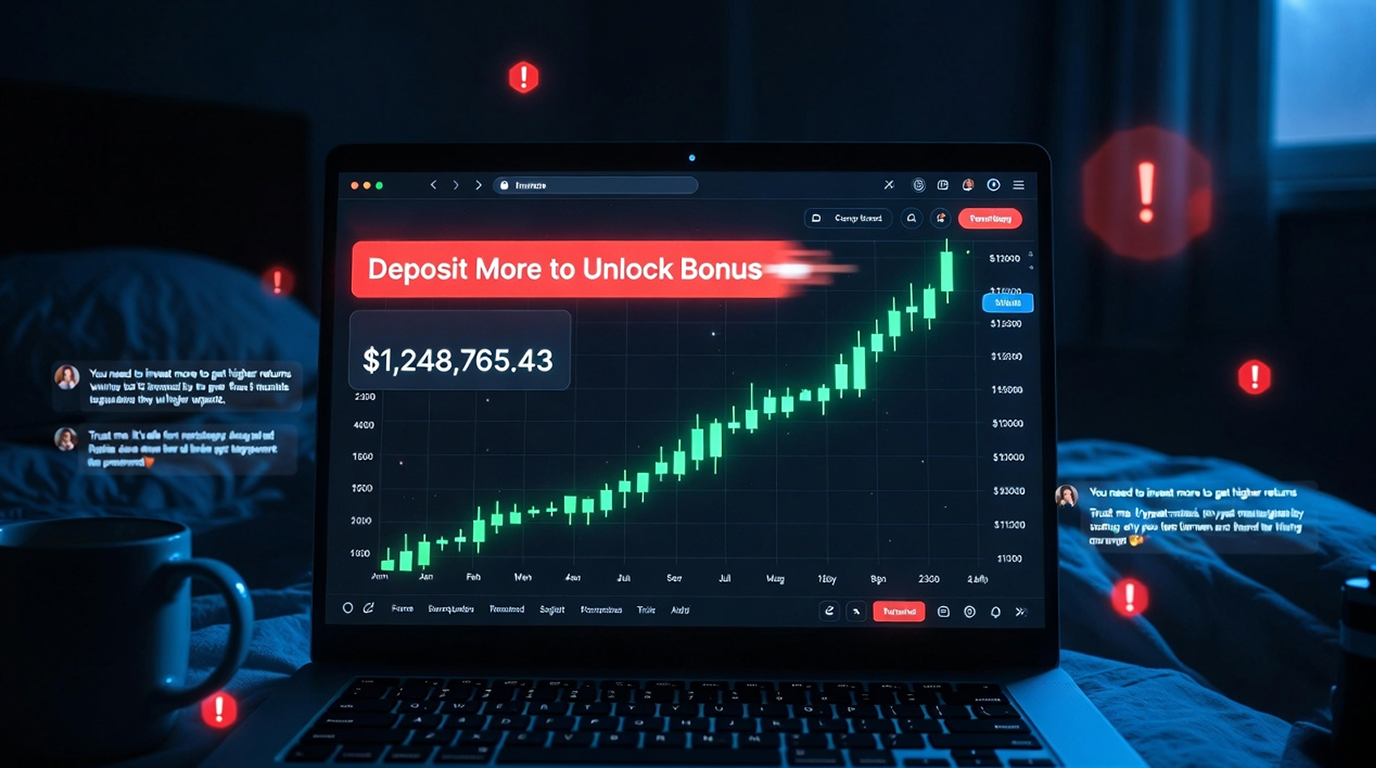
Pig-butchering operations in 2025–2026 almost always include a fake trading dashboard that looks extremely close to the real Binance, Bybit, OKX, KuCoin or MEXC interface. The purpose is psychological: make the victim believe they are already making real profits so they keep depositing more money (and eventually lose everything when they try to withdraw).
Here’s how these fake dashboards are actually built today, from the attacker’s perspective and the practical tells you can use to spot them before you deposit a single dollar.
How Attackers Construct Convincing Fake Dashboards
1. Frontend: Copy HTML/CSS/JS from actual sites
a) They view the Binance/Bybit site in developer tools, copying the entire DOM structure of the dashboard page.
b) Save all CSS, images, fonts and SVG's (the images typically are hosted on attacker-controlled domains that mimic cdn.binance.com or other CDN’s) to create a clone of Binance/Bybit.
c) Two changes made are small tweaks, e.g., changing font-size slightly and adjusting color so as to give the appearance of being a legitimate website; however, do not create a pixel-for-pixel copy to avoid triggering takedowns.
2. Illusion of live price and balance data
a) They feed real-time prices using free/public cryptocurrency APIs (e.g., CoinGecko/CoinMarketCap/BNB/Binance Public API).
b) They fake wallet balances using JavaScript variables that grow over time, e.g., +0.5% to +2.0% every few minutes.
c) Some of the more sophisticated clones acquire real time live candlestick data, using WebSocket connections from actual exchanges, to make their charting appear to be 100% legitimate.
3. Fake deposit/withdrawal processes
a) When a user presses the deposit button, a QR code or wallet will appear, allowing the person to send real cryptocurrency.
b) When a user presses the withdraw button, they always show "pending review" or "KYC required" after the initial successful small test withdrawal. This is part of the classic pig-butchering con.
4. Backend strategies to build the illusion
a) A simple Node.js, PHP, or Flask server that serves dynamic, JSON-based data for balances, trades, and PNL.
b) session persistence via either cookies or localStorage that keeps the user's balance “remembered” when returning to the previously visited page.
c) Using rate limits and anti-bot detection in order for the site to create an experience that feels like a real exchange
5. Responsiveness to mobile devices and supporting both light and dark modes
a) Copied CSS media queries for good phone display
b) Toggle for light/dark mode to match real-world applications
Practical Red Flags That Give Them Away
1. The domain will never be identical to the real binance.com, bybit.com and okx.com websites and those belonging to the fake binance-trade[.]pro, bybit-login[.]io, okex-dashboard[.]app and binance-trading[.]xyz websites. Before clicking on the link again, check whether the link shows an exact match as binance.com, bybit.com, or okx.com.
2. No HTTPS padlock or the wrong certificate appears in the address bar Check the padlock icon showing whether or not a secure (HTTPS) connection is being used. If the certificate shows a different domain (e.g., Cloudflare Pages, Vercel, Namecheap) rather than those with binance.com or bybit.com, do not proceed.
3. Balances update too perfectly / too quickly Real exchanges have tiny fluctuations and occasional lag. Fakes often increase exactly 1.2 % every 3 minutes, no randomness.
4. Withdrawal always “pending KYC” or “under review” After small test withdrawal succeeds → larger amounts get stuck forever with excuses.
5. No two-factor authentication prompt Real Binance / Bybit always ask for 2FA on login / withdrawal. Fakes either skip it or use fake SMS/email 2FA that the attacker controls.
6. No real-time order-book depth or trade history Many fakes show static or looping fake trades. Zoom in on order book, if depth is identical every refresh → fake.
7. Login page asks for seed phrase / private key Real exchanges never ask for seed phrases. Any prompt that says “enter recovery phrase” or “import wallet” on login → 100 % fake.
Quick Protection Checklist Before Any Deposit
1. Typed the domain yourself? (binance.com, bybit.com , no shortcuts)
2. HTTPS padlock shows correct company name?
3. 2FA prompt appears on login/withdrawal?
4. Balances & charts have natural randomness?
5. Withdrawal test ($5–10) goes through instantly and appears in blockchain explorer?
6. No request for seed phrase / private key at any point?
If you answer no to any of these, close the tab and assume it’s a pig-butchering dashboard.
These fake interfaces are getting better every month, but the domain, certificate, 2FA flow and withdrawal test still catch almost all of them.
One extra 30-second check can save you from losing everything.


