
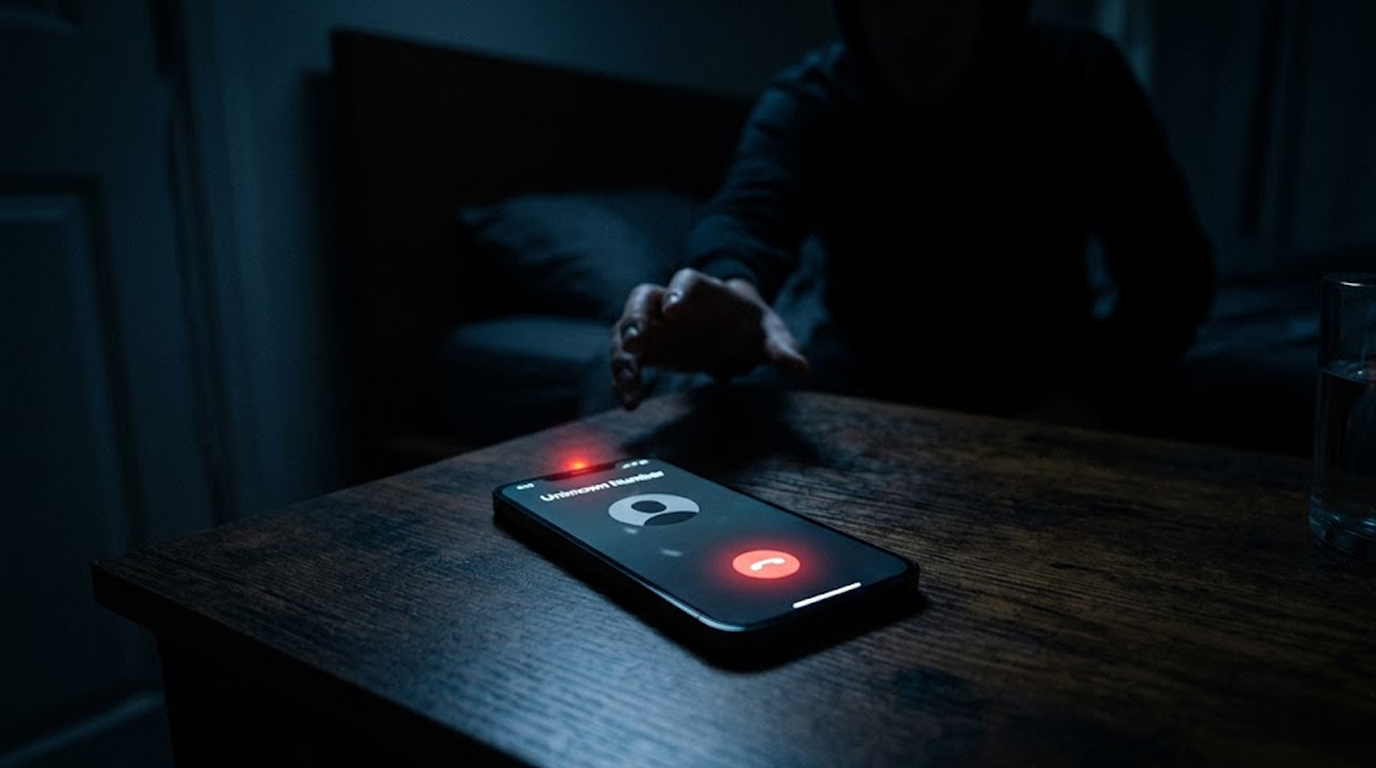
Your phone rings, you do not recognize the number, you hesitate, but curiosity wins and you answer.
Hello, silence, then a click, the line goes dead.
You think nothing of it, wrong number, telemarketer, robocall.
But later you wonder, could that call have done something to your phone, could someone hack you just by calling you.
The answer is more complicated than a simple yes or no.
Let me explain exactly what is possible, what is not, and who should actually worry.
The Short Answer
For the average person, no, someone cannot hack your phone just by calling you.
The technology exists, but it is expensive, rare, and used almost exclusively against high-value targets like journalists, activists, and government officials.
For normal users, the biggest risk from a phone call is not the call itself, it is what you do after you answer.
However, advanced zero-click exploits do exist, and they work exactly like this, a call comes in, you do nothing, and your phone is compromised.
Let me explain both sides.
The Myth vs The Reality
The myth:
A hacker calls you, you answer, and instantly they have access to your photos, messages, bank accounts, and microphone.
This is what movies show, and it is almost completely false.
The reality:
Many hackers will use a phone call as an instrument of deception, rather than a means of gaining access.
Instead they would call you posing as tech support or your bank, then convince you to install an application, click on a link or share a code.
You are providing them with access; the phone call just gives them a way in.
But there is an exception:
State-sponsored hackers and advanced cybercriminals have access to zero-click exploits that can compromise a phone with no action from you at all.
These are rare, expensive, and targeted, not sprayed randomly across millions of phones.
How Normal Phone Scams Work (The 99% Case)
Almost every phone-based hack follows this pattern, the call is just the hook, you are the one who opens the door.
Scam 1: The Fake Tech Support Call
Someone calls claiming to be from Microsoft, Apple, or your internet provider.
They say your phone has a virus and they need to help you remove it.
They ask you to download a remote access app like AnyDesk or TeamViewer.
Once you install it, they have full control of your phone.
The call did not hack you, you installed the hack yourself.
Scam 2: The Verification Code Trick
Someone calls pretending to be from your bank.
Your bank has noted fraud activity associated with your account, and they need to verify your identity in order to resolve the issue. To verify your identity, they will send you a one-time password (OTP) via text message to use when you call them back.
The One-Time Password (OTP) is a password resetting code that is used to reset the passwords for email and bank accounts; if you provide this code to someone, they will reset your password and lock you out of your account. You have not been hacked. The person has simply received this code from you.
Scam 3: "Your Son is in Trouble" Phone Call
You receive a phone call from someone claiming to be related to you that is in distress.
They ask you to send money immediately.
This is pure social engineering, no technology involved at all.
The call did not hack you, it tricked you.
Scam 4: The One Ring Attack
Your phone rings once and hangs up, often late at night.
It is a number from a foreign country.
If you call back, you are charged premium rates, and the scammer makes money.
This does not hack your phone, it just costs you money.
The Advanced Threat: Zero-Click Exploits (The 1% Case)
Here is where the answer gets complicated.
Hacking a phone can technically happen with just a call to the target, using what security researchers call a “zero-click exploit.”
How Zero-Click Exploits Work:
The attacker finds a vulnerability (or bug) in the software on your mobile device that allows them to take advantage of the way your mobile device processes incoming calls/text messages/data.
They craft a malicious call that triggers that vulnerability.
You do not need to answer, you do not need to click anything, you do not need to do anything at all.
The moment the call hits your phone, the exploit runs, and the attacker gains access.
Real examples of zero-click exploits:
1. Pegasus Spyware from the NSO Group is one of the biggest examples of a zero-click exploit that has the ability to infect an iPhone or an Android device with just one invisible text or call, and the victim would not even know that anything happened.
2. WhatsApp was targeted by a zero-click exploit in 2019, a missed call was enough to install spyware.
3. Apple has fixed several zero-click holes in iMessage, which did not require the victim to do anything.
The list of potential targets for zero-click attacks includes:
1. Journalists reporting on controversial issues
2. Advocates for civil rights and liberties
3. Government officials and diplomats
4. Lawyers representing prominent clients
5. Senior management of large corporations
These exploits cost millions of dollars to develop, attackers do not waste them on random people.
If you are not a high-value target, no one is spending that kind of money to hack your phone.
Caller ID Spoofing: What You Should Know
The call you are receiving may appear to be coming from your bank, your local police department, or your own phone number. This is called Caller ID Spoofing and it is quite simple for a scammer to do. The technology that makes this possible is called VoIP (Voice Over Internet Protocol).
VoIP allows any caller using their VoIP service to choose which phone number to use as their outbound caller ID. Scammers take advantage of this technology to pretend to be legitimate organizations.
What spoofing cannot do:
It cannot hack into your phone, it only tricks you into believing and trusting that you are receiving a legitimate call. The real danger is not the spoofing; it's what you will do after you have answered the phone!
Can Someone Hack Your Voicemail
This is a different risk, and it is more common.
If you have not set a voicemail password, or if you left the default password, anyone can call your number, hit the star key or pound key during your greeting, and access your voicemail.
What they can do:
Listen to your saved messages, which may contain sensitive information.
1. Change your greeting to something embarrassing.
2. Set up call forwarding to forward your calls to their number.
How to protect your voicemail:
1. Always set a strong voicemail PIN, do not use 0000 or 1234.
2. Change it from the default immediately.
3. Use a different PIN than your phone's unlock code.
Can Hackers Access Your Phone Through SS7
SS7 is the signaling system that phone networks use to route calls and text messages between carriers.
It was designed decades ago with almost no security.
What SS7 attacks can do:
1. Track your location anywhere in the world.
2. Intercept your text messages, including 2FA codes.
3. Redirect your calls to another number.
4. Listen to your phone calls (in some cases).
SS7 attacks cannot be used to:
1. Install malware on a mobile device.
2. Obtain access to photos or messages saved on the mobile device.
3. Gain a remote access to a mobile device.
SS7 attacks are real and target the phone network, not your mobile device. Intelligence agencies and advanced criminals use them as opposed to random scammers.
Two-factor authentication using an authenticator app (not SMS) protects against SS7 interception.
How to Know If You Are a Target
Ask yourself these questions.
If your profession falls into one of the categories listed below you may be vulnerable to zero-click exploitation:
1. Journalism investigating politics, crime, or National Security
2. Human Rights/Activism
3. Government or Military
4. Law Enforcement/Intelligence
5. Corporate Executive of a Large Company
6. Law Offices Handling Sensitive Litigation
If you answered no to all of these:
You are very unlikely to be targeted by advanced call-based hacking.
Your risk comes from phone scams, not zero-click exploits.
Be smart about who you trust, but do not lose sleep over sophisticated spyware.
What You Should Actually Worry About
For normal users, these are the real risks from phone calls.
Risk 1: You are tricked into installing malware.
You answer a call, the person says your phone has a virus, they send you a link, you click it, you download the app, you are hacked.
Prevention: Never install apps or click links from unsolicited callers.
Risk 2: You give away verification codes.
Someone calls pretending to be your bank, they send a code, you read it back, they take over your account.
Prevention: Never give out the verification code, no real company will ask for one.
Risk 3: Scammers demand that you send them money.
Scammers can be convincing enough; they might claim to be your relative needing money or gift cards so they can help with an emergency. If you receive such a call, hang up IMMEDIATELY AND CALL YOUR 'ACTUAL' FAMILY MEMBER FROM THE PHONE NUMBER YOU HAVE ON FILE.
Risk 4: Your voicemail may have been accessed by someone without your knowledge because you didn't set up your voicemail PIN. A caller could call your number and access your voicemail and listen to any messages you've previously saved.
Prevention: Set a strong voicemail PIN immediately.
How to Protect Yourself
Here are practical steps for everyone.
For All Phone Users
Set a strong voicemail PIN.
Do not leave the default, do not use 0000 or 1234.
Do not answer calls from unknown numbers.
Let them go to voicemail, if it is important, they will leave a message.
Never share verification codes.
No legitimate company will ever ask you to read back a code.
Never install apps from unsolicited callers.
If someone calls and says you need to download something, hang up.
Keep your phone updated.
Security patches fix vulnerabilities, including call-based exploits.
For High-Risk Individuals
If you are a journalist, activist, executive, or government employee, take these additional steps.
Enable Lockdown Mode on iPhone.
This disables many features that zero-click exploits target.
Go to Settings > Privacy & Security > Lockdown Mode, turn it on.
An authenticator app should be used for Two Factor Authentication (2FA).
Using SMS texts to perform 2FA can present an opportunity for an attacker to intercept your text messages in transit. As a result, use an authenticator app to receive 2FA codes (examples: Google Authenticator, Microsoft Authenticator, Authy).
Use a separate secure mobile device to set up your authenticator app.
Some companies issue a hardened phone for secure communication.
Assume your phone is compromised.
High-risk individuals should treat their phones as untrusted and avoid sensitive conversations on them.
The Bottom Line
Can someone hack your phone just by calling you?
For the average person, no, the real risk is not the call itself, it is what the caller convinces you to do after you answer.
For high-value targets like journalists, activists, and executives, yes, zero-click exploits exist and can compromise your phone with no action from you.
But these exploits are rare, expensive, and used surgically, not randomly.
Unless you are a person of interest to a government or sophisticated cybercriminal, you do not need to worry about zero-click attacks.
You do need to worry about scams, about sharing verification codes, about installing malware, and about your unsecured voicemail.
Be smart, be skeptical, and keep your phone updated.
The call itself is not the hack, what you do after is.
FAQ Section
Can I be hacked by a simple phone call from a hacker?
Most people cannot have their phone hacked with a phone call; however, the hacker could try to convince the individual to download malware or provide personally identifiable information through other means (e.g., social engineering) during the call.
For those in high-profile positions, there are advanced "zero-click" exploits available, but these types of attacks are extremely uncommon and very costly.
What is a zero-click exploit?
A zero-click exploit is a security vulnerability that allows an attacker to compromise your device with no action from you, you do not need to answer, click, or install anything.
The exploit triggers automatically when your device receives a call, message, or other data.
These are used almost exclusively against high-value targets.
Can someone hack my phone through WhatsApp or FaceTime?
Yes, there are known zero-click types of exploitable bugs, such as the one discovered on WhatsApp back in 2019. A person was able to install invasive software onto someone else's device (without the person they hacked doing anything) if they missed a call placed to them by the hacker. The best way to avoid these types of hackings is to always keep your messaging apps up to date.
What do I do if I believe that my phone has been hacked through a phone call?
Normal users might not be targeted since most attacks will involve someone physically getting their hands on the phone and hacking it in person; however, high-profile individuals are sometimes targeted with these types of vulnerabilities.
If you notice any of the following signs, you should suspect that your phone is compromised: unusual battery drain, abnormally high data usage, strange messages popping up, and sluggish performance.
If you are a high-profile individual, it would be wise to work with a digital security professional to help you with securing your data.
Should I answer calls from unknown numbers?
For maximum security, let unknown numbers go to voicemail, if the call is legitimate, they will leave a message.
If you must answer, do not engage with any requests for information, downloads, or codes.
Hang up immediately if something feels wrong.


