You set up multi-factor authentication. You feel secure. Your users have to enter a password and then approve a push notification or enter a code from their authenticator app. What could possibly go wrong?
Plenty.
We have watched it happen more times than we care to admit. An attacker blows right through MFA in minutes. Not hours. Not days. Minutes.
Here is the uncomfortable truth. MFA is not the magic bullet everyone thinks it is. Attackers have figured out multiple ways around it. And they are using these tricks every single day.
Let us show you how they do it.
Important Disclaimer
This article is intended for educational and defensive purposes only. The techniques described here are shared to help security professionals understand emerging threats so they can better protect their systems.
Do not use these techniques against systems you do not own or do not have explicit written permission to test. Unauthorized testing is illegal in most jurisdictions.
The author assumes no liability for any damages, legal consequences, or other outcomes resulting from the use or misuse of this information.Ensure proper authorization is done before performing any security testing. Stay legal. Stay ethical. Stay responsible.
The 3-Minute Timeline
Let us walk through how fast this actually happens.
Minute 1: The attacker gets a valid username and password. Phishing, credential stuffing, or buying them off the dark web. This is the easy part.
Minute 2: The attacker triggers the MFA prompt. They log in with the stolen credentials. The user receives a push notification on their phone.
Minute 3: It is approved by the user. Be it by mistake, in frustration, or due to the attacker posing as IT support when calling them.
Game over. The attacker is in.
That is the simplified version. But real attackers have even more sophisticated ways to get through MFA.
Technique 1: The MFA Fatigue Attack
This is the most common MFA bypass we see in the wild. It is simple. It is effective. And it works because people get annoyed.
Here is how it works.
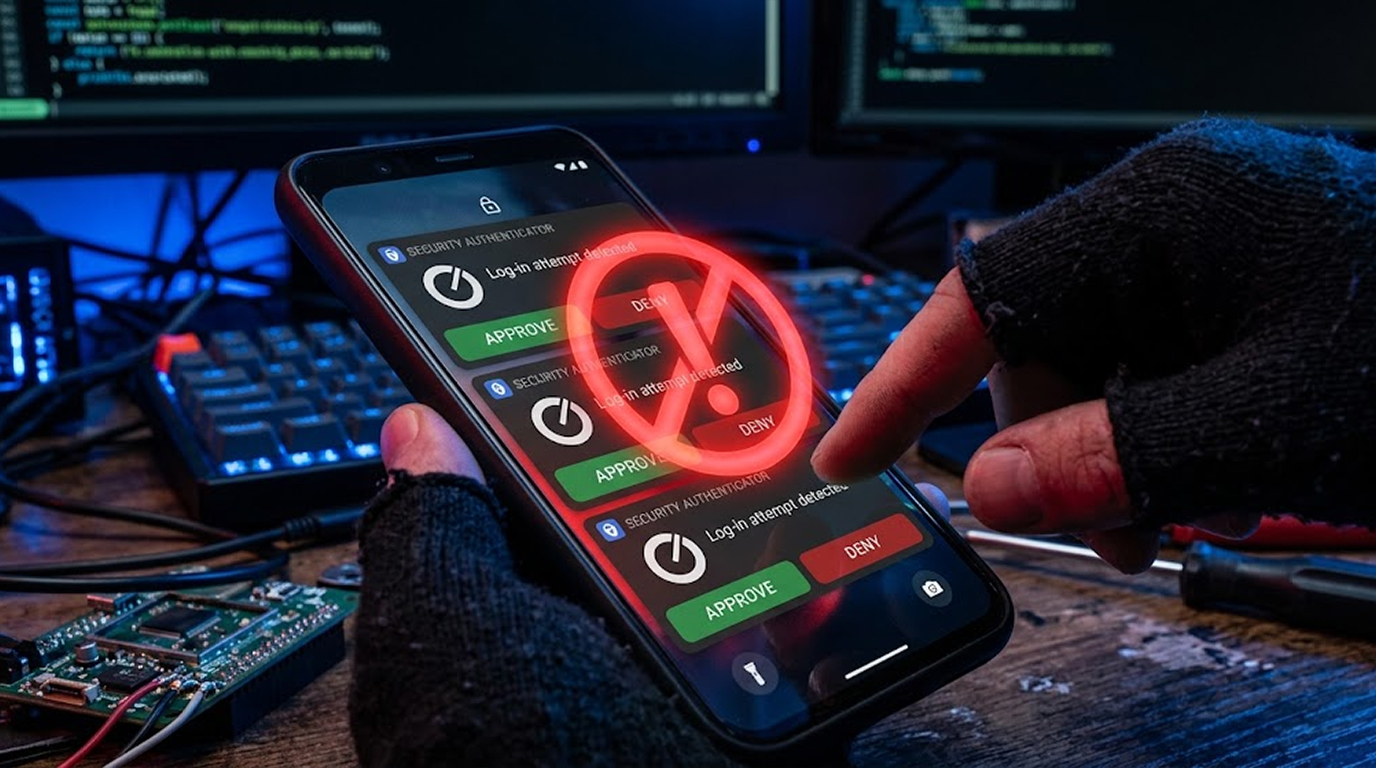
The attacker has your username and password. They start trying to log in repeatedly. Each attempt triggers a push notification to your phone. You get one. Then another. Then another. Then another.
Eventually, you get frustrated. You just want it to stop. So you approve one of them. Maybe you think it is a glitch. Maybe you think your IT team is testing something. Maybe you just want the notifications to go away.
The attacker gets in.
This happened in a major Uber breach. The attacker spammed an employee with MFA requests. The employee eventually approved one. The attacker was inside Uber's network.
How to stop it:
- Restrict MFA prompts to a certain number per hour for each user
- Enforce number matching where the user has to input a particular number that appears on the login page
- Awareness among users regarding MFA fatigue attacks
- Account lockout after too many MFA prompts
Technique 2: The Adversary-in-the-Middle Attack
This one is more technical. And it is absolutely terrifying.
Here is how it works.
The attacker sets up a fake login page. It looks exactly like your company's login page. The user enters their username and password. The attacker captures them.
But here is the clever part. The attacker does not just steal the credentials. They forward them to the real login page in real time. The real page sends the MFA challenge to the user's phone. The user approves it.
Now the attacker has a valid session cookie. This can be used by the attacker to access the user’s account without requiring the password or the MFA ever again.
How to stop it:
- Implement certificate pinning for mobile apps
- Use WebAuthn with hardware security keys
- Educate users to verify the URL before entering any credentials
- Implement conditional access policies based on device and geographical location
Technique 3: The Session Cookie Theft
This is the attacker's favorite. They do not even bother with the MFA prompt.
Here is how it works.
The attacker steals a session cookie from the user's browser. There are many ways to do this. Malware. Cross-site scripting. Man-in-the-middle attacks. Even just accessing a logged-in browser on a shared computer.
The session cookie proves to the website that the user is already authenticated. Using the cookie, the attacker gains access to the user’s session without entering any password or even the MFA code.
The MFA is irrelevant since the attacker has already established a session. This is not a case of initiating a login request; rather, it is reusing an established one.
How to stop it:
- Use short session expiration time
- Token binding
- Watch out for suspicious activities of sessions
- Require re-authentication when performing critical functions
- Device authentication
Technique 4: The SIM Swap Attack
This one targets the phone number itself.
Here is how it works.
The attacker convinces your mobile carrier to port your phone number to a SIM card they control. They might use social engineering. They might bribe an employee. They might have stolen your personal information.
Once they control your phone number, they can receive your SMS messages. They can request password resets. They can receive your MFA codes.
MFA via SMS is now completely useless.
How to stop it:
- Do not use SMS as your primary MFA method
- Use authenticator apps instead of SMS
- Implement a PIN or passcode on your mobile account
- Contact your carrier about SIM swap protection
Technique 5: The Social Engineering Call
This one does not require any technical skills. Nothing more than a convincing voice and some confidence.
Here’s how this works:
The attacker will call the user and claim to be someone from the IT support team who wants to check if there is any security problem and will need to log in.
The user approves the MFA prompt. The attacker is in.
Or the attacker calls and says they are sending a verification code and the user needs to read it back. The code is actually the MFA code sent to the user's phone. The user reads it back. The attacker enters it. The attacker is in.
How to stop it:
- Train users never to share MFA codes over the phone
- Establish a verification process for IT support calls
- Use out-of-band verification
- Encourage users to hang up and call back through official channels
Technique 6: The OAuth Authorization Code Interception
This one targets the OAuth flow.
Here is how it works.
The attacker creates an application which appears legitimate and then the user grants access to the application in order to use their data. The app receives an authorization code. With the help of the authorization code, the attacker receives an access token.
OAuth is considered to be a secure protocol. However, in case a user authorizes a malicious application through a social engineering attack, an attacker will have access to the user's data without obtaining their password or MFA.
How to stop it:
- Educate users about verifying permissions of applications prior to authentication
- Application whitelisting
- Conditional access policies
- OAuth anomaly detection
Technique 7: Malware Attack
This attack technique is by far the most devastating.
Here is how it works.
Malware is used to compromise the user's system to perform session hijacking, stealing MFA codes, or interception of the entire process of authentication.
No need for the attacker to bypass the MFA; they only need to wait for the user to authenticate themselves.
How to stop it:
- Utilize endpoint protection software
- Update and patch the devices
- Create conditional access policies
- Detect any malware infections
- Use device compliance policies
Quick Reference Table
|
Technique |
How It Works |
How to Stop It |
|
MFA Fatigue |
Spams user with MFA prompts until they approve |
Limit prompts, use number matching |
|
Adversary-in-the-Middle |
Forwards credentials to real login page in real time |
Use WebAuthn, train users |
|
Session Cookie Theft |
Steals authenticated session cookie |
Short session lifetimes, token binding |
|
SIM Swap |
Takes over phone number to receive SMS codes |
Use authenticator apps, not SMS |
|
Social Engineering |
Calls user pretending to be IT support |
Train users, establish verification process |
|
OAuth Interception |
Tricks user into authorizing malicious app |
Verify permissions, application whitelisting |
|
Malware-Based |
Infects device to steal sessions |
Endpoint protection, device compliance |
The Bottom Line
MFA is still worth using. It stops the vast majority of attacks. But it is not foolproof.
Attackers have figured out multiple ways to bypass it. Some of them take minutes. Some of them take no technical skill at all. And they are using these techniques every single day.
Your job is not to abandon MFA. Your job is to understand its limitations and build defenses around them.
Use number matching to stop MFA fatigue. Use hardware tokens to stop adversary-in-the-middle. Use short session lifetimes to stop cookie theft. Use authenticator apps instead of SMS. Train your users. Monitor your logs.
Attackers are getting through MFA in minutes. Do not make it easy for them.
FAQ Section
Is MFA still worth using?
Yes. MFA stops the vast majority of attacks. But it is not foolproof. You need to understand the bypass techniques and build additional defenses.
What is an MFA fatigue attack?
An attacker triggers multiple MFA prompts until the user approves one out of frustration. This is one of the most common MFA bypass techniques.
How does an adversary-in-the-middle attack defeat MFA?
An attacker creates a fake login page, steals credentials, sends credentials to the real login page, and then steals the authenticated session.
Can SIM swapping defeat MFA?
That's right, since when using SMS to send MFA, a hacker can take control of your mobile phone number and gain access to the MFA codes.
What is the safest way to use MFA?
Hardware token such as WebAuthn is the safest method. Authenticator apps are more secure compared to SMS. SMS is less secure.
How can I safeguard myself from MFA fatigue attacks?
Reduce the MFA prompts per user, number match, and raise awareness among the users regarding the attacks.
What should I do if I have suspicions of an MFA bypass attempt?
Log out of the user’s account, change the password, and find out which other accounts might be affected.
Is Passkeys more secure than MFA?
Passkeys are one of the MFA methods that employ public key cryptography technology. They are more secure than passwords and MFA through SMS.